The right rules for the right students-every time
Stop fighting with one-size-fits-all device policies. trio.so automatically applies the right web filtering, app controls, and screen limits for each grade level. Elementary students get locked-down access. High schoolers get research freedom. All through streamlined MDM setup that works across Windows, macOS, iOS, Android, and ChromeOS.
How do you ensure every student gets the digital access they need?
Grade-Smart Filtering
Click-and-Deploy Templates
Works Everywhere
Policies Follow Students
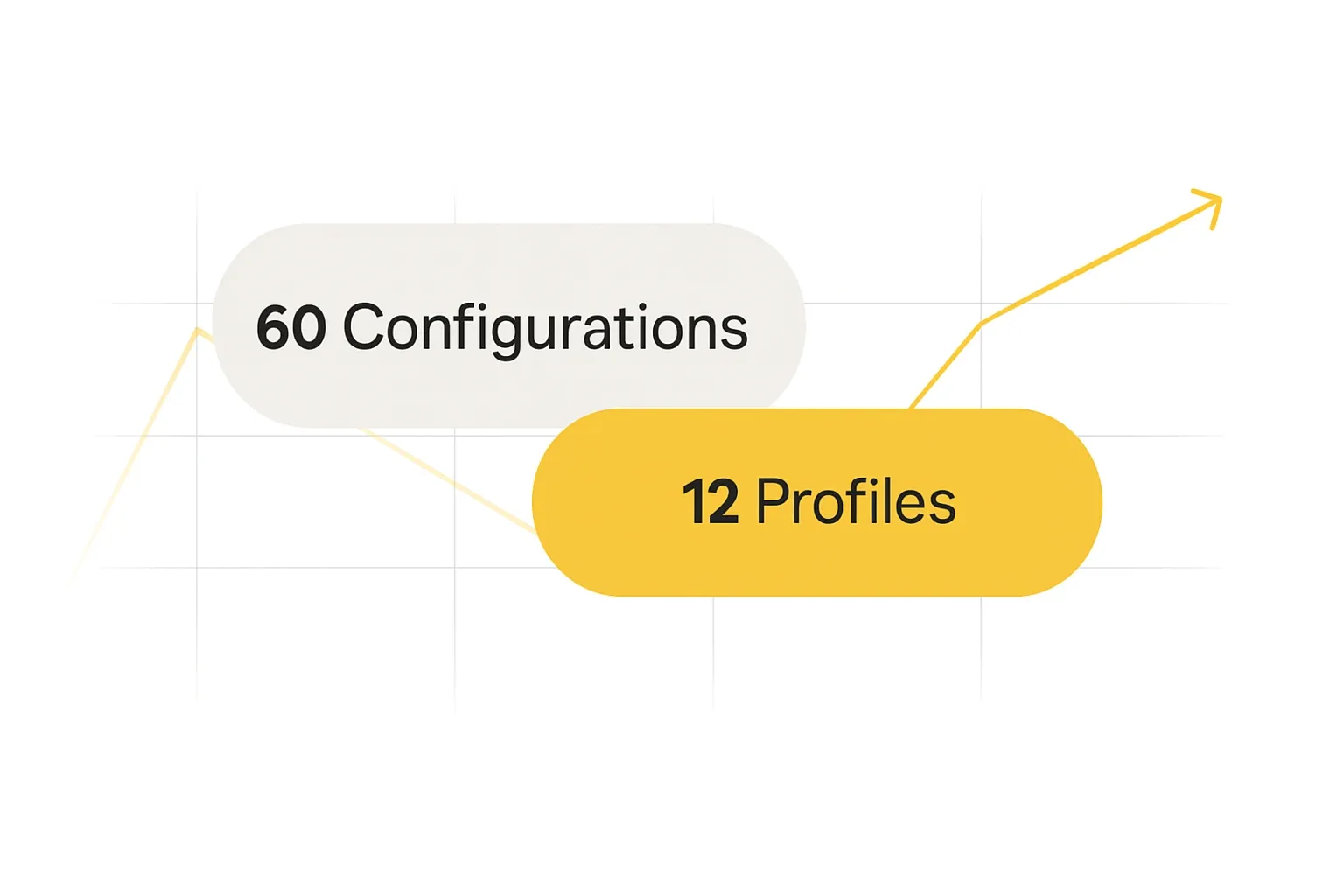
Why do device policies become a nightmare as schools grow?
Most schools create policy chaos by managing each device separately. Third-graders on iPads get different rules than third-graders on Chromebooks. trio.so fixes this—one profile per grade level works across every device platform automatically.
Set It. Forget It.
Smart profiles deploy age-appropriate rules automatically. No IT expertise required.
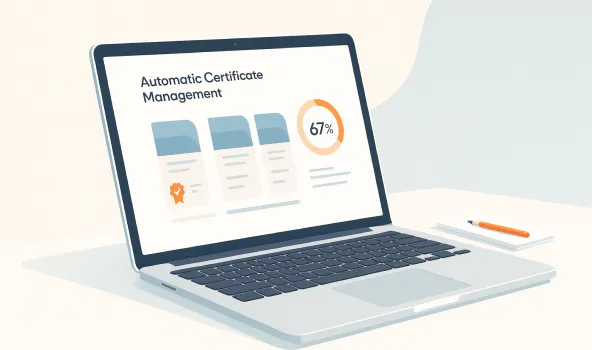
Automatic Certificate Management
SCEP protocol handles all the security certificates behind the scenes. Devices authenticate, get their policies, and renew credentials automatically.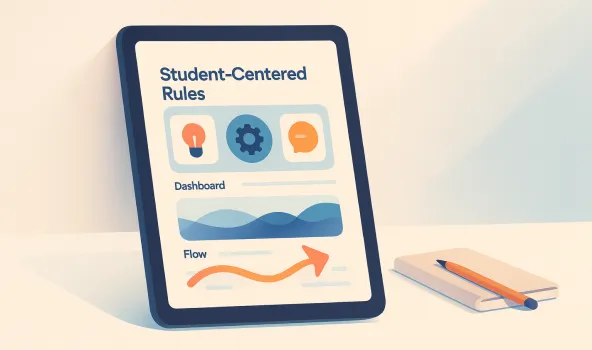
Student-Centered Rules
Policies follow the student, not the device. Grade 5 student gets Grade 5 rules whether they're on the classroom iPad or library laptop.Ready-Made Templates
Common school scenarios, solved. Pick your template, assign to devices, done.
Elementary (K-5)
Full protection mode: educational sites only, no social media, safe search enforced. Perfect for younger learners who need maximum guidance.
Learn moreMiddle School (6-8)
Balanced approach: YouTube for education, blocked social platforms, time-based restrictions. Growing independence with smart boundaries.
Learn moreHigh School (9-12)
Research-friendly: open web access with smart filtering, productivity apps allowed, college-prep freedom with safety nets.
Learn moreShared Lab Devices
Multiple user profiles on one device. Student logs in, gets their grade-level rules automatically. Perfect for computer labs.
Learn moreTake-Home Programs
Different rules for school vs. home time. Homework access after hours, bedtime restrictions, parent visibility options.
Learn moreSpecial Needs Support
Accessibility-focused templates with assistive tech integration and modified controls for diverse learning requirements.
Learn moreAdvanced Controls
Power-user features that don't require power-user knowledge. Technical depth with simple interfaces.

SCEP protocol automation manages device authentication and security certificates. No manual renewals, no expired credentials, no downtime.
Policies change automatically based on when and where. Stricter during school hours, more open for homework time, locked down after bedtime.
Allow educational apps, block distractions, or create custom lists. Updates automatically from education app databases.
CIPA, COPPA, and FERPA reporting handled automatically. Audit trails, blocked content logs, and compliance documentation generated in the background.
Enterprise Features That Actually Work
Advanced capabilities designed for real schools with real constraints. Powerful automation that doesn't require a dedicated IT team.
Context-Aware Intelligence
Policies adapt automatically to device location, time of day, network connection, and user behavior. Smart responses to potential threats without manual intervention.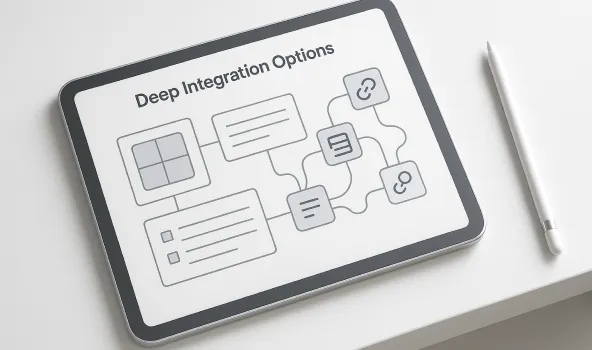
Deep Integration Options
Connects seamlessly with your Student Information System, Google Workspace, Office 365, and identity providers through standard APIs and webhooks.
Regulatory Compliance Suite
Automated monitoring and reporting for CIPA, COPPA, and FERPA requirements. Evidence collection, incident documentation, and audit preparation—all handled automatically.District-Wide Management
Central oversight with school-level customization. Each building gets the flexibility they need while maintaining district standards and unified reporting.
Emergency Overrides
Crisis communication modes that temporarily lift restrictions while maintaining detailed logs. Automatic policy restoration when emergency ends.
Parent Partnership Tools
Transparent reporting helps families understand student device usage. Privacy-compliant insights support home-school collaboration on digital citizenship.
See It In Action
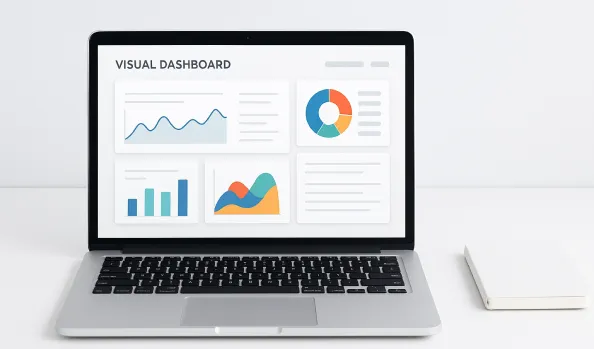
Visual Dashboard
See every device, every policy, every student at a glance. Spot problems instantly, fix issues with one click.
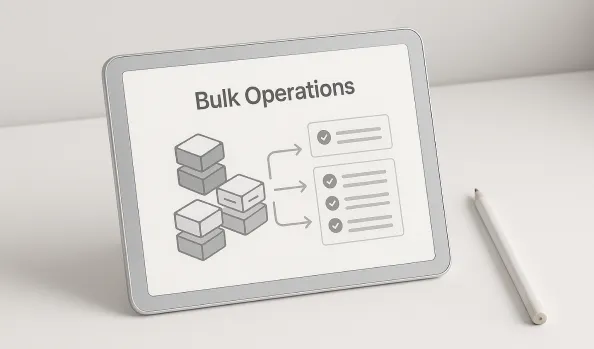
Bulk Operations
Assign policies to entire grades, buildings, or device types simultaneously. Built-in safety checks prevent mistakes.
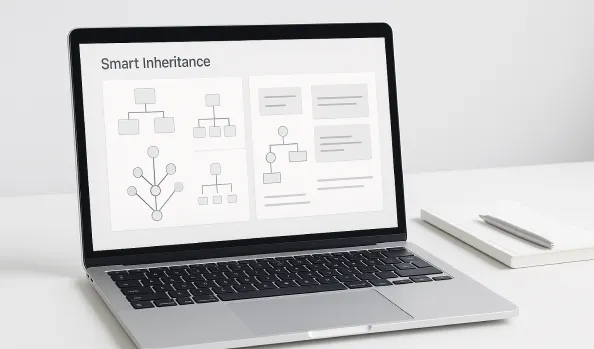
Smart Inheritance
Base policies for the whole school, grade-specific tweaks where needed. No duplicate work, maximum flexibility.
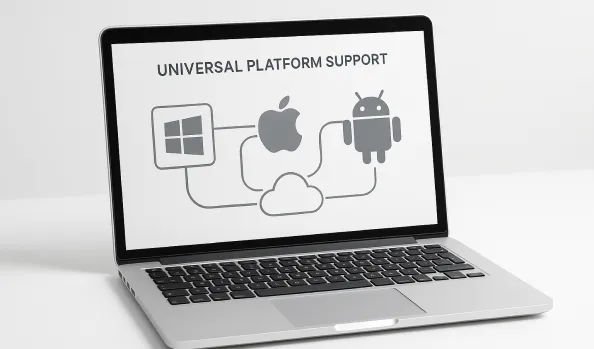
Universal Platform Support
Windows, Mac, iOS, Android, ChromeOS—all managed from one dashboard with identical policy enforcement.
Ready To Get Started?
- Learn more
Profile Planning
Quick assessment tools help map your current policies to automated templates. Identify grade-level needs and establish consistent digital citizenship standards. - Learn more
Easy Implementation
Step-by-step setup guides for certificates, directories, and identity systems. Compatibility checks ensure smooth integration with your existing technology. - Learn more
Ongoing Success
Best practices for profile management and policy updates. Training resources and support ensure your team succeeds long-term.
Frequently Asked Questions
Ready to transform your school device mangment?
Start your free demo and discover how automated compliance monitoring eliminates manual overhead while maintaining enterprise-grade security standards.Ready to transform your school device mangment?Start your free demo and discover how automated compliance monitoring eliminates manual overhead while maintaining enterprise-grade security standards.