

Windows MDM Software
Complete Windows MDM for Your Entire Fleet
Trio gives you centralized control over every Windows endpoint. Policy enforcement, automated compliance, and zero touch enrollment from a single console.
No Credit Card Required Setup in MinutesTrusted by IT teams Globally




Trusted by









Windows MDM Challenges
Windows Device Management Challenges
Managing Windows endpoints at scale means more variables, more drift, and more gaps between intended policy and live device state.
Fragmented Policy Control
Centrally configured policies drift on individual devices over time. You end up enforcing standards manually instead of systematically.

Slow OS Patching
Manual update cycles leave your fleet exposed between patch windows. Unpatched Windows endpoints are a primary entry point for threats.
Manual Enrollment Bottlenecks
Imaging devices one at a time is not sustainable past a certain fleet size. Your team should not be touching every device before it ships.
Trio MDM for Windows
One platform for your entire Windows environment
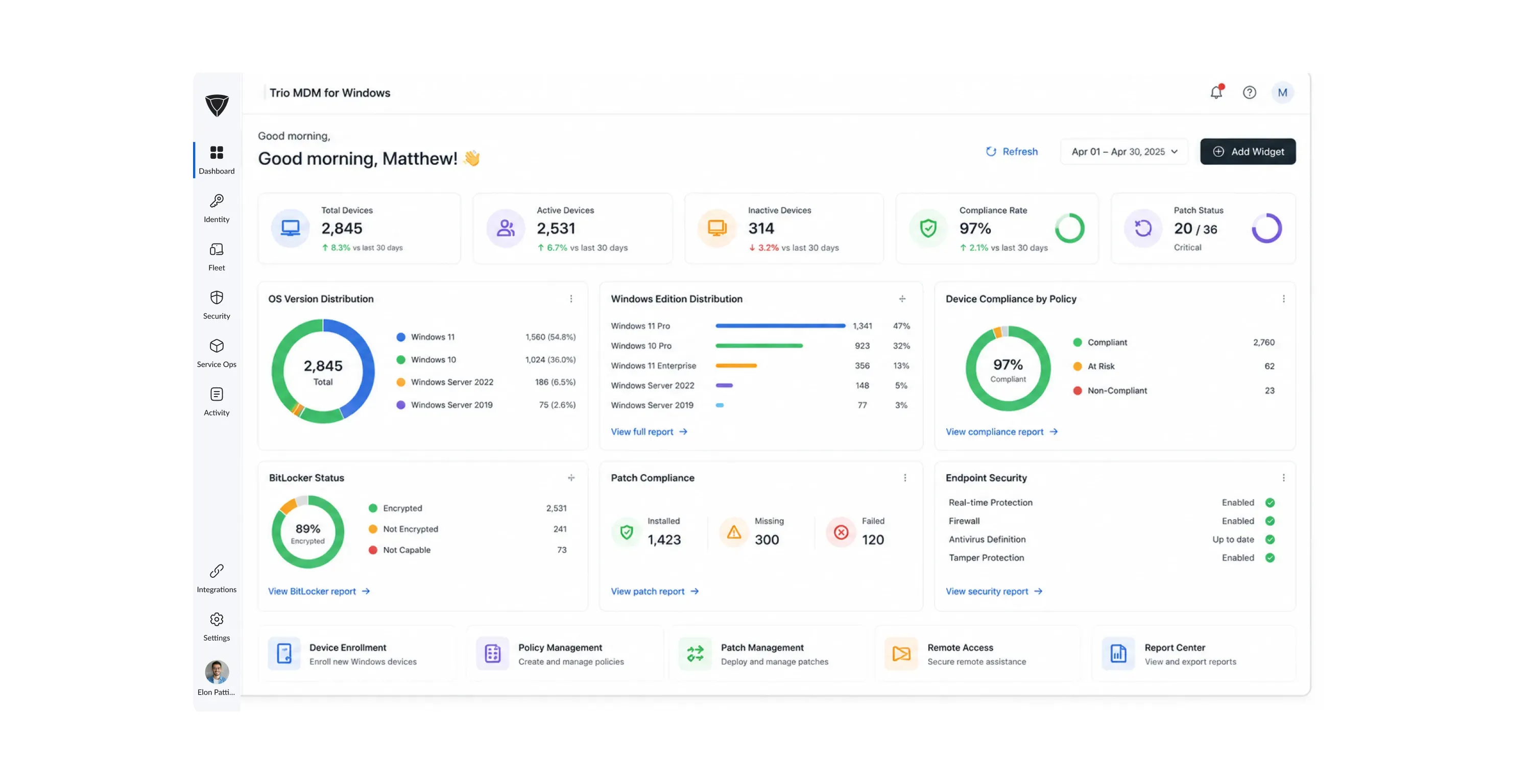
Trio is a unified endpoint management platform that delivers a complete Windows MDM solution out of the box. Enrollment, policy enforcement, patch automation, and compliance reporting all operate from one console.
Zero Touch Enrollment
New Windows devices arrive in users' hands configured, enrolled, and compliant without IT even touching them. Trio integrates with Windows Autopilot to handle enrollment, policy application, and app installation automatically from the moment a device connects to the internet.
Policy Enforcement
Security baselines and compliance rules apply consistently across every Windows endpoint in your fleet without manual follow up per device. Trio pushes policies to device groups from a single dashboard with deployment confirmation and compliance status tracked automatically.
Remote Management
Your team resolves issues and pushes changes to any Windows device in the fleet without physical access or a separate remote tool. Script execution, command line operations, and remote desktop all run from the Trio dashboard with a full audit trail on every session.
Windows Endpoints Coverage
Every Windows device, one management layer
Trio supports the full range of Windows endpoints your organization runs.

Desktops
Servers
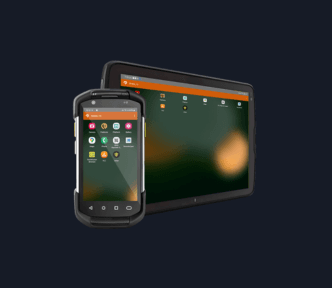
Rugged Windows Devices
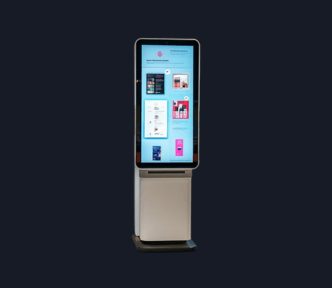
Kiosk Endpoints
Laptops
Desktops
Servers
Rugged Windows Devices
Kiosk Endpoints
Every device type, one management layer, one console.
Windows MDM Onboarding
Enrollment to Management in 3 Steps
Trio keeps the setup process straightforward and puts automation to work from the first device. You do not need a dedicated administrator to get your Windows fleet under management.
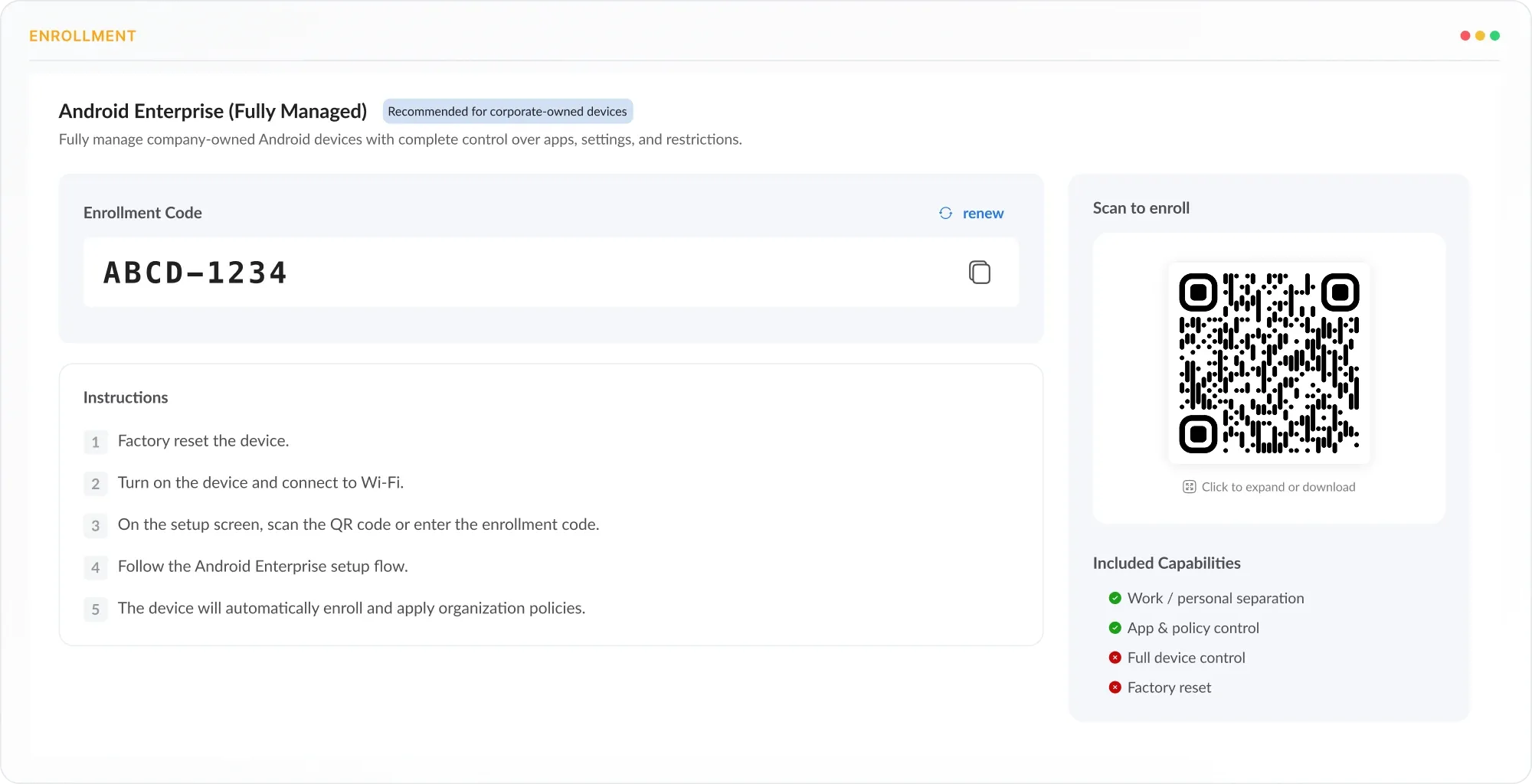
Enroll
Connect Windows devices through Windows Autopilot, bulk import, or manual enrollment. Cloud enrolled devices need no agent and join management the moment they connect to the internet.
Configure
Push security baselines, application policies, and user configurations from the Trio dashboard. Policies apply to device groups or individual endpoints with a single deployment.
Deploy
Silently install applications, enforce BitLocker encryption, and apply compliance rules without interrupting your users. Trio handles the deployment in the background while your team stays focused on other work.
Try out the best MDM for Windows today
Trio gets deployed in hours and scales with your fleet from day one.
Windows MDM Enrollment
Every Enrollment Method, One Platform
Every Windows device gets into management without a manual setup process per machine. Trio supports Autopilot zero touch provisioning, bulk enrollment, and directory based enrollment through Active Directory and Entra ID.
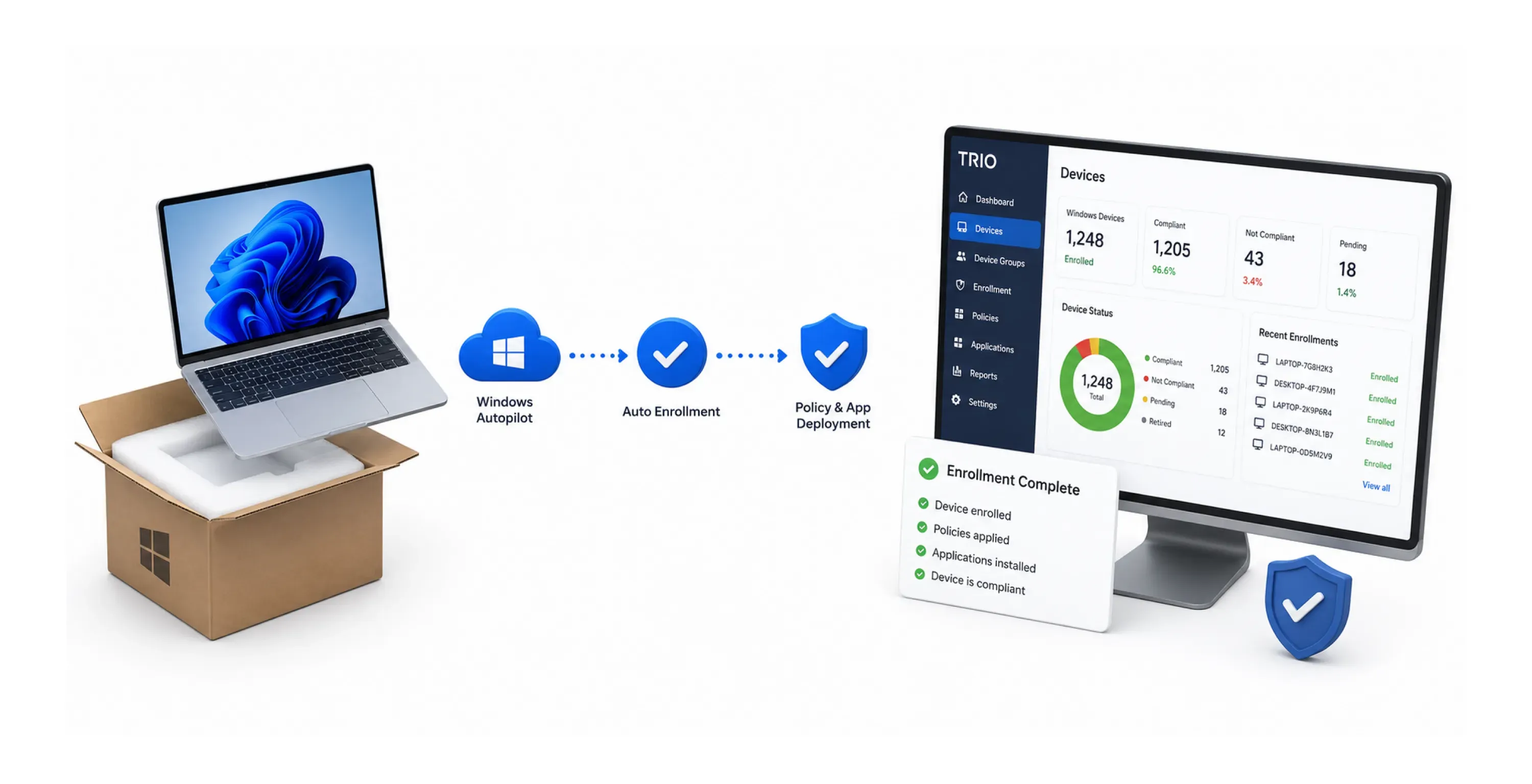
Zero Touch Provisioning
New Windows devices reach end users configured, enrolled, and compliant without IT touching the hardware. Trio connects to Windows Autopilot so enrollment, policy push, and app installation complete automatically on first connection.
Windows Patch Management
Patch Every Windows Endpoint on Your Schedule
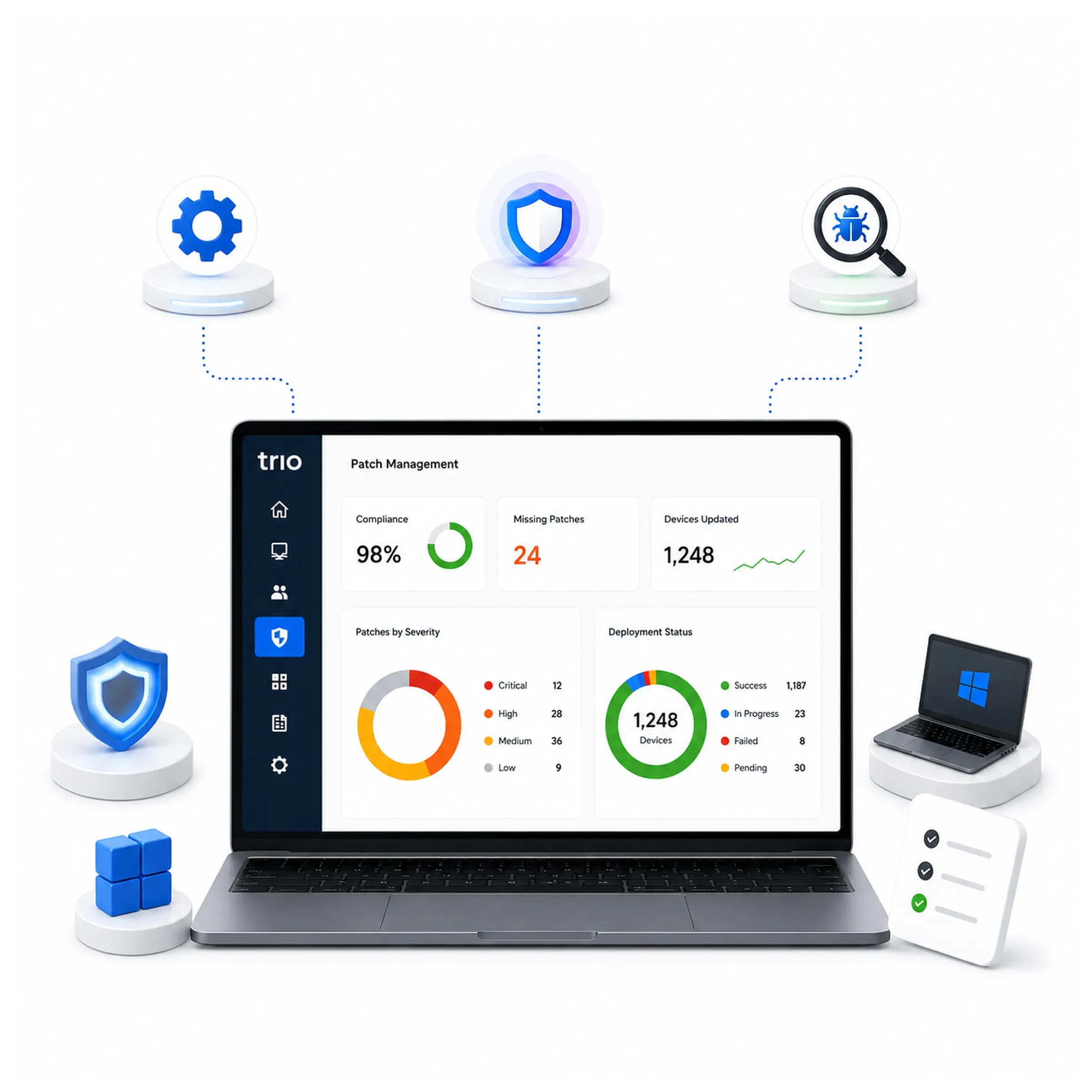
Security patches reach every endpoint automatically with your team in full control of what deploys and when. Trio manages Windows Update for Business rings, pushing critical patches by CVE severity and holding feature updates for IT review.
Automated Patch Deployment
Critical patches deploy across your fleet without manual coordination or per device intervention. Trio pushes updates by CVE severity rating, prioritizing critical fixes and queuing lower severity updates for defined maintenance windows.Windows Update Rings
Your team controls exactly when patches reach which device groups without untested changes hitting production. Trio manages Windows Update for Business rings so you define pilot groups, staging, and rollout sequences from the dashboard.Vulnerability Remediation
Security gaps close faster because remediation begins before your team reviews a vulnerability report. Trio scans continuously by CVE severity and feeds findings into patch workflows, with compliance dashboards tracking progress.
Windows Remote Management
Complete Remote Access for Every Windows Device
Every Windows endpoint is reachable from the Trio dashboard regardless of device or admin location. Remote access, script execution, and command line operations run through one secure interface with no third party tool required.
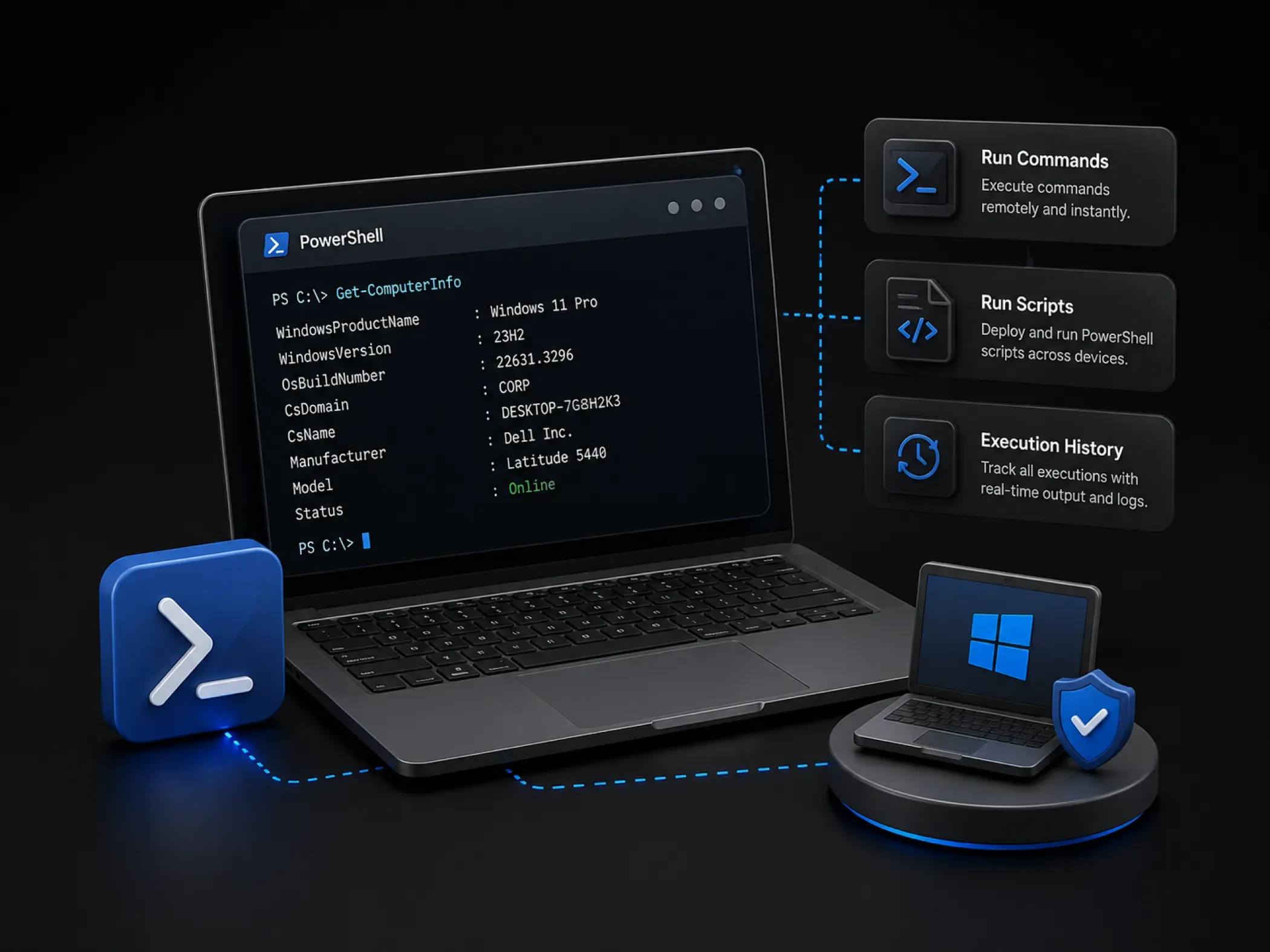
PowerShell Execution
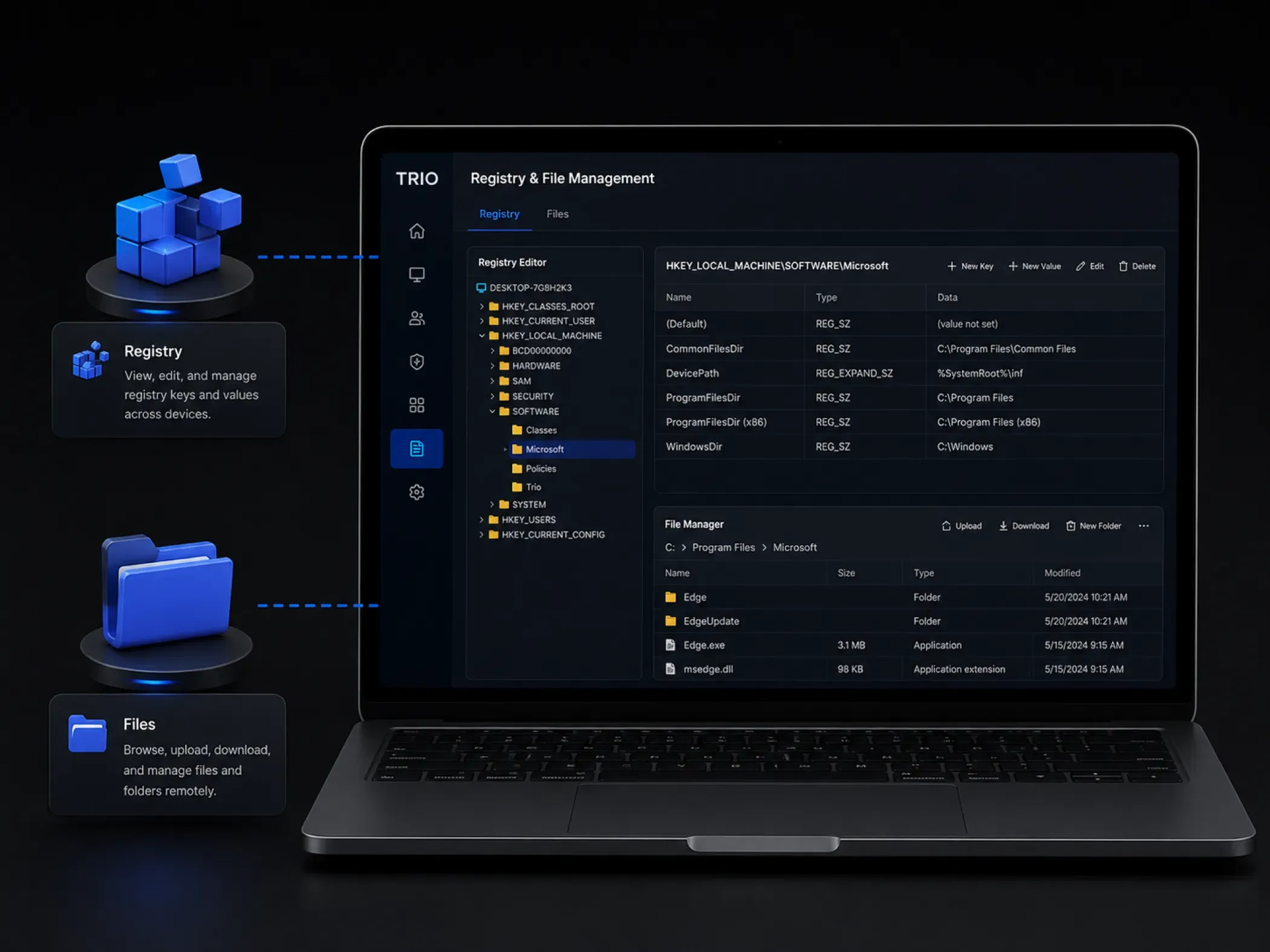
Remote Desktop
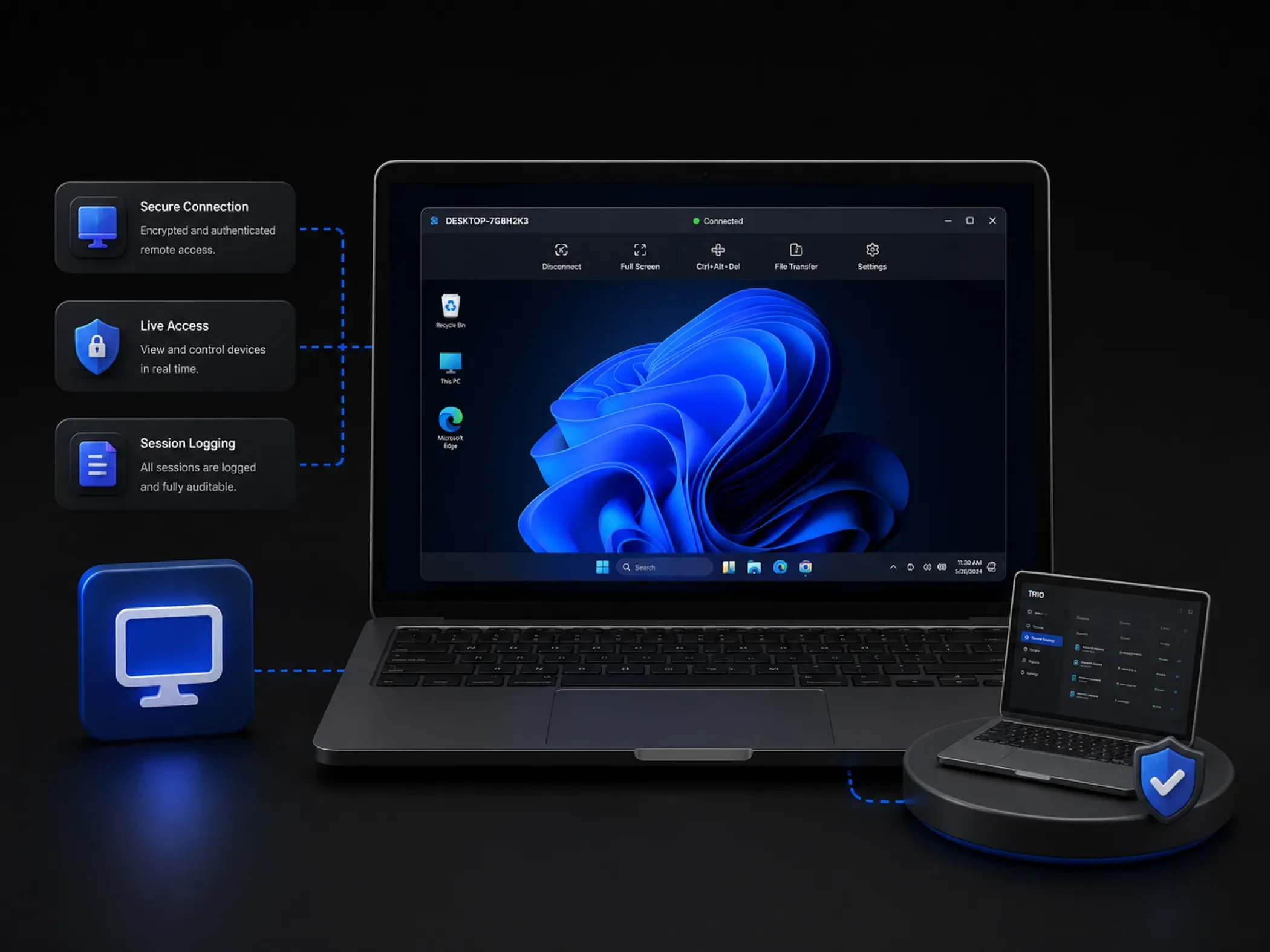
Registry and File Management
Windows Application Management
App Deployment Across Your Entire Windows Fleet
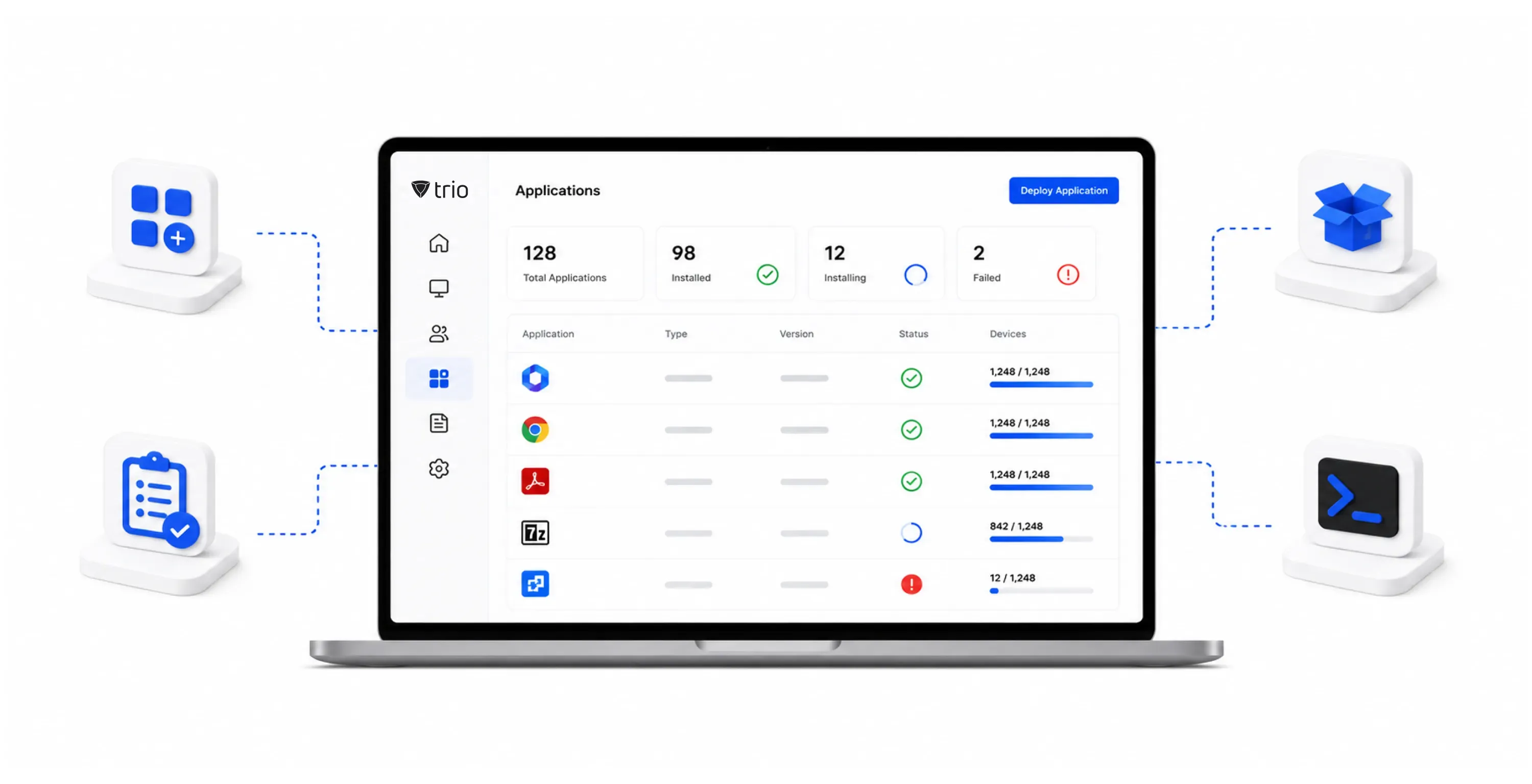
Applications reach every endpoint without user prompts, IT intervention, or disruption to ongoing work. Trio handles silent app deployment, LOB installs, and script based automation from one dashboard with no user interaction required.
Applications reach every endpoint without prompts, notifications, or user interaction. Trio's Windows device management software deploys Microsoft Store and LOB apps silently and confirms installation status per device across your fleet.
Your team sees exactly what is installed on every managed Windows endpoint without running manual audits per device. Trio maintains a continuous software inventory across your fleet with per device app status visible from the central dashboard.
Internal applications install consistently across every managed endpoint without packaging complexity or manual distribution. Trio deploys LOB apps with dependency management and silent execution, logging installation confirmation per device automatically.
Repetitive fleet tasks run automatically without custom tooling or separate schedulers. Trio executes scripts on schedule or on demand across device groups through the Command Center with consistent logging on every run.
Windows Policy Management
Consistent Configuration Across Every Windows Device
Every Windows endpoint runs the same configuration regardless of location, user, or deployment age. Trio deploys baselines, configurations, and access policies to device groups with Group Policy integration and confirmation on every push.
Security Baseline Deployment
Your entire fleet enforces the same security configuration without manual verification per device. Trio pushes custom baselines through Group Policy integration, with staged rollout and validation testing available for large deployments.
Device Configuration
System settings and registry configurations apply consistently across every endpoint without touching machines individually. Trio deploys configurations remotely with rollback support and per device confirmation logs so every setting is traceable.
Network and Access Policies
Proxy settings, DNS filtering, and internet access rules are enforced across your fleet without per-device configuration. The Windows MDM software pushes proxy policies, DNS filtering, and access rules centrally with kiosk mode to lock devices to defined workspaces.
Windows MDM Security Enforcement
Trio Adapts to How Your Linux Fleet Is Structured
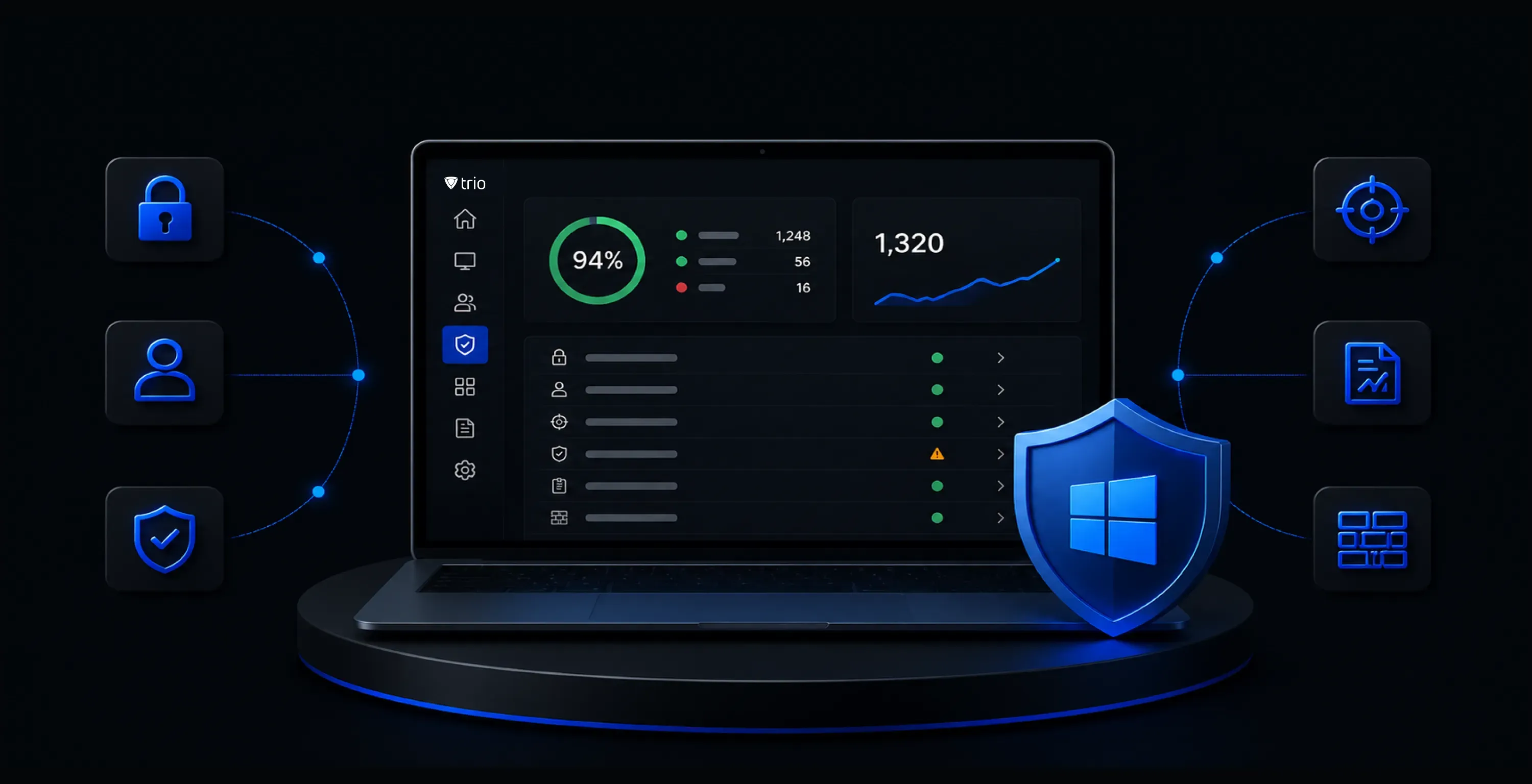
Your security posture stays current across every Windows endpoint without a dedicated security administrator. BitLocker, MFA enforcement, CVE based patch prioritization, and SOC 2, HIPAA, GDPR reporting all run on automated schedules through Trio.
BitLocker Enforcement
Every managed endpoint runs full disk encryption and recovery keys stay accessible without a separate key system. Trio enforces BitLocker across the fleet, escrows recovery keys automatically, and flags unencrypted devices before they reach sensitive resources.
Password and MFA Policy
Apply predefined policy templates by user role so each endpoint receives the right configuration baseline from first registration. Distribution specific defaults apply automatically without requiring custom scripts per device type.
Conditional Access
Unmanaged Windows devices are blocked from company resources without manual access reviews. Trio enforces conditional access policies through Microsoft Entra ID so only enrolled, compliant endpoints reach corporate apps and data.
Vulnerability Management
Security gaps surface automatically and get prioritized for remediation before they become incidents. Trio Windows MDM Software scans by CVE severity and feeds findings into patch workflows so critical issues close without manual triage.
Compliance Reporting
Your team enters every audit cycle with documentation assembled and compliance status current across the fleet. Trio logs all actions with timestamp accuracy and generates SOC 2, HIPAA, and GDPR reports automatically.
Windows Firewall Management
Every Windows endpoint enforces the firewall rules your security policy requires without manual configuration per machine. Trio deploys and updates Windows Firewall rules centrally across device groups, with changes confirmed per endpoint and logged for compliance.
Windows Fleet Visibility
See Every Windows Device in Real Time
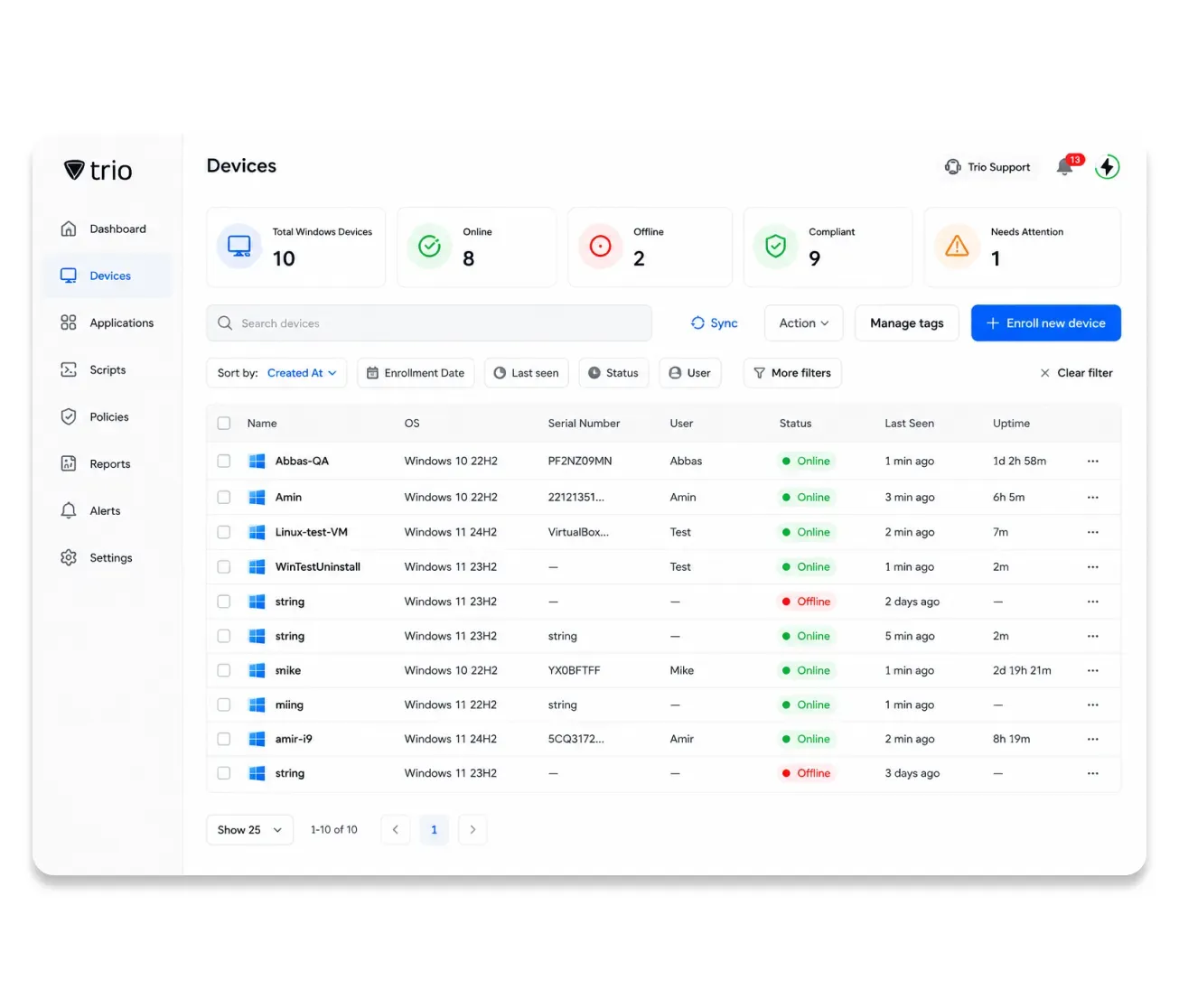
Your team has a complete, live view of every managed Windows endpoint without building separate monitoring infrastructure. Trio surfaces device health, compliance status, software inventory, and location data for every endpoint from one dashboard.
Device Inventory
Every managed device is tracked with hardware specs, OS version, and enrollment status visible in one place. Trio maintains a live asset inventory with serial numbers, configuration state, and compliance status updated continuously.
- Every device accounted for, always.
- Hardware and OS visible remotely.
- Config state confirmed per device.
One Windows MDM Software. Every Device. Zero Complexity
Trio gives IT teams complete Windows device management control without the overhead of complex enterprise tools. Try today!
Windows Device Management Deployment
Deployment Models for Every Windows Environment
Developer-owned laptops, shared lab equipment, corporate workstations, and servers all carry different management requirements. Trio covers each scenario from the same platform without a separate toolset per use case.

Corporate Owned
Autopilot enrolls before user receives device
Policies and apps push on first boot
BitLocker enforced from day one
Remote wipe on loss or offboarding

BYOD
Work policies enforce without touching personal data
Personal apps stay outside IT scope
Unmanaged devices blocked from company resources
Selective wipe removes only corporate data
Kiosk and Dedicated
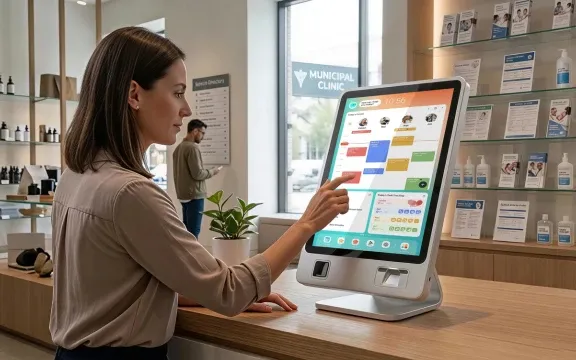
Single or multi app kiosk configured centrally
Sessions reset on user logout
OS and unauthorized apps blocked by policy
Health monitoring runs continuously
More Windows MDM Features
More Windows Management Capabilities Built In
The trio includes the full range of controls your Windows environment needs.
Remote Wipe
Remove only company data from a Windows endpoint without wiping the entire device
Device Lock
Lock any Windows endpoint immediately from the dashboard without physical access.
VPN Profile Deployment
Deploy VPN settings to remote endpoints automatically.
CMD Command Interface
Run CMD commands on any Windows device remotely.
Digital Signage
Schedule web or local content on locked Windows displays.
Windows Service Control
Start, stop, or restart services across the fleet remotely.
Startup Program Management
Define which programs launch at startup per endpoint
Wireless Profile Deployment
Push corporate wireless configs to devices on enrollment.
Bandwidth Management
Prioritize critical traffic through centralized proxy controls.
Session Management
Control and reset user sessions on shared Windows devices.
Encrypted File Deployment
Distribute files with encryption and integrity verification.
Scheduled Maintenance Windows
Define exactly when updates and scripts run across the fleet
Integration
Integrates with the Tools Your Team Already Uses
Trio MDM for Windows connects directly to your Microsoft ecosystem and third-party security stack without requiring custom development. Direct integrations with Microsoft 365, Azure AD, SharePoint, Teams, and Exchange keep workflows intact while SIEM connectivity extends your security visibility.














Experience Powerful MDM for Linux Today
One platform. Full Windows coverage. No dedicated administrator required.
Windows MDM Across Industries
How Organizations Manage Windows Devices with Trio
IT teams across industries use Trio to bring Windows device management under centralized control. The shared goal is always the same: reduce manual overhead, enforce consistent security policy, and keep operations running without disruption.

Healthcare
Clinical IT teams needed consistent Windows security across facilities without disrupting patient care. Trio gave IT centralized control to:
- Enforce baselines across all workstations
- Automate HIPAA compliance documentation
- Restrict devices to approved clinical apps
Devices stayed compliant and audit preparation required no manual effort.
Unified Endpoint Management Platform
Built on a Complete UEM Foundation
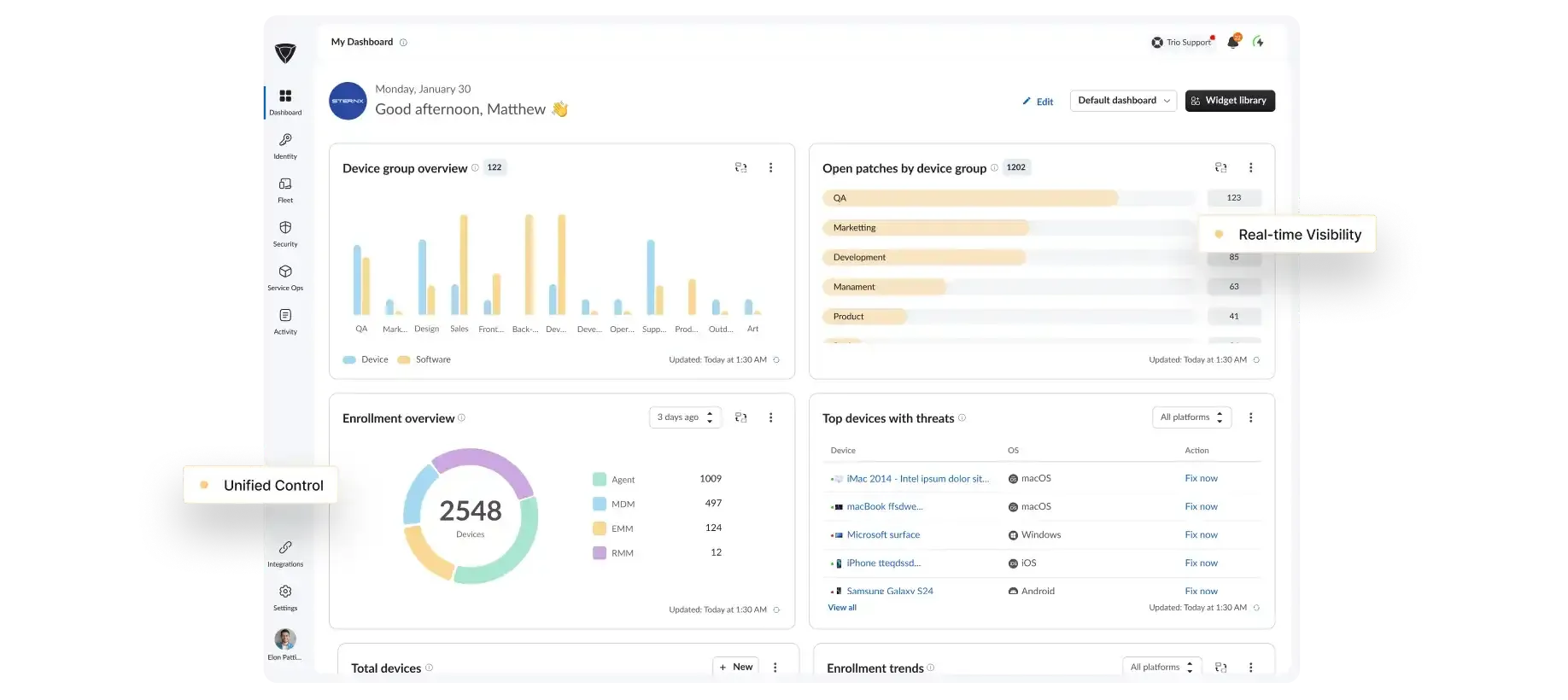
Windows mobile device management is one capability within Trio's full UEM platform. The same platform covers macOS, Android, and iOS with unified security enforcement, compliance reporting, and lifecycle management across every OS you run.
Cross-OS Management
Manage Windows, macOS, Android, and iOS from a single console.
Security Enforcement
Enforce zero trust policies and compliance standards across every endpoint type.
Automation Workflows
Automate enrollment, patching, and policy deployment without manual steps.
Trio Support
Real people. Real fast.
When something breaks, you need an answer now, not a ticket queue and a 48 hour wait.
<1 Min
Live chat response
<1 Hr
Email response
<6 Hr
Ticket resolution
24/7
Support Available
<1 Min
Live chat response
<1 Hr
Email response
<6 Hr
Ticket resolution
24/7
Support Available
Why Trio
Why IT Teams Choose Trio for Windows MDM
Teams that evaluate Intune consistently choose Trio for simpler setup, operational clarity, and no dedicated administrator requirement.
Simpler Than Intune
Trio connects to your existing AD or Entra ID and deploys first policies on day one without infrastructure changes or implementation specialists.Built for Your Team Size
Full Windows MDM capability for teams managing 50 to 5,000 devices without hiring a dedicated administrator to run the platform.No Long Term Contracts
Trio runs month to month with no long-term contract, so your team is never locked in while evaluating or scaling.Transparent Pricing
Trio pricing is public, per device, and scales with your fleet so there are no surprises when you add users or expand to new locations.

FAQs
Trio supports zero touch enrollment through Windows Autopilot, bulk enrollment for existing fleets, and manual enrollment for individual devices. All methods run from the same dashboard with per device status confirmation and compliance tracking from the moment a device joins.
Yes. Trio integrates with both on premises Active Directory through LDAP and LDAPS protocols and with Microsoft Entra ID for cloud and hybrid environments. User accounts, group memberships, and organizational units synchronize automatically without requiring changes to your existing directory structure or Group Policy configuration.
Yes. Trio silently deploys Microsoft Store and line of business applications to Windows endpoints without user interaction. For updates, Trio manages Windows Update for Business rings so your team controls exactly when patches and feature updates roll out across the fleet, with critical security patches prioritized automatically.
Trio generates reports for SOC 2, HIPAA, and GDPR frameworks automatically on a defined schedule. BitLocker encryption enforces across every managed endpoint with recovery keys escrowed in windows mobile device management software, all administrative actions log with timestamp accuracy, and CVE vulnerability scanning runs continuously across the fleet.
Most teams complete setup in under an hour. Trio connects to your Active Directory or Microsoft Entra ID and pushes first policies from the dashboard on day one without infrastructure changes or an implementation specialist.
Trio delivers the Windows MDM capabilities most IT teams need with significantly less setup complexity. There is no dedicated administrator requirement, no lengthy onboarding, and pricing is per device with no long term contract. Teams managing 50 to 5,000 devices consistently find Trio operational far faster than Intune with less ongoing maintenance.