



Explained
HIPAA Technical Safeguards Explained for IT Teams
HIPAA technical safeguards are the 5 standards in 45 CFR 164.312. What each one requires, required vs addressable, and the device settings that meet it.
Struggling with access governance in IT? Strong policies and best practices can protect sensitive information and boost your cybersecurity efforts.
Identity & access governance means the right people access the right resources at the right time. Effective access governance is vital in employee managment to maintain cybersecurity and data protection. With growing risks, securing sensitive data through proper governing of accessibility is non-negotiable for any business. Studies show that many data breaches involve privileged access misuse. Without strong access governance, your IT department could face serious security threats. Let’s explore the policies that will strengthen your system’s defenses.
Without proper access governance, your IT department is a house without locks. IT risk management is essential to prevent vulnerabilities in your systems. Poor access control can lead to company data breaches, allowing unauthorized access to sensitive data. When access isn’t tightly managed, any loophole becomes an open invitation to cyber threats. Data security lapses can also result in significant financial losses, damaged reputations, and, in worst cases, loss of client trust. Access to sensitive data, if mismanaged, can have a ripple effect on business operations and credibility—consequences you can't afford to overlook. Now, let’s explore the policies that will strengthen your system’s defenses.
Role-based access control assigns access based on specific roles. Each role has predefined levels of access, so employees get permissions tailored to their job responsibilities. This keeps your system secure and organized. RBAC streamlines user permissions, reducing unnecessary access. This minimizes the risk of unauthorized access, keeping your data safe and your team efficient.
Privilege access should be lean. This principle ensures that users only have the access permissions necessary for their tasks—nothing more. Keeping access privileges limited enhances control and accountability. The least privilege principle boosts security and reduces risks of internal data leaks. By limiting access, potential damage from misuse or error is significantly reduced.
Regular access reviews help keep your environment secure and compliant. Revoking access to employees who change roles or leave is critical to prevent unauthorized entry. Consistent audits align with compliance requirements and ensure access remains aligned with current responsibilities. Conduct periodic audits by reviewing each user’s access rights. Check for outdated permissions and clean up unnecessary access promptly.
Managing user access effectively involves handling access from onboarding to offboarding. Identity governance and administration ensure access is granted correctly and updated as users change roles or responsibilities. User access governance means having clear procedures for access when employees leave or shift roles. This minimizes potential access issues and prevents former users from lingering in your systems.
Multi-Factor Authentication (MFA) enhances security by requiring multiple forms of verification before granting access. It ensures that users authenticate their identity beyond just a password. This helps secure critical systems and applications from unauthorized entry, reducing risks from compromised credentials. A Cyber Readiness Institute’s study revealed that 54% of small to medium-sized businesses (SMBs) do not use MFA, and only 28% mandate its implementation. To bolster security, make MFA mandatory for accessing sensitive systems. Use a combination of factors—like passwords, mobile app verifications, or biometric scans—to provide an additional layer of defense against potential breaches. 
Segregation of Duties (SoD) is all about controlling access by separating critical tasks among different individuals. It prevents any one person from having full control over sensitive operations, reducing the chance of misuse or fraud. Implementing SoD effectively means finding the right balance—ensuring strong access controls without bottlenecking workflows. Evaluate critical functions and distribute tasks among roles, maintaining security while promoting efficiency.
Tracking access in real time helps catch any suspicious behavior before it escalates. Real-time monitoring keeps a close eye on who’s accessing what, allowing you to spot anomalies quickly and accurately. Instant alerts enable immediate response to potential security breaches. They prevent unauthorized access and data theft by flagging unusual access patterns right as they happen.
Comprehensive documentation of access control policies is crucial for ensuring security and compliance. Clear guidelines help meet regulatory requirements and make it easier for everyone in the organization to understand their role in safeguarding access to systems and data. Training employees in access governance policies is equally important. Awareness programs highlight the importance of security, reinforcing best practices and ensuring that everyone knows how to handle access responsibly. Well-informed staff are key to maintaining a secure, compliant environment. 
Begin by evaluating your current access governance framework. Identify gaps in access controls and risks that need to be addressed. This baseline understanding enables organizations to create policies that are both effective and relevant to their needs. Bring in IT, HR, and other key departments to align on access policies. Their collaboration ensures cohesive access governance across different functions. This shared responsibility maintains a proactive approach to addressing access risks before they become issues. Introduce new policies gradually. Start with the essentials and build over time. Continuously refine and improve policies to adapt to changing needs and technology developments. Regular feedback loops help to identify what's working and what needs adjustment.
Mobile Device Management (MDM) is an essential tool for effective access governance. It centralizes device control, securing data and managing user access across various endpoints. Trio, our MDM solution, helps streamline these efforts by providing tools for role-based access, real-time monitoring, and secure device policies—all while keeping your systems compliant and efficient. Curious about improving access governance within your IT department? Experience the benefits firsthand by trying our free demo and see how Trio can make access management smoother and safer.
Effective identity and access management (IAM) and data access governance are crucial to protecting your IT environment. Implementing these 8 policies—from RBAC to regular audits—fortifies your defenses and streamlines operations. Start enhancing your access governance today and take steps toward securing your systems and data.
Every organization today needs a solution to automate time-consuming tasks and strengthen security. Without the right tools, manual processes drain resources and leave gaps in protection. trio.so is designed to solve this problem, automating key tasks, boosting security, and ensuring compliance with ease.
Every organization today needs a solution to automate time-consuming tasks and strengthen security. Without the right tools, manual processes drain resources and leave gaps in protection. trio.so is designed to solve this problem, automating key tasks, boosting security, and ensuring compliance with ease.





Have questions? We've got answers. This section covers some of the most commonly asked questions related to this topic.
Related
The related industry news, interviews, technologies, and resources.
HIPAA technical safeguards are the 5 standards in 45 CFR 164.312. What each one requires, required vs addressable, and the device settings that meet it.

Shadow AI breaches average $4.63M. Here is how to detect shadow AI using DNS logs, OAuth audits, and your endpoint inventory, step by step.
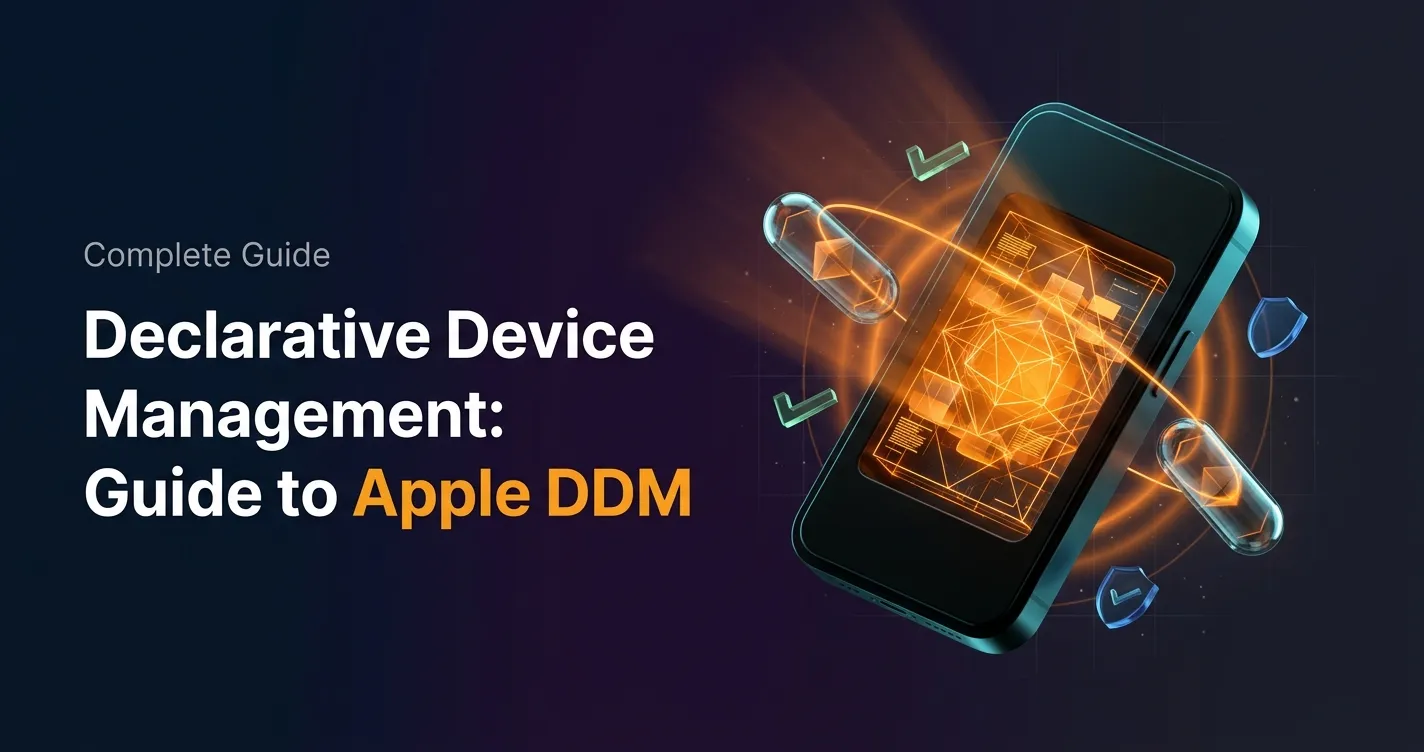
Declarative device management is Apple's answer to MDM polling delays and unreliable compliance data — here's how it works and how to start using it.

An APNS certificate is what lets your MDM platform send commands to iPhones, iPads, and Macs — here's how to create, renew, and protect it.
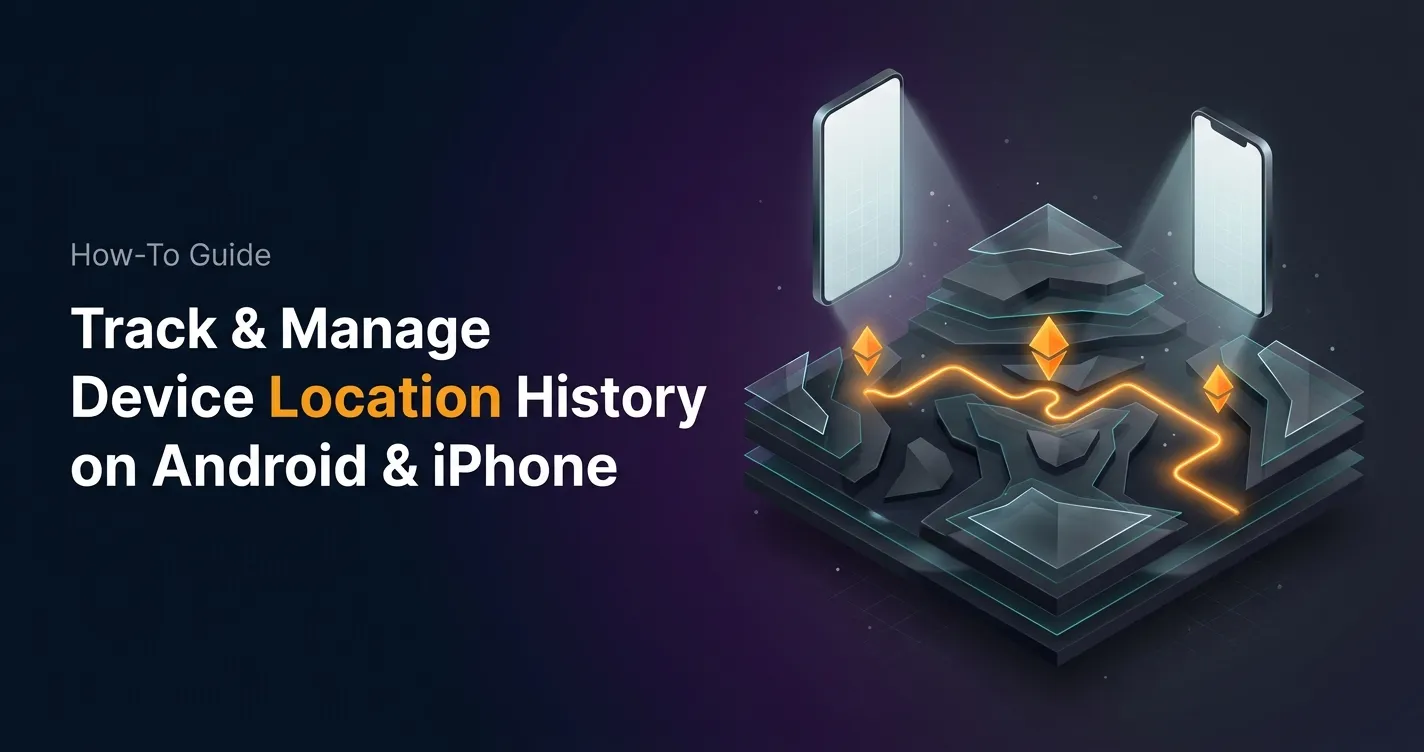
Device location history works differently on Android, iPhone, and MDM platforms. Here's what each one actually stores and how to access it.
Unlike full-device VPN, per-app VPN tunnels only the apps you choose — and without MDM enforcement, users can bypass it entirely on unmanaged devices.
A remote wipe on a Mac is only possible if the right tools are in place first — here is how MDM, Find My, and native macOS each handle device erasure.
Compare SOC 2 Type 1 and Type 2 audits. Discover key differences, audit scope, duration, and how to choose for compliance needs.