
Employee Management with MDM: IT Admin Guide
This article delves into the nuances of employee management and how it can be optimized using (MDM) for IT administrators.

Understanding Employee Management
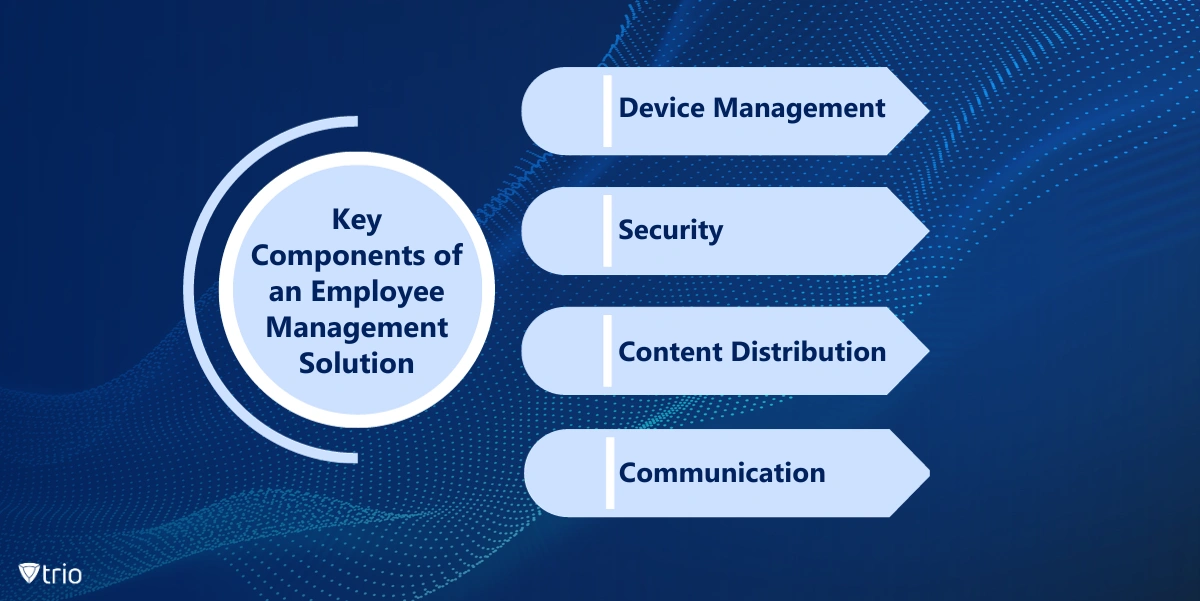
Employee management is a comprehensive approach aimed at optimizing employee performance and engagement in the workplace. It encompasses everything from hiring and onboarding to performance monitoring and improvement. In the context of IT administrators, it extends to managing and securing the digital tools and devices an employee uses in their work. Employee management has evolved to include dedicated software solutions with the increasing dependence on technology in the workplace. These solutions, often called employee management software, provide a centralized platform for managing all aspects of an employee's work life, including their devices, applications, and data access.Components of an Employee Management Solution
-
Device Management
-
Security
- Implementing strong security policies
- Enabling device encryption
- Limiting access to sensitive data
-
Content Distribution
-
Communication and Employee Relationship Management
Setting Up an Employee Management Solution
Setting up an employee management solution often requires a few key steps, which we will discuss in the following:Step 1: Identify Your Needs
Above all, you should identify the specific needs of your organization, which requires understanding:- The nature of your workforce
- The devices and applications they use
- The level of security required
Step 2: Choose a Solution
After identifying your needs, the next step is to choose a suitable employee management solution based on your organization’s needs and goals. You can select:- An MDM software
- An employee management app
- A combination of both
Step 3: Implement the Solution
After choosing a solution, the next step is implementation. It involves:- Installing the software on all employee devices
- Setting up user profiles
- Configuring the necessary settings
Step 4: Train Your Employees
Training will help your employees understand how to use the solution effectively and ensure they adhere to the set policies and procedures.Step 5: Monitor and Adjust
Lastly, it's important to continually monitor the effectiveness of your employee management solution. This includes tracking employee productivity, device performance, and security incidents. Use the results you gain from monitoring to adjust your solution to meet your needs better.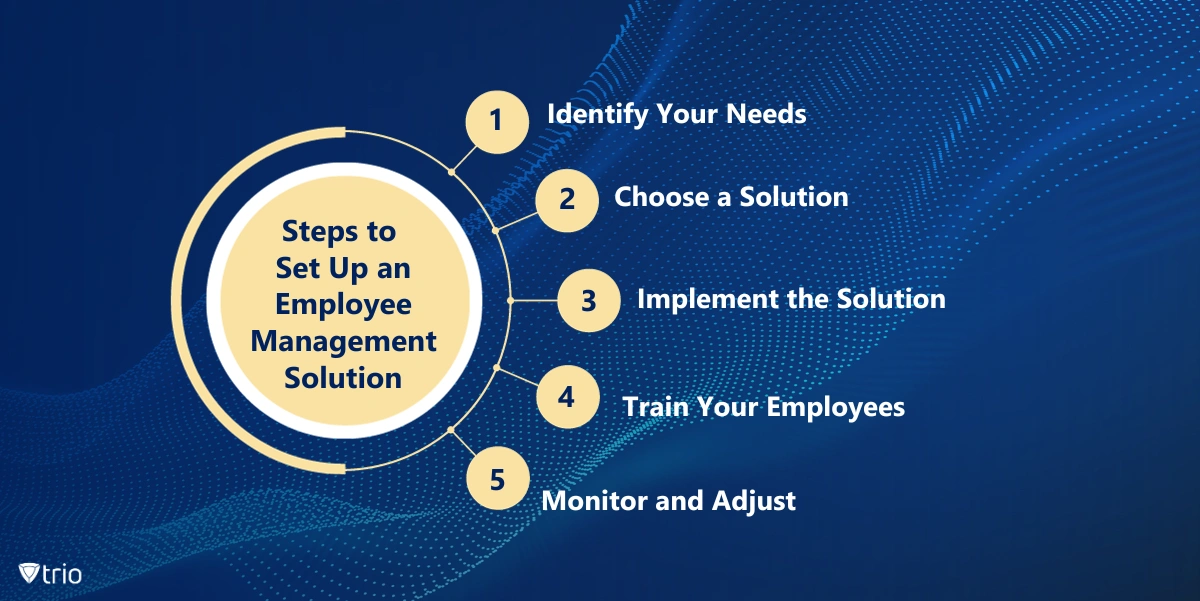
Managing Employees with an Employee Management Solution
When the employee management solution is in place, the next step is managing your employees, which involves:- Monitoring employee performance
- Enforcing compliance with company policies
- Ensuring devices and data are secure
Monitor Employee Performance
An effective employee management solution should provide tools for monitoring employee performance. This includes tracking work hours, task completion, and overall productivity.Enforce Compliance
To enforce compliance with your company's policies and procedures:- Set up rules and restrictions on devices
- Monitor compliance
- Take action when necessary
Ensure Security
Security is a crucial aspect of employee management. You should:- Implement strong security policies
- Monitor devices for potential threats
- Take swift action in the event of a security incident
Maintaining Your Employee Management Solution
Ensuring your employee management solution remains effective over time requires regular maintenance and a well-defined Employee Transition plan. Here are some best practices for maintaining your solution:Regular Updates
As technology evolves, it's important to update your employee management solution to leverage new features and improvements. This involves updating the software on all devices and making necessary adjustments to settings and policies.Regular Audits
Conducting regular audits can help identify any potential issues or areas for improvement in your solution. This involves reviewing employee performance data, device performance data, and security incident reports.Communication
Keeping your employees informed about any changes to your solution is crucial. You must try to:- Provide regular updates
- Offering training sessions
- Address any concerns or questions your employees may have
Security Considerations for Employee Management
Implement Strong Security Policies
Implementing strong security policies is crucial for protecting your devices and data. This includes requiring strong passwords, enabling device encryption, and limiting access to sensitive data.Monitor Devices
Regular monitoring devices can help identify and mitigate potential threats. This involves tracking device activity, checking for updates, and scanning for malware.Protect Data
Protecting your data is a crucial aspect of security, which requires implementing data protection measures such as:- Data encryption
- Secure data storage
- Data loss prevention
Introducing the Trio Mobile Device Management Solution
Trio offers a comprehensive mobile device management solution that can help IT administrators effectively manage their employees. With features like seamless profiling, monitored devices, dynamic logging, and efficient employee management, Trio offers a robust and intuitive platform for managing all aspects of an employee's work life. With Trio's secure onboarding and offboarding process, you can ensure that your employees start their journey smoothly and that sensitive data is protected when an employee leaves the organization. Additionally, Trio's automated approval processes can drastically reduce manual intervention and accelerate decision-making. To learn more about how Trio can enhance your employee management, start your free trial here.MDM for Employee Management: Conclusion
Employee management is crucial for any organization to ensure workforce efficiency, productivity, and security. With the right employee management solution, IT administrators can effectively manage and secure their employees' devices, streamline workflows, and enhance productivity. With robust solutions like Trio, the process of employee management becomes even more streamlined and efficient.
Start your free trial
Get Ahead of the Curve
Every organization today needs a solution to automate time-consuming tasks and strengthen security. Without the right tools, manual processes drain resources and leave gaps in protection. Trio MDM is designed to solve this problem, automating key tasks, boosting security, and ensuring compliance with ease.
Every organization today needs a solution to automate time-consuming tasks and strengthen security. Without the right tools, manual processes drain resources and leave gaps in protection. Trio MDM is designed to solve this problem, automating key tasks, boosting security, and ensuring compliance with ease.





Frequently Asked Questions (FAQ)
Have questions? We've got answers. This section covers some of the most commonly asked questions related to this topic.