


Explained
How to Detect Shadow AI in Your Organization
Shadow AI breaches average $4.63M. Here is how to detect shadow AI using DNS logs, OAuth audits, and your endpoint inventory, step by step.
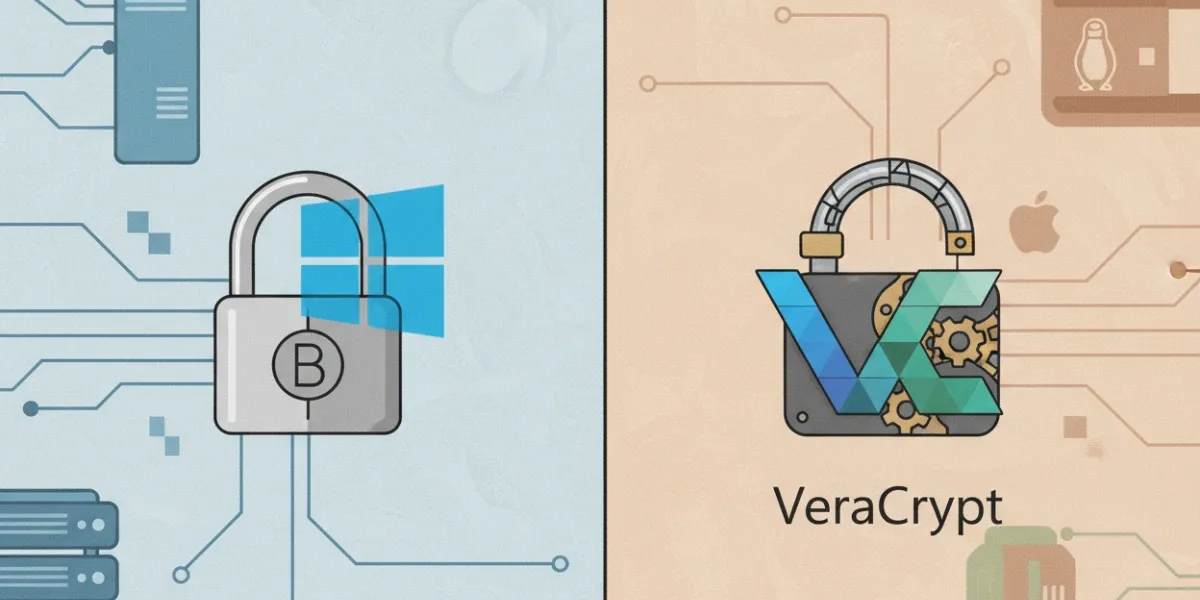
BitLocker vs VeraCrypt: Which is best for enterprise encryption? Compare features, security, and management to choose the right fit.
Data loss is not just an inconvenience. For an enterprise, it can mean regulatory fines, customer distrust, and sleepless nights for IT. Full-disk encryption is one of the strongest shields you can put in place to prevent that nightmare scenario.
So, what is BitLocker Drive Encryption? In short, it’s Microsoft’s built-in full-disk encryption feature, available in certain editions of Windows. It protects data by encrypting entire volumes and integrating with hardware features like the Trusted Platform Module (TPM).
On the other side is VeraCrypt, an open-source encryption tool with a reputation for flexibility and cross-platform reach. Both aim to protect sensitive files, but their approach, manageability, and enterprise readiness differ sharply.
Over the next sections, we will explore these differences so you can choose the right solution for your environment and know how MDM tools can help enforce and monitor encryption policies when needed.
Enterprises adopt full-disk encryption for one reason above all others: to protect sensitive data at rest. That protection is not just about blocking external attackers. It also covers lost laptops, decommissioned hard drives, and devices leaving the company without proper data wipe procedures.
BitLocker shines when the IT environment is deeply rooted in Windows. It fits seamlessly into Microsoft ecosystems, making deployment and monitoring straightforward. VeraCrypt is more appealing when flexibility is the goal, such as supporting mixed operating systems or enabling open-source security practices.
Both are enterprise disk encryption tools, but their sweet spots differ:
The right choice depends on your device mix, compliance needs, and how much manual work your IT team can take on.
rom a technical perspective, BitLocker and VeraCrypt both use symmetric block ciphers for full-disk encryption, but their implementations and validation paths diverge. BitLocker relies on AES with 128-bit or 256-bit keys in XTS mode and can leverage hardware-based encryption through a Trusted Platform Module (TPM). This pairing supports secure boot, device integrity checks, and pre-boot authentication, which reduces attack surfaces such as cold boot or DMA-based exploits. BitLocker is also FIPS 140-2 validated, which simplifies compliance mapping for frameworks like HIPAA, GDPR, and CJIS.
VeraCrypt supports AES, Serpent, and Twofish, as well as cascading multiple algorithms for layered security. While this flexibility offers theoretical resilience against single-algorithm vulnerabilities, it increases computational overhead. Its open-source nature enables independent code audits, but without formal certification, enterprises must perform their own risk assessments to satisfy auditors.
The BitLocker vs VeraCrypt security decision often comes down to certified trust versus customizable transparency, both with their own operational implications.
For IT teams managing large device fleets, deployment speed and centralized oversight can make or break an encryption strategy. BitLocker integrates with Active Directory, Microsoft Endpoint Manager, and Intune, allowing policy-based activation, automated recovery key escrow, and compliance reporting without additional software. These capabilities make centralized encryption management straightforward for Windows environments.
VeraCrypt offers none of these native enterprise controls. Each installation must be configured manually, which makes bulk deployment time-consuming. Recovery is also user-driven, requiring individuals to securely store and retrieve their own keys. This increases the risk of downtime if staff lose credentials.
Centralized control reduces human error and ensures encryption policies are consistently enforced.
BitLocker is designed for Windows Pro and Enterprise editions, which makes it ideal for organizations standardizing on Microsoft systems. It benefits from hardware acceleration through TPM chips, reducing performance impact during encryption and decryption. In large fleets, this allows encryption to be rolled out with minimal disruption to end users.
VeraCrypt supports Windows, macOS, and Linux, which gives it a clear advantage for mixed operating system environments. However, its heavier CPU usage, especially when using algorithm cascades, can impact performance on older devices. This becomes more noticeable when scaling encryption across hundreds or thousands of endpoints.
For IT teams using VeraCrypt for business, performance testing before mass deployment is essential to avoid bottlenecks.
BitLocker is bundled with Windows Pro and Enterprise licenses, so there is no separate software cost. The primary expenses come from IT time for deployment, policy configuration, and periodic cybersecurity audits. For large fleets, the ability to automate rollout and recovery key storage significantly reduces operational overhead. Infrastructure costs are minimal if the organization already uses Active Directory or Intune.
VeraCrypt is free and open source, which can look appealing from a budget perspective. However, there are hidden costs in IT labor, training, and long-term support. Since it lacks native enterprise management, deploying it to hundreds of endpoints requires custom scripting or manual setup. This increases the risk of configuration drift, which can lead to noncompliance or gaps in encryption coverage.
When planning a BitLocker enterprise deployment, the total cost of ownership must factor in both licensing and the long-term management burden.
Choosing between BitLocker and VeraCrypt comes down to technical fit, compliance requirements, and operational capacity. If your environment is primarily Windows-based and you need rapid, centrally managed deployment, BitLocker is the most efficient option. It integrates with existing Microsoft infrastructure and meets a wide range of regulatory standards.
VeraCrypt suits environments where open-source security or cross-platform support is a priority. It offers more encryption algorithm flexibility but requires greater IT involvement for setup, updates, and recovery processes. Without native central management, it works best in smaller fleets or specialized use cases.
Trio MDM can help deliver compliance-ready encryption solutions by monitoring encryption status, reporting compliance gaps, and enforcing policies across both Windows and mixed-platform environments.
Whether you choose BitLocker or VeraCrypt, encryption is only effective if it is consistently applied, monitored, and maintained. This is where a strong device management platform makes a difference.
With Trio, you can:
A secure encryption strategy is not just about the tool you choose. It is about maintaining visibility and control over every device in your environment.
Ready to see how Trio can strengthen your encryption management?
👉 Start Free Trial
👉 Book a Free Demo
BitLocker and VeraCrypt are both strong encryption tools, but they serve different enterprise needs. BitLocker delivers seamless integration with Windows environments, compliance certifications, and centralized management capabilities. VeraCrypt offers flexibility, cross-platform support, and open-source transparency, but requires more manual effort and technical oversight.
The right choice depends on your platform mix, compliance obligations, and available IT resources. No matter which solution you select, consistent policy enforcement and monitoring are essential to ensure encryption remains active and effective.
By pairing the right encryption tool with a capable MDM platform, you can protect sensitive data, simplify audits, and maintain operational control over every device in your network.
Every organization today needs a solution to automate time-consuming tasks and strengthen security. Without the right tools, manual processes drain resources and leave gaps in protection. Trio MDM is designed to solve this problem, automating key tasks, boosting security, and ensuring compliance with ease.
Every organization today needs a solution to automate time-consuming tasks and strengthen security. Without the right tools, manual processes drain resources and leave gaps in protection. Trio MDM is designed to solve this problem, automating key tasks, boosting security, and ensuring compliance with ease.





Related
The related industry news, interviews, technologies, and resources.
Shadow AI breaches average $4.63M. Here is how to detect shadow AI using DNS logs, OAuth audits, and your endpoint inventory, step by step.

Declarative device management is Apple's answer to MDM polling delays and unreliable compliance data — here's how it works and how to start using it.

An APNS certificate is what lets your MDM platform send commands to iPhones, iPads, and Macs — here's how to create, renew, and protect it.

Device location history works differently on Android, iPhone, and MDM platforms. Here's what each one actually stores and how to access it.

Unlike full-device VPN, per-app VPN tunnels only the apps you choose — and without MDM enforcement, users can bypass it entirely on unmanaged devices.

A remote wipe on a Mac is only possible if the right tools are in place first — here is how MDM, Find My, and native macOS each handle device erasure.

Compare SOC 2 Type 1 and Type 2 audits. Discover key differences, audit scope, duration, and how to choose for compliance needs.

Compare managed and unmanaged devices - definitions, security differences, control levels, and how to choose the right approach for IT.