
Remote Employee Onboarding Checklist for HR & IT
We’ll discuss the best practices for remote employee onboarding, provide a checklist, and explain how MDM can streamline the process.
Understanding Remote Employee Onboarding
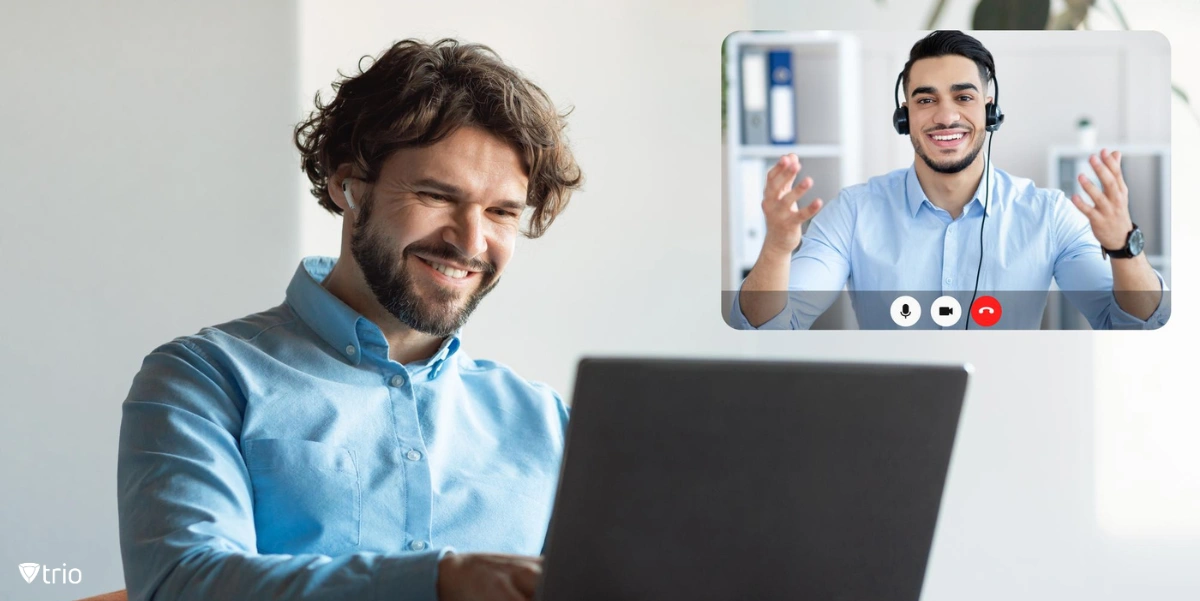
Remote onboarding is the process of integrating a new employee into your organization, without physical interactions. It involves introducing them to your company culture, work policies, and team members while ensuring they have the necessary tools to contribute effectively. Employee management plays a crucial role in remote onboarding, as it requires coordination and communication to guide new hires through their transition into the company.
The goal of remote employee onboarding is to foster a sense of belonging, even when they are physically separate from the rest of the team. It should motivate new hires, set clear expectations, and provide a detailed roadmap for their role within the company.The Importance of Onboarding a Remote Employee
Onboarding a remote employee is essential for several reasons, including establishing clear communication channels, introducing them to company culture and policies, and ensuring they have the necessary tools and resources to succeed in their role. One important aspect of remote employee onboarding that organizations should not overlook is software usage tracking.
Employee Engagement and Morale: A well-structured remote onboarding program helps new hires feel valued and part of the team, boosting their confidence and engagement levels. Productivity: By providing clear expectations and comprehensive training from the start, you enable remote employees to hit the ground running and contribute effectively to your business goals. Retention: A positive onboarding experience significantly improves employee retention rates, reducing the time and resources spent on frequent hiring. Company Culture: Effective onboarding introduces your company culture to remote hires, helping them align with your values and ethos.
Best Practices for Remote Employee Onboarding
To ensure a successful remote onboarding process, consider the following best practices:-
Invest in the Right Tools
-
Provide Clear and Comprehensive Documentation
-
Set Clear Expectations
-
Establish Regular Communication
-
Foster a Sense of Belonging
-
Assign a Mentor or Buddy
-
Provide Ongoing Training and Support
Remote Employee Onboarding Checklist
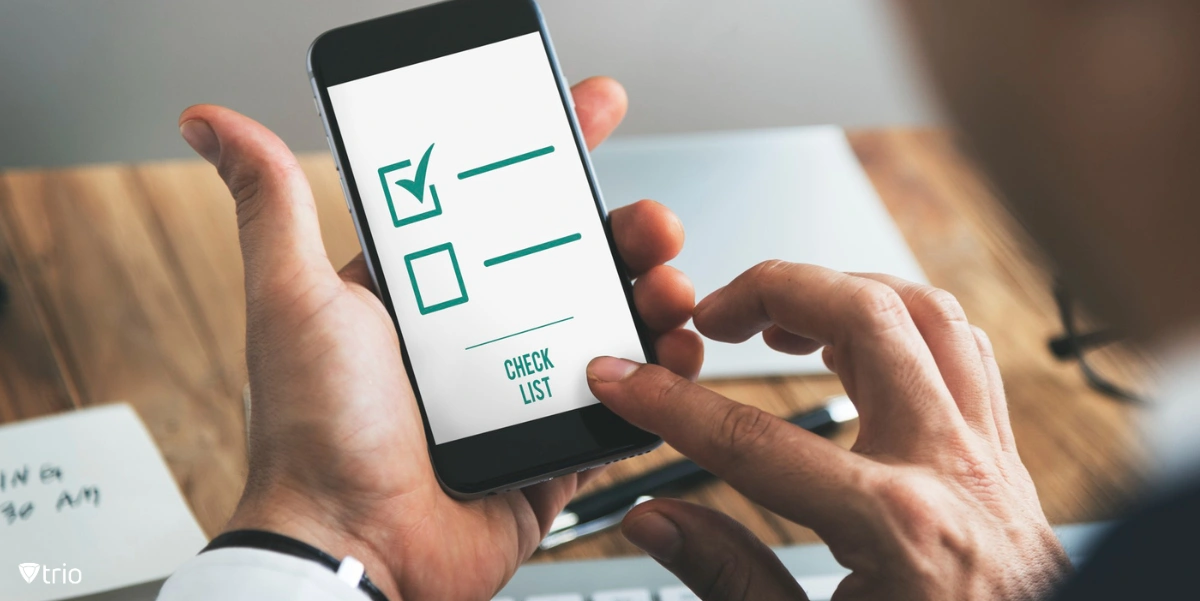
"The following checklist provides a step-by-step guide for onboarding a remote employee effectively, along with employee offboarding automation.Pre-Onboarding
Send an Offer Letter: Detail the job role, responsibilities, and compensation package. Provide Necessary Documentation: Send the employee handbook, job description, and other relevant documents. Set Up Technology: Ensure the employee has the necessary equipment and software. Set up their email account and provide access to relevant platforms and tools. Send Welcome Gifts: Consider sending a welcome kit with company swag to make the new hire feel part of the team.First Day
Conduct an Orientation Session: Explain the company's mission, vision, and values. Discuss the organizational structure and introduce the new hire to their team. Provide Training: Begin role-specific training and provide a tour of the tools and systems they will be using. Set Expectations: Discuss job responsibilities, performance metrics, and long-term goals.First Week
Regular Check-Ins: Schedule daily check-ins to answer questions, provide feedback, and ensure the new hire is settling in well. Assign a Mentor or Buddy: Pair the new hire with a seasoned employee who can provide guidance and support. Introduce to Wider Team: Arrange for the new hire to meet other team members and departments.First Month and Beyond
Ongoing Training: Provide continuous learning opportunities to help the new hire grow and develop in their role. Performance Review: Conduct a performance review to provide constructive feedback and discuss future goals. Encourage Engagement: Encourage the new hire to participate in team meetings, social events, and company-wide initiatives.Role of MDM Solutions in Remote Employee Onboarding
Modern Device Management (MDM) solutions, such as Trio, play a critical role in onboarding a remote employee. These solutions allow HR and IT administrators to manage, secure, and monitor all devices in the organization from a central platform. With a solution like Trio, you can automate the device onboarding process, remotely configure device settings, and ensure all devices comply with your corporate policies. This not only streamlines the onboarding process but also reduces the IT support required, making it a win-win for both HR and IT administrators. To witness firsthand the positive impact that such a system can have on your operation, you're invited to try out Trio’s free demo and see how you can make a difference in IT automation at your organization.How to Onboard a Remote Employee: Conclusion

Start your free trial
Get Ahead of the Curve
Every organization today needs a solution to automate time-consuming tasks and strengthen security. Without the right tools, manual processes drain resources and leave gaps in protection. Trio MDM is designed to solve this problem, automating key tasks, boosting security, and ensuring compliance with ease.
Every organization today needs a solution to automate time-consuming tasks and strengthen security. Without the right tools, manual processes drain resources and leave gaps in protection. Trio MDM is designed to solve this problem, automating key tasks, boosting security, and ensuring compliance with ease.





Frequently Asked Questions (FAQ)
Have questions? We've got answers. This section covers some of the most commonly asked questions related to this topic.