
IT Automation: Essential for Business Success
IT automation can reduce costs, human labor, and the need to maintain systems when done correctly. Read on to learn about the benefits of IT automation.

Why Is IT Automation a Business Necessity?
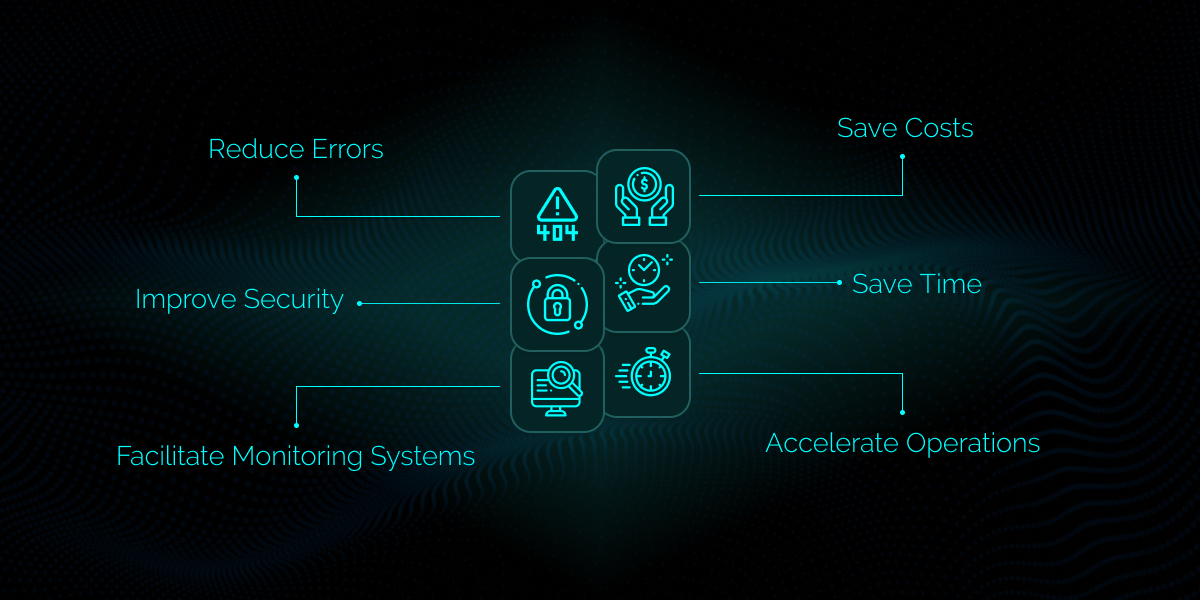
IT automation software are a business necessity because with their help companies can:- Save Costs
- Save Time
- Accelerate Operations
- Reduce Errors
- Improve Security
- Facilitate Monitoring Systems
Cost Saving
IT automation software reduce companies' costs by reducing the number of IT professionals needed to maintain networks and systems.Time-Saving
IT automation software save significant time because they need none or minimal human resources to deploy tasks and maintain the workflow.Operation Acceleration
IT automation software use scripts, therefore there is often no need for human intervention. As a result, the speed at which tasks operate increases significantly.Error Reduction
Using IT automation, there is less room for human error. Each command is previously designed and checked multiple times before being fed to the workflow.Security Improvement
Since there are fewer people involved in designing and maintaining the automated workflow, they benefit from improved security. Also,Monitoring Facilitation
IT automation solutions facilitate and secure monitoring networks. They benefit from straightforward control panels which can be monitored by as few as one person.Where Is IT Automation Used?
IT Automation can be applied to the areas listed below:- Network
- Infrastructure
- Cloud
- Standard Operation Environment (SOE)
- Application Deployment
- Configuration Management
- SSO – Single Sign-On
- Monitoring & Alerting
- Testing
- Security
- Edge Computing
How to Implement IT Automation in Your Company?
To implement IT automation in your company, you need to take the general steps explained below:Identify the Repetitive & Time-Wasting Tasks
Before anything else you need to identify the areas where you have repetitive tasks operated by a human. These tasks are time-consuming and require multiple staff handling them. However, they can be replaced by an automatic workflow. Some examples include:- Setting up new employees’ stations
- Installing apps on employees’ mobile devices
- Maintaining VPNs & firewalls
- Monitoring employees’ performance
- Notifying or alerting employees
Choose Your IT Automation Software
After identifying areas that can benefit from automation, you need to compare and contrast the IT automation software. Check to see which of them offer tools that eliminate your time wasters. Try to find one that satisfies your needs with the lowest pricing plan. If you assess the automation process to cost significantly more than continuing the current workflow, then changing the workflow is not rational. Trio IT automation solution offers the most comprehensive tools at the most reasonable prices. Read the complete list of our features and pricing plans on our website.Run the New Workflow
After selecting your IT automation software, you may assign the new workflow to your IT department. The IT department can learn how to work with the workflow through the software’s instructions and technicians, and then train the employees to use it.Optimize the Workflow
To make automation work for you, you can keep optimizing the workflow using the feedback you receive from the users. Working with the new system can be a little time-consuming and awkward at first, but not long after you implement it, you’d enjoy maximum efficiency, speed, and reliability.Trio IT Automation Solution
Trio is mobile device management (MDM) and remote and management (RMM) solution which is cloud-based and runs on multiple platforms. Using Trio, the IT manager of your company can perform a variety of processes remotely. There will no longer be the need to bring the devices to the IT department, or for the IT manager to go from room to room to set up devices.What Is Included in Trio IT Automation Solution?
The Key features of Trio IT automation solution are listed below:- Cross Platform Operation
- Zero-Trust Security Protocols
- Management of Remote Devices
- Directory Integration
- User Authentication
- Single Sign-on (SSO) Integration
- End-Point Security
- Browser Management
- Workflow Management
- Third-Party Market Place
Cross Platform Operation
Trio operates on major platforms, such as macOS, iOS, Android and Windows. Trio integrates the four operating systems in the same place.Zero-Trust Security Protocols
Trio offers your employees the tools and services they need without risking the system’s security. By ranking employees and giving them customized accesses, Trio prevents data leaks and breaches.Management of Remote Devices
Trio offers a straightforward installation procedure enabling the IT manager to install the apps and set the configurations specific to the employees from different departments. Your company may purchase devices in bulk which receive the setups automatically with their first running.Directory Integration
Trio can integrate your company’s local or cloud directory with companies that provide you with services. This eradicates many integration obstacles that can consume your staff's time and energy.User Authentication
Trio can authenticate each employee. With this feature, Trio ensures the security of the network. Only eligible users can access sensitive data. This feature also protects the network in case a device is lost.Single Sign-on (SSO) Integration
With the single sign-on (SSO) integration feature, Trio saves your staff’s time by enabling them to access all services and apps available to them with only one sign-on.End-Point Security
Using Trio, you may control all the security settings of devices, fix errors, and limit the risk of malware infection. Since these features are centralised and controlled by a single person in your company the chance of security holes decreases significantly.Browser Management
Trio enables you to restrict your employee's use of the internet. By restricting your staff access to platforms that may store or send data to a third party, you can protect your company's data from leaking.Third-Party Market Place
Using scripts, you can manage your company's and your employees’ devices with optimum accuracy. You can install the right apps with the right settings on each device to create a particular user experience for each employee. With Trio, you can create an app store particular to your company. In a self-service fashion, your staff may download and install apps without needing to ask your IT department for support.Conclusion
Businesses are relying more than ever on mobile devices. As a result, they need to invest significant budgets, time, and resources in running and maintaining these devices. However, IT automation software such as Trio offers a solution to this problem by replacing repeated manual tasks with an automatic system. This system not only decreases the time, energy, and money required for the job, but also increases the speed, security, and ease. Trio IT automation solution brings the most comprehensive and reliable features to IT management at a competitive price. Read the complete list of Trio’s features and pricing plans on our website.FAQ
How Can IT Automation Help My Business?
IT automation helps your business by saving your IT department time and trouble through replacing their resource-consuming tasks with software. Your business will gain more reliable results in less time with lower costs.How Much Does It Cost to Implement IT Automation
The cost of implementing IT automation depends on the software you use, the features you get, and the number of devices you have. Software providers usually charge either based on monthly/annual subscription or per device.What Are the Steps to Implementing IT Automation in My Business?
To implement IT automation in your business, you need to take these 4 steps:- Pin down the Repetitive Tasks & Time Wasters
- Choose the IT Automation Software that Works for You
- Run the New Workflow & Train Your Employees to Use It
- Optimize the Workflow Using User Feedback

Start your free trial
Get Ahead of the Curve
Every organization today needs a solution to automate time-consuming tasks and strengthen security. Without the right tools, manual processes drain resources and leave gaps in protection. Trio MDM is designed to solve this problem, automating key tasks, boosting security, and ensuring compliance with ease.
Every organization today needs a solution to automate time-consuming tasks and strengthen security. Without the right tools, manual processes drain resources and leave gaps in protection. Trio MDM is designed to solve this problem, automating key tasks, boosting security, and ensuring compliance with ease.





Frequently Asked Questions (FAQ)
Have questions? We've got answers. This section covers some of the most commonly asked questions related to this topic.