



Explained
5 Worst Computer Viruses of All Time
What are the worst computer viruses of all time? Discover how these infamous threats have caused chaos and learn how to protect your systems.
Anti-malware vs antivirus: whether they are the same thing today, how malware differs from a virus, and what a business needs on each device.

Content writer, trio.so
Today, antivirus and anti-malware mostly mean the same thing: software that finds and removes malicious code on a device. The difference is historical. Antivirus began as protection against computer viruses, and anti-malware was the label for tools that also handled spyware, adware and other threats that were not viruses. Modern products cover all of it, so vendors use the two words interchangeably. Microsoft's own documentation calls Microsoft Defender Antivirus built-in anti-malware and antivirus protection.
| Antivirus (traditional) | Anti-malware (traditional) | Modern endpoint protection | |
|---|---|---|---|
| Original focus | Viruses and worms | Spyware, adware, trojans, ransomware and other malware | All malware, plus suspicious behavior |
| Detection | Known signatures | Signatures and heuristics | Signatures, machine learning, cloud lookups and behavior monitoring |
| Typical use | Always-on scanning | Often an on-demand second scanner | Always-on, centrally managed |
| What you buy today | One product that does both | Same product | Same product, often with EDR |
If a vendor's page tells you its antivirus is different from its anti-malware, read what each one blocks. The names do not tell you.
Malware is the umbrella word for any software built to harm a device, steal data or take control. A virus is one type of malware: it attaches itself to a file or program and spreads when that file is run. Other types include:
Most threats on a business network today are not classic viruses, so "anti-malware" became the more accurate label and then stopped meaning anything separate.
No. You need one good endpoint protection product that covers all malware types. Two real-time scanners on one device can slow it down and conflict with each other. Microsoft says Defender Antivirus can run in passive mode next to another product only on devices onboarded to Microsoft Defender for Endpoint.
A second, on-demand scanner is still useful for a one-off check of a suspect machine. That is a clean-up tool, not a second layer of daily protection.
Both. Microsoft Defender Antivirus is built into Windows 10, Windows 11 and Windows Server. Task Manager shows its main process as "Antimalware Service Executable" (MsMpEng.exe), which is why people ask whether it is anti-malware. One product, two names.
Per Microsoft Learn, Defender Antivirus moved from a static signature engine to predictive technologies, machine learning and cloud-delivered protection in 2015, and it can stop threats by their behavior even after they start running, including fileless malware.
On a Windows PC with Defender, you can check this in PowerShell. Run Get-MpComputerStatus and read AMServiceEnabled, AntivirusEnabled, RealTimeProtectionEnabled, AntivirusSignatureLastUpdated and AMRunningMode. Normal means Defender is the active product. In the Windows Security app, go to Virus & threat protection > Manage providers to see which product is registered.
Protection software is one layer. Patching, disk encryption and strong passwords stop attacks that antivirus never sees. For more, read endpoint hardening, endpoint security risks and the worst computer viruses in history.
trio.so brings device management, patching and security policies for Windows, macOS, Linux, iOS/iPadOS and Android into one console. Enroll a device and see it in the console within minutes.
trio.so brings device management, patching and security policies for Windows, macOS, Linux, iOS/iPadOS and Android into one console. Enroll a device and see it in the console within minutes.





Have questions? We've got answers. This section covers some of the most commonly asked questions related to this topic.
Related
The related industry news, interviews, technologies, and resources.
What are the worst computer viruses of all time? Discover how these infamous threats have caused chaos and learn how to protect your systems.
Best methods for SQL injection prevention? Stay ahead of attacks with strategies that protect databases and reduce system vulnerabilities.
How do security assessment tools contribute to IT risk management? Here, we see their importance in protecting data, especially in the cloud.
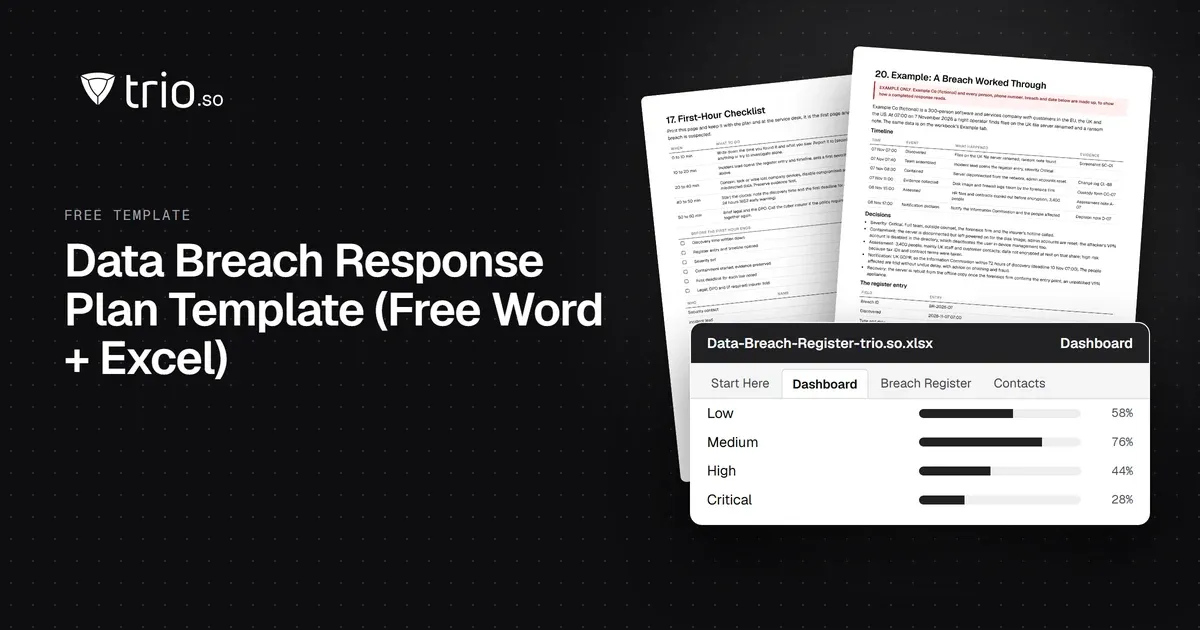
Free data breach response plan template in Word and Excel: response steps, team roles, notification deadlines by law, notice letters and a breach register.
What is endpoint security? It’s the protection of devices and data from cyber threats through software, policies, and monitoring.
Complete guide to Mobile Threat Defense including what MTD is, how it works, threat detection capabilities, and implementation strategies.
Worried about DDoS attacks harming your resources? Protect your company devices by reading more about DDoS attack prevention.

This guide aims to provide IT administrators with an in-depth understanding of establishing an effective Cybersecurity Incident Response Plan.
14-day free trial. No credit card required.
trio.so for MSPs: one console, separate clients