
Apple Zero-Touch Deployment for SMB IT Teams
Stop manually setting up Apple devices. Learn how SMB IT teams can leverage Apple Zero-Touch Deployment for fast, seamless, and automated device enrollment.
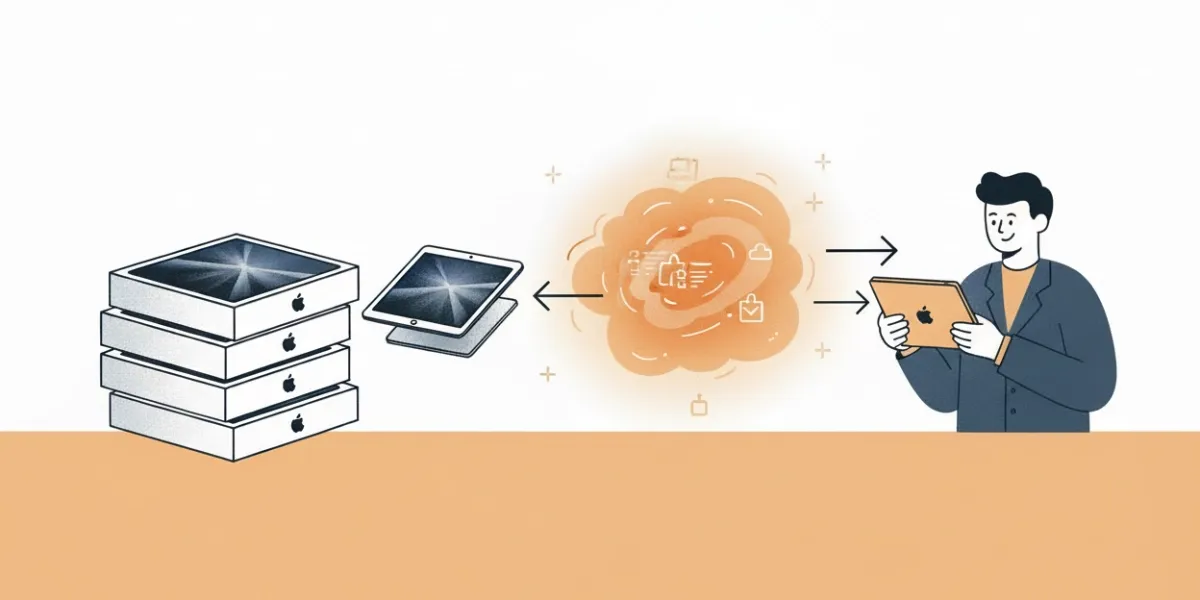
Managing Apple devices at scale doesn’t need to be a logistical nightmare. For SMB IT admins juggling tight budgets, remote employees, and growing device fleets, the idea of touching every device during setup is simply unrealistic. That’s where Apple Zero-Touch Deployment, powered by Mobile Device Management (MDM), offers a smarter path forward.
With Zero-Touch, Apple devices can be shipped straight to employees and automatically configured over the air, no manual IT setup required. It’s built for modern, hybrid environments where speed, consistency, and security matter.
Let’s break down how Zero-Touch works, and why it’s a game-changer for growing teams.
Key Takeaways: Apple Zero-Touch Deployment
- Hands-Free Setup: Apple Zero-Touch Deployment allows SMBs to configure devices remotely without ever opening the box, saving valuable IT time.
- Built for Remote Teams: Devices automatically enroll into MDM as soon as they connect to the internet, perfect for hybrid or distributed workforces.
- Stronger Security from Day One: Security policies, OS requirements, and encryption settings are enforced the moment the device is powered on.
- Scalable and Efficient: Whether deploying 5 or 500 devices, Zero-Touch delivers a consistent and automated experience that scales with your business.
- Seamless MDM Integration: By linking Apple Business Manager (ABM) with your MDM, devices are assigned, enrolled, and configured over the air without manual steps.
What Is Apple Zero-Touch Deployment?
Apple Zero-Touch Deployment is an automated onboarding method that configures new devices the moment they connect to the internet. It works through Apple Business Manager (ABM) and Automated Device Enrollment (ADE), allowing eligible Apple devices to enroll into your MDM solution instantly. No cables. No manual setup. Just seamless zero-touch provisioning.
This is ideal for IT teams that can’t afford to waste time or resources on repetitive tasks. Devices are pre-registered via Apple or authorized resellers, so when users unbox them and join Wi-Fi, the system handles the rest. Apps, settings, and security policies are deployed automatically.
It’s not just convenient. It’s scalable, secure, and reliable. For SMBs with remote teams or multiple sites, Zero-Touch helps eliminate the chaos of traditional provisioning.
Why Use Zero-Touch Deployment?
If you’ve ever unboxed and manually set up a dozen iPads before lunch, you already know the pain. For SMB IT admins, the pressure to do more with less is constant. Apple Zero-Touch Deployment changes that by introducing zero-touch automation into the provisioning process. Here’s how it helps solve everyday challenges:
- Reduced setup time: Manually configuring each device takes hours. Zero-Touch allows you to ship devices directly to users with apps, settings, and security applied automatically.
- Remote-friendly provisioning: Ideal for hybrid and distributed teams. Devices do not need to pass through IT; they just need internet access to configure themselves.
- Stronger compliance and security: Policies are enforced the moment the device boots. Users cannot bypass critical security settings or delay configuration.
- IT cost savings: Automation eliminates repetitive manual work and reduces human error. Your IT team can focus on strategic issues instead of basic setup.
- Simple scalability: Whether deploying five or five hundred devices, the process remains consistent. Zero-touch automation helps your onboarding grow with your business.
The Zero-Touch Deployment Workflow
Zero-Touch Deployment isn’t just about saving time. It’s about creating a repeatable, secure, and over-the-air provisioning system that removes manual setup from the equation and empowers remote teams.
Here’s how the process unfolds from purchase to full deployment:
- Device purchase through Apple or authorized resellers: Devices must be bought from approved partners and linked to your Apple Business Manager (ABM) account. This registration step tells Apple which devices belong to your organization.
- Automatic MDM server assignment: ABM assigns new devices to your MDM server using Automated Device Enrollment (ADE). You don’t need to touch each device or upload serial numbers manually.
- Out-of-box connection triggers enrollment: Once users unbox the device and connect to Wi-Fi, it reaches out to Apple servers. The device automatically enrolls into MDM and starts setup.
- Apps and policies are applied remotely: Your MDM pushes apps, settings, and security policies without delay. This makes over-the-air provisioning seamless and fully automated.
- Federated authentication is optional: Users can log in with their company credentials via Azure AD or other identity providers. Apple ID prompts can be skipped altogether.
Setup Requirements and Initial User Workflow
Before enjoying Apple’s zero-touch benefits, you need to complete a few vital configuration steps. These ensure new devices enroll correctly and consistently. Set this up once and reap the rewards every time a device comes online.
Prerequisites for Apple Zero-Touch Deployment
Once this foundation is in place, the end-user experience is smooth:
- Setup panes can be skipped: You decide which pages appear during setup, hiding Apple ID, Siri, and more.
- Security policies activate instantly: FileVault, OS version checks, and compliance rules are enforced the moment the device powers on.
- Customized login screens: You can present branded welcome messages or onboarding forms tailored to your organization.
If you’ve used Android Zero Touch Enrollment, this should feel familiar. Apple’s approach builds on similar logic but with deeper integration into its ecosystem and tighter MDM control
Once your environment is ready, here’s exactly what to do to roll out zero-touch across your organization:
Steps for Zero-Touch Deployment using Apple Business Manager (ABM)
Once this process is in place, devices can go straight from the box to the user, fully configured and secured without ever touching IT’s desk.
Supported Devices, Limitations, and Edge Cases
Apple Zero-Touch Deployment is powerful, but it’s not a magic wand for every scenario. It supports a wide range of Apple hardware, but a few conditions must be met for it to work properly. Knowing the boundaries helps you plan better and avoid frustration later.
Supported Devices
- Mac (macOS)
- iPhone (iOS)
- iPad (iPadOS)
- Apple TV (tvOS)
All devices must be organization-owned and purchased from an authorized Apple reseller. Once linked to your Apple Business Manager (ABM) account, these devices can be managed using the same ABM and Automated Device Enrollment (ADE) workflow.
Limitations and Edge Cases
- First-boot internet is mandatory: Devices must connect to Wi-Fi or Ethernet when first powered on to initiate enrollment.
- Not for already-used devices: Devices that were previously activated or used must be erased and reset before enrolling.
- BYOD not supported: Personally-owned devices cannot use Zero-Touch. Consider MDM enrollment via user-initiated methods instead.
- Shared or temporary devices: If you're deploying devices in a kiosk, classroom, or shared-use setup, manual configuration or Apple Configurator may be more practical.
- Supervision required for some policies: Advanced restrictions and controls may need devices to be supervised, which requires specific MDM and ABM setup.
Understanding these limitations helps you match the right tool to the right use case and avoid deployment headaches.
Best Practices and Governance Tips
Zero-Touch Deployment works best when paired with strong governance. Automating setup is just the beginning. To get the most from your investment in Apple Business Manager and MDM, you’ll want to standardize, audit, and refine your approach over time.
Here are some field-tested practices:
- Audit device assignments regularly: Check Apple Business Manager to ensure new devices are correctly assigned to your MDM. Mistakes here can break the enrollment chain.
- Use enrollment groups or profiles: Segment devices by department, role, or location. This keeps app sets and policies relevant to each team.
- Escrow FileVault keys securely: If deploying macOS, make sure encryption keys are stored safely using your MDM’s built-in escrow tools.
- Enforce OS version requirements: Set minimum OS versions and push updates automatically. Outdated devices are harder to secure and support.
- Train users on what to expect: Let employees know they’ll see a remote management prompt during setup. This reduces confusion and support tickets.
Following these steps ensures Zero-Touch stays effective as your device fleet grows and your policies evolve.
Experience Zero-Touch Deployment with Trio MDM
Want to see Apple Zero-Touch Deployment in action?
Try Trio MDM for free and experience how effortless device onboarding can be. Whether you're managing five Macs or fifty iPads, Trio helps you automate setup, enforce security policies, and save hours on every deployment.
Start your free trial today and simplify your Apple device management from day one.
👉 Start Free Trial
👉 Book a Free Demo
Conclusion
Apple Zero-Touch Deployment offers a clear path for SMB IT teams to scale without chaos. By linking Apple Business Manager with your MDM, you can automate setup, reduce manual errors, and maintain consistent security across every device. For organizations dealing with tight budgets, distributed teams, or growing fleets, it’s a smart way to do more with less.
But it’s not just about the tech. It’s about giving users a smooth experience and giving IT back their time. When devices arrive ready to work, everyone benefits.
Set it up once, and every device after that takes care of itself.

Start your free trial
Get Ahead of the Curve
Every organization today needs a solution to automate time-consuming tasks and strengthen security. Without the right tools, manual processes drain resources and leave gaps in protection. Trio MDM is designed to solve this problem, automating key tasks, boosting security, and ensuring compliance with ease.
Every organization today needs a solution to automate time-consuming tasks and strengthen security. Without the right tools, manual processes drain resources and leave gaps in protection. Trio MDM is designed to solve this problem, automating key tasks, boosting security, and ensuring compliance with ease.




