trio.so
Templates

Data Center Access Policy Template + How to Create one

How to create a data center access policy, with the key components to cover and a template you can download.


Mountain landscape representing leadership perspective and vision
Written by
Atena Ladchartabi

Content writer, trio.so

Published on
According to Statista, “As of 2023, the average cost of a data breach in the United States amounted to 9.48 million U.S. dollars.” A comprehensive Data Center Access Policy is essential to safeguard sensitive information and maintain operational continuity. This blog post will guide you through the process of creating an effective Data Center Access Policy template, covering key aspects such as physical access controls, visitor management, authentication mechanisms, and compliance with security protocols.  

Why a Data Center Access Policy is Crucial

A Data Center Access Policy establishes the guidelines and procedures for controlling access to your data center facilities. Here’s why having a robust policy is essential:
  • Security: Protects against unauthorized access and potential data breaches.
  • Compliance: Ensures adherence to legal and regulatory requirements.
  • Operational Continuity: Maintains the integrity and availability of critical systems.
  • Responsibility: Defines user responsibilities to uphold security standards.
 

Key Components of a Data Center Access Policy Template

Some key components that every template on this topic needs to include, are:
  1. Purpose

The purpose section outlines the main objectives of the Data Center Access Policy. It should clearly state the intent to secure the data center facilities and protect the organization's data.
  1. Scope

This section defines who the policy applies to, including employees, contractors, consultants, and any third parties requiring access to the data center. It ensures comprehensive coverage and clarity.
  1. Physical Access Controls

Physical access controls are crucial for managing who can enter the data center and under what conditions. This includes:
  • Authorization: Defining the approval process for data center access.
  • Access Levels: Establishing different access levels based on job roles.
  • Access Control Mechanisms: Using electronic systems like key cards or biometric scanners to manage entry.
  1. Visitor Management

Managing visitors to the data center using physical security measures is vital. This includes:
  • Visitor Authorization: Ensuring all visitors are pre-approved and logged.
  • Identification and Badging: Issuing temporary badges and verifying identification.
  • Visitor Escort: Ensuring visitors are accompanied by authorized personnel at all times.
  1. Authentication Mechanisms

The policy should also include access authorization guidelines. Authentication mechanisms enhance the security of data center access. This includes:
  • Multi-Factor Authentication (MFA): Implementing MFA for all access points.
  • Regular Audits: Conducting audits of access logs and authentication methods to identify and address security issues.
  1. Compliance with Security Protocols

Ensuring compliance with security protocols is critical for maintaining data center security. This includes:
  • Regulatory Compliance: Adhering to legal and regulatory requirements.
  • Security Training: Providing regular training to personnel on security policies.
  • Incident Reporting: Establishing a clear process for reporting and responding to security incidents.
 
  1. Review and Updates

Regular reviews and updates to the Data Center Access Policy ensure it remains effective and relevant. Encourage feedback from personnel to continuously improve the policy.  

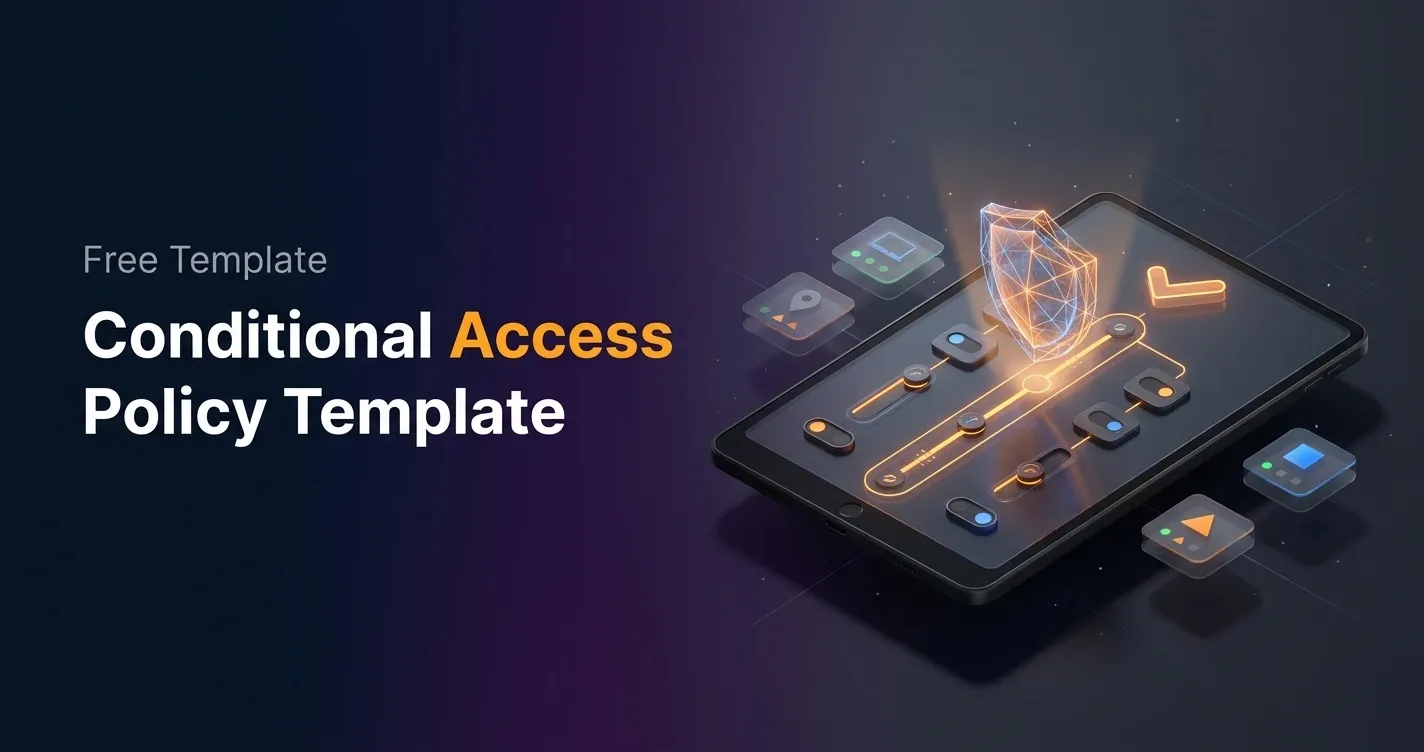
Download the Data Center Access Policy Template here

Creating a comprehensive Data Center Access Policy is essential for protecting your organization’s data and ensuring the security of your data center facilities. To help you get started, we’ve created a customizable Data Center Access Policy Template that you can download and tailor to your organization’s needs.  

  By following the guidelines outlined above, you can establish a robust policy that safeguards your critical assets. You can also use Mobile Device Management (MDM) solutions like Trio to manage company-owned and employee-owned devices remotely. Using Trio’s free demo, you can experience the safety and security of data across your organization like never before. Try out Trio today and incorporate it into your data center access policy.

Ready-to-use Templates

Must-have Template Toolkit for IT Admins

Explore All
Template Toolkit

Start your free trial

No credit card required
Full access to all features

Get Ahead of the Curve

Every organization today needs a solution to automate time-consuming tasks and strengthen security. Without the right tools, manual processes drain resources and leave gaps in protection. trio.so is designed to solve this problem, automating key tasks, boosting security, and ensuring compliance with ease.


Don't let inefficiencies hold you back.

Every organization today needs a solution to automate time-consuming tasks and strengthen security. Without the right tools, manual processes drain resources and leave gaps in protection. trio.so is designed to solve this problem, automating key tasks, boosting security, and ensuring compliance with ease.

Smiling womanAbstract geometric patternAbstract geometric patternSmiling womanSmiling woman

Frequently Asked Questions (FAQ)

Have questions? We've got answers. This section covers some of the most commonly asked questions related to this topic.

Yes, you can try us free for 14 days. If you'd like, we'll also provide a free, personalized 30-minute onboarding call to help you get up and running quickly.

Yes, you can upgrade or downgrade your plan at any time. Changes will be reflected in your next billing cycle.

You can cancel your subscription at any time. Your account will remain active until the end of the current billing period.

Yes, you can add company details such as your business name, address, or tax ID to your invoice from your billing settings.

Billing is handled automatically based on your selected plan and billing cycle (monthly or annually). Charges are applied to the payment method you provide.

You can update your account email in your profile or account settings. A confirmation may be required for security purposes.

Related

From the blog

The related industry news, interviews, technologies, and resources.