



Templates
NIST 800-171 Compliance Checklist: 110 Requirements and SPRS
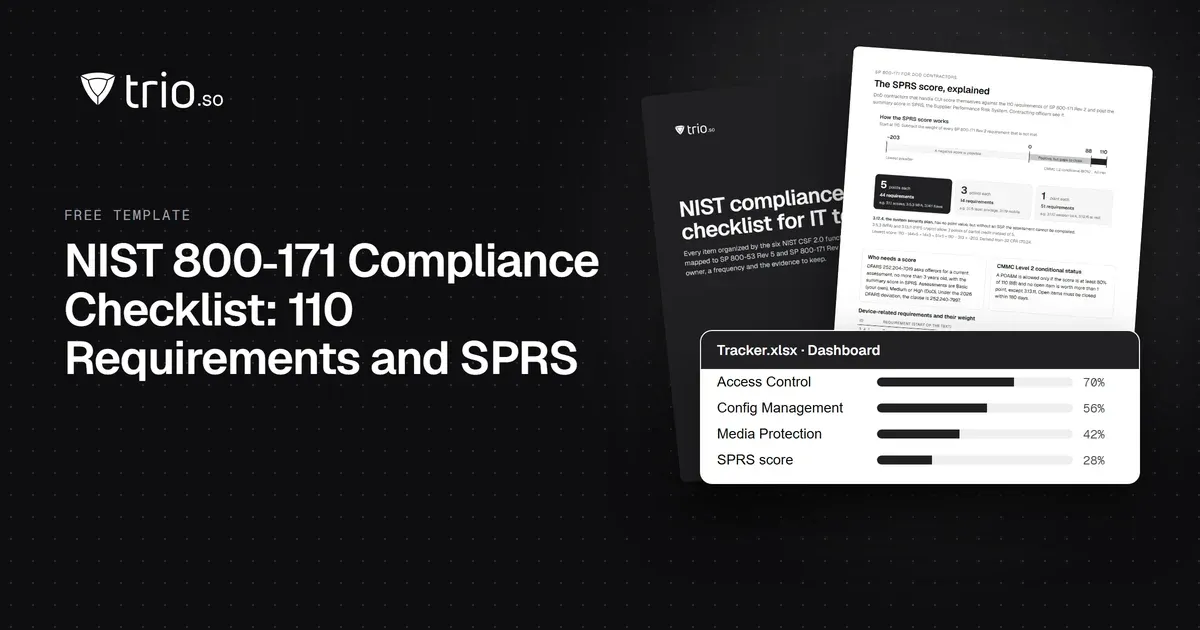
A NIST 800-171 compliance checklist with all 110 Rev. 2 requirements, their SPRS points, Rev. 3 changes, CMMC status and a self-assessment guide. Free Excel.
Learn how to successfully implement IT change management with a free template and discover key strategies for minimizing risks and disruptions.

Content writer, trio.so
IT change management is an essential discipline within IT operations that ensures systematic and structured control over IT changes. As businesses evolve and technology accelerates, IT infrastructure needs to change continuously. Whether it’s upgrading software, rolling out new hardware, or integrating systems, managing IT change effectively is key to minimizing disruptions and risks. In this blog post, we’ll explore how to implement IT change management successfully, the benefits of using templates + a free one to get you started, and the best practices that can help IT teams navigate these processes with ease.
The journey of implementing IT change management begins with understanding the importance of a structured approach. Without it, organizations may find themselves facing system failures, security breaches, or inefficiencies that can disrupt operations. A clear and well-defined IT change management process provides the framework needed to control changes, track approvals, and ensure that updates and modifications are made in a way that minimizes risk and enhances system stability. To implement IT change management successfully, start by establishing a change management policy. This policy should outline the guidelines for how changes are proposed, evaluated, approved, and implemented. It should also define the roles and responsibilities of stakeholders involved, including the IT change manager, approvers, and implementation teams. Next, ensure that all team members are well-versed in the IT change management process steps to ensure consistency and efficiency. Training and clear communication are crucial when implementing IT change management. Ensure that all employees understand the significance of their actions and how they fit into the overall process. Regularly review your procedures, and make sure everyone involved is prepared to follow the outlined steps to handle IT change requests.
When it comes to managing IT changes, time is of the essence. A well-organized IT change management template serves as an invaluable tool for streamlining the process. The template ensures that change requests are thoroughly documented, minimizing the risk of overlooking key details. It also helps maintain consistency across all change initiatives and ensures that no crucial step is skipped. One of the significant benefits of using a template is the ability to establish a standardized framework for all changes. Whether the change is a routine software update or a major system overhaul, the template provides a unified structure for submitting, evaluating, and approving changes. This approach fosters accountability and allows for easier tracking and auditing of change activities. The result is a more efficient change management program that minimizes disruptions and mitigates risks associated with IT changes. By using an IT change management template, organizations can reduce human error, prevent security vulnerabilities, and improve the transparency of the entire process. Additionally, templates can help establish uniformity in communication, ensuring that all stakeholders are informed about upcoming changes and their potential impacts. Keep reading to find our free-to-download IT change management template, designed to simplify your software and hardware upgrades, infrastructure modifications, and system integrations.
An effective IT change management plan is at the heart of every successful change initiative. This plan outlines the entire process for managing IT changes and provides a roadmap for approval, implementation, and post-change evaluation. The first step in creating an IT change management plan is identifying the types of changes the organization may encounter. This includes software updates, infrastructure upgrades, hardware changes, and system integrations. Each type of change may require a different approach, so defining this early on helps create a flexible plan. Next, outline the IT change approval workflow. This is crucial in maintaining control over the change process. Define who will review, approve, and reject changes. Identify the roles and responsibilities of each individual involved, from the change requester to the change manager. Once you’ve mapped out the approval workflow, create a clear implementation plan. This should include a timeline, resources required, and a rollback plan in case the change does not go as planned. Proper testing and validation of changes are also critical to ensure success. Finally, ensure that your plan includes a post-change review to evaluate the effectiveness of the change and identify areas for improvement. This review process can help refine your change management process and better prepare for future changes. 
The change management approval process plays a vital role in minimizing disruptions during IT transformations. A thorough evaluation before approval ensures that the change aligns with organizational goals and does not introduce unnecessary risks. It also ensures that the right stakeholders are involved in the decision-making process. Without proper approval and review, changes may be made without fully understanding their impact, leading to unexpected consequences. For example, a poorly implemented software update might lead to system crashes, data loss, or security vulnerabilities. An approval process mitigates these risks by requiring a careful evaluation of the change’s potential impact on the organization’s systems, operations, and users. Moreover, the IT change control process helps keep track of all changes made, creating a clear audit trail. This audit trail is important for compliance purposes and helps identify and resolve any issues that may arise post-change.
The IT change management template can also be used for software and hardware upgrades. It is designed to streamline the process of implementing and approving changes. This template can include sections for submitting detailed change requests, assessing impacts, gaining approval, and tracking progress throughout the change lifecycle. For software upgrades, the template ensures that all necessary software configurations are documented, any dependencies are identified, and testing requirements are outlined. It also includes sections for impact assessments, approval workflows, and post-upgrade validation. Similarly, for hardware upgrades, the template captures critical details like the type of hardware being upgraded, the systems affected, and any potential risks associated with the upgrade. By using a template, IT teams can ensure that all relevant information is captured in one place, reducing the chances of missing crucial steps. Download our free template to get started:
Upgrading IT infrastructure is one of the most critical and complex types of changes an organization can undertake. It involves significant planning, resource allocation, and coordination. Establishing a solid change management framework for infrastructure upgrades ensures that the process is seamless and reduces the risk of disruptions. A good change management framework for IT infrastructure upgrades should include several essential steps:
By following a structured framework for IT infrastructure upgrades, organizations can ensure that their upgrades are executed successfully, with minimal disruption to daily operations.
Risk assessment is a crucial part of the IT change management process. Every change introduces a certain level of risk, whether it’s a software update or a major infrastructure overhaul. Assessing and managing these risks early on allows IT teams to take preventive measures and ensure the success of the change. Start by identifying the potential risks associated with the change. This could include technical risks, such as system incompatibilities or performance issues, as well as operational risks, like disruption to business processes. Next, evaluate the likelihood and impact of each risk. This helps prioritize risks and determine which ones need to be mitigated first. Develop strategies to minimize or eliminate these risks, such as performing pre-change testing, using backup systems, or implementing phased rollouts. Lastly, make sure to communicate these risks and mitigation strategies to all stakeholders involved in the change. This keeps everyone informed and prepared to respond in case issues arise. 
Trio, as a comprehensive Mobile Device Management (MDM) solution, can greatly enhance your IT change management efforts. Trio helps manage devices, software updates, and configurations across an organization’s entire fleet of devices, ensuring that all changes are compliant with company policies and do not disrupt operations. By using Trio, IT teams can automate many aspects of the change management process, from software distribution to device configuration changes. This reduces manual intervention and ensures changes are implemented consistently across all devices. Trio also provides robust reporting features, allowing IT managers to track changes and assess their impacts quickly. To learn how Trio can simplify your IT change management process, sign up for a free demo today.
Effective IT change management is crucial for any organization looking to maintain system stability while supporting ongoing growth and innovation. By implementing a structured process and utilizing tools like an IT change management template, IT teams can minimize disruptions, reduce risks, and align changes with organizational goals. By incorporating best practices, such as risk assessments and clear approval workflows, businesses can ensure that their IT systems remain robust, secure, and flexible enough to support future growth. Trio’s MDM solution adds another layer of efficiency and security to the process, making it an invaluable tool for IT teams.
Every organization today needs a solution to automate time-consuming tasks and strengthen security. Without the right tools, manual processes drain resources and leave gaps in protection. trio.so is designed to solve this problem, automating key tasks, boosting security, and ensuring compliance with ease.
Every organization today needs a solution to automate time-consuming tasks and strengthen security. Without the right tools, manual processes drain resources and leave gaps in protection. trio.so is designed to solve this problem, automating key tasks, boosting security, and ensuring compliance with ease.





Have questions? We've got answers. This section covers some of the most commonly asked questions related to this topic.
Related
The related industry news, interviews, technologies, and resources.
A NIST 800-171 compliance checklist with all 110 Rev. 2 requirements, their SPRS points, Rev. 3 changes, CMMC status and a self-assessment guide. Free Excel.
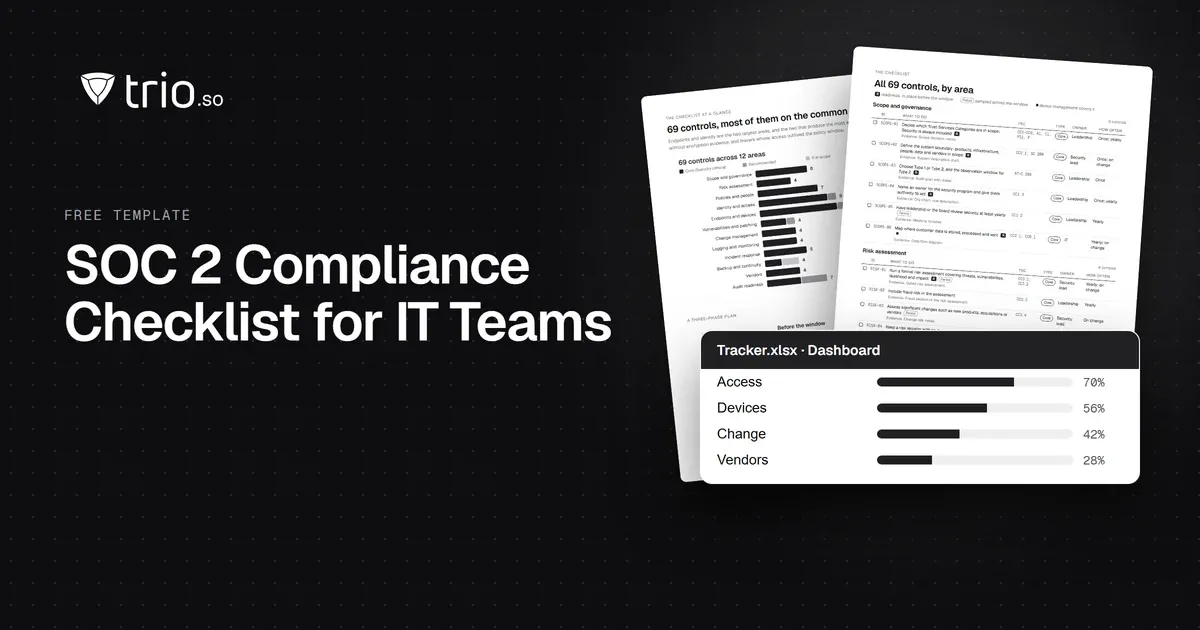
A SOC 2 compliance checklist for IT teams: 69 controls mapped to the Trust Services Criteria, with the evidence auditors sample. Free PDF and Excel.
Learn what each Conditional Access policy template does and when to use it. Download ready-to-use ACP templates for identity security.
Complete SAMA compliance checklist for Saudi financial institutions. Domain-by-domain requirements, obligations, and practical implementation steps.
The NCA compliance checklist your team actually needs: ECC-2:2024 domains, NCNICC-1:2025, and what auditors look for as evidence.
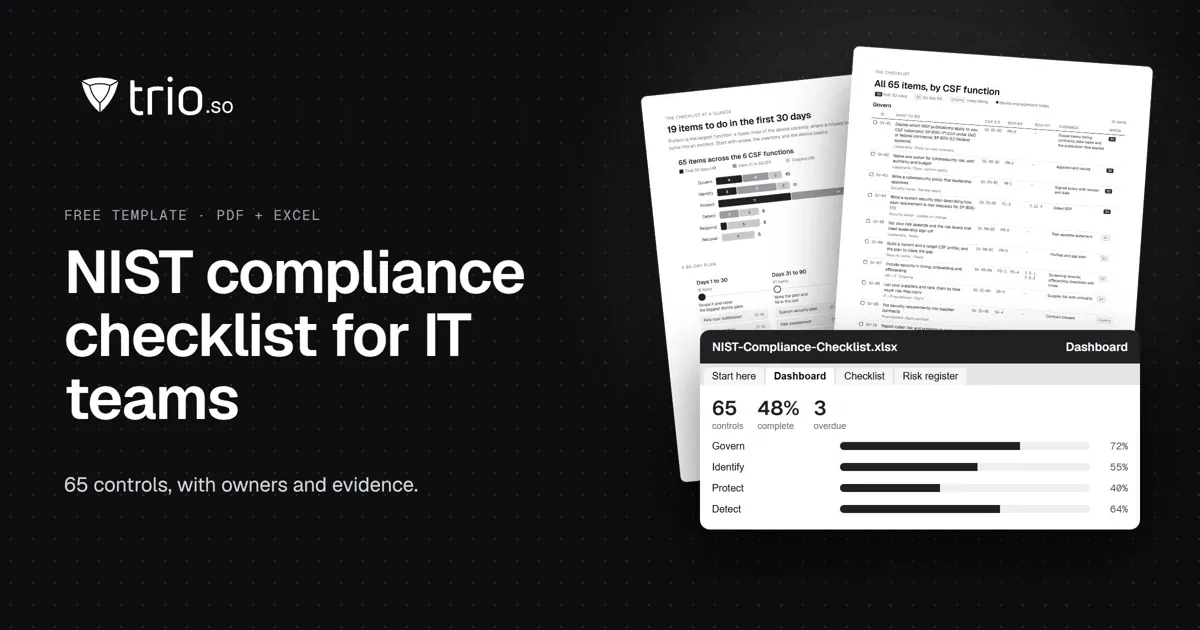
A NIST compliance checklist for IT teams: 65 controls by CSF 2.0 function, mapped to SP 800-53 and 800-171, with an SPRS calculator. Free PDF and Excel.
Feeling overwhelmed by CCPA? Use this comprehensive CCPA Compliance Checklist to secure customer data on mobile devices. Discover how MDM simplifies compliance.
Need an MDM audit checklist? Our guide covers 7 key areas & compliance strategies to ensure your mobile device management is secure and efficient.