



Templates
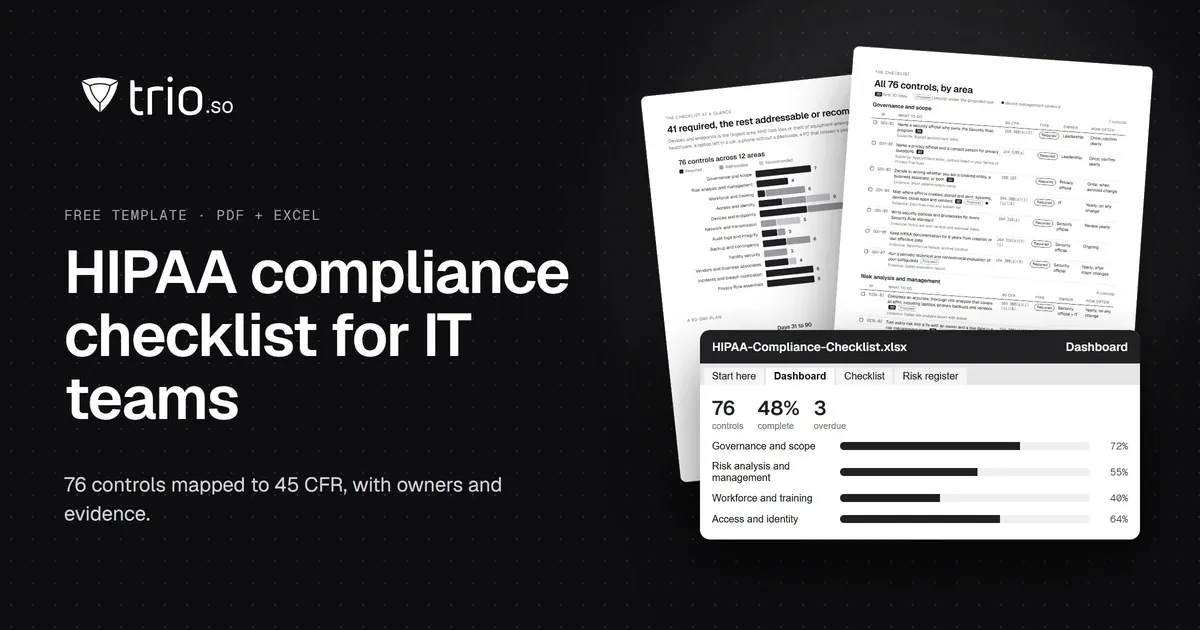
HIPAA Compliance Checklist for IT Teams (PDF + Excel)
A HIPAA compliance checklist for IT teams: 76 controls mapped to 45 CFR, each with the evidence auditors ask for. Free PDF and Excel tracker.
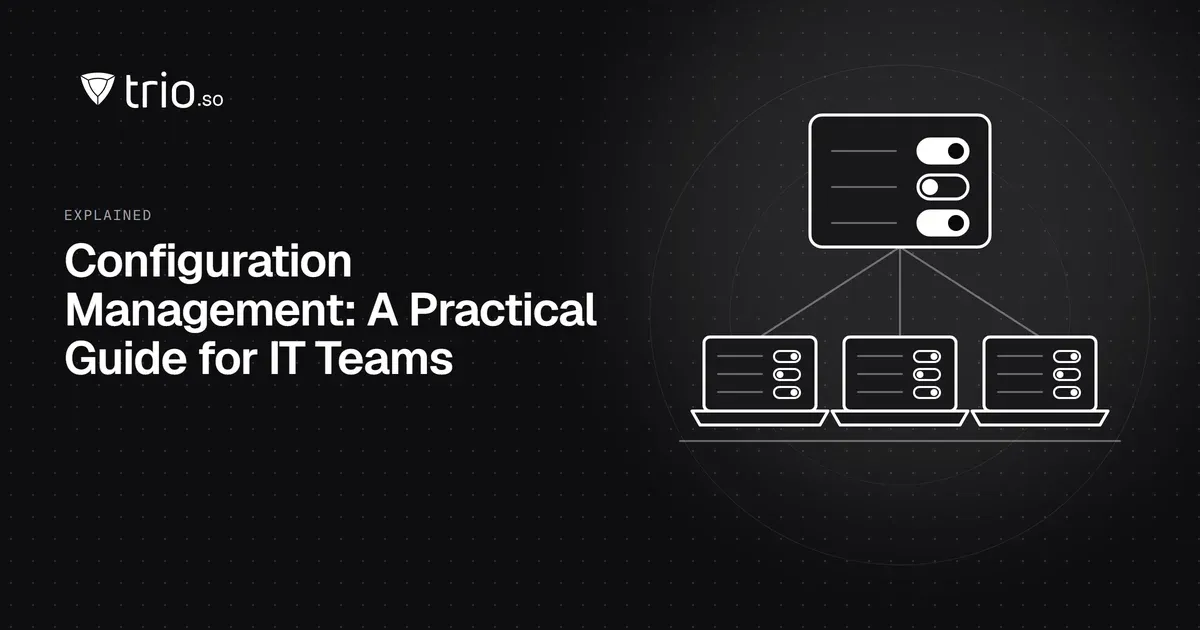
What configuration management is, its lifecycle, configuration baselines and drift, and how IT keeps laptops and phones set up the same way and checks it.

Content writer, trio.so
Configuration management is the practice of defining how your systems should be set up, applying that setup consistently, tracking every change to it, and checking that each system still matches. It applies to software, servers and cloud infrastructure, and to the laptops and phones your staff use. The agreed setup is called a baseline. When a system moves away from its baseline over time, that is configuration drift, and catching and correcting it is a large part of the job.
If you are responsible for keeping company laptops and phones set up the same way, with the same security settings, apps and restrictions, and you need to prove it in an audit, this guide explains the lifecycle, baselines and drift, and how configuration management works for IT devices.
Configuration management gives you a known, documented state for each system and a controlled way to change it. In software development it covers code versions and build settings. In infrastructure it covers servers, networks and cloud resources, often written as code. For IT teams it covers devices: which settings, apps and restrictions every laptop, desktop and phone should have.
The idea is the same in each case. You write down what "correct" looks like, you apply it the same way everywhere, you record changes, and you check regularly that reality still matches the record. Without it, every system slowly becomes a one-off that nobody can rebuild or audit.
Configuration management is a cycle, not a one-off project. Most teams follow these six stages.
Decide what is in scope (for example, all company laptops and phones), who owns the configuration, and which standards you follow, such as the CIS Benchmarks or your own security policy.
Write down the baseline for each type of system: the settings, apps and restrictions it must have. Keep it in one place and version it, so you can see what the baseline was on any date.
Changes to the baseline go through a simple process: someone proposes the change, someone else reviews it, it is tested on a few systems, and then it is rolled out and recorded. Configuration management decides what the systems should look like; change management decides how a change to that is approved.
Check regularly whether each system matches its baseline. For devices, that means looking at whether every setting was applied, and which devices failed or are still pending.
Fix what does not match: apply the setting again, investigate the failure, or record an approved exception with a reason and an end date.
Review the baseline after incidents, audits and major operating system releases. Remove settings nobody needs and add new protections as the platforms change.
A configuration baseline is the agreed, approved setup for a type of system at a point in time. For a company laptop it might include disk encryption on, a screen lock after five minutes, the firewall on, automatic updates, a standard set of apps and no local admin rights for users.
Configuration drift is the gap that opens between that baseline and what is actually on a system. It happens for ordinary reasons: a user changes a setting, a support technician makes a quick fix and forgets to undo it, an update resets something, or a policy fails to apply on one device. Drift is rarely dramatic, which is why it is dangerous. Small differences add up until nobody knows which devices are really protected.
Teams catch drift in three ways: by enforcing settings through a management tool so they are applied again automatically, by checking each device's reported status against the baseline, and by periodic audits or scans. The faster you see a device that no longer matches, the smaller the fix.
For IT devices, configuration management is mostly done with policies in a device management (MDM or UEM) tool:
Our configuration management policy template gives you a written policy to adapt, and compliance monitoring tools covers how teams check status across a whole fleet.
A configuration management database (CMDB) is a record of IT assets and how they relate to each other, usually part of an IT service management platform. It describes what exists; it does not set up devices.
Infrastructure-as-code tools such as Ansible, Puppet, Chef and Terraform manage servers and cloud resources by applying configuration written as code. Cloud platforms add their own configuration and posture tools for cloud accounts. Network configuration management tools back up and compare router and switch settings. For employee laptops and phones, a device management tool usually does this job instead, because it reaches devices wherever they are.
trio.so applies settings to Windows, macOS, Linux, iOS/iPadOS and Android devices through policies and shows, for every device, whether each policy is applied, failed or pending, so you can see which devices do not match the settings you set. Compliance checks run by default, and compliance evidence can be exported for auditors. Plans start at $5 per device.

It is the practice of defining how systems should be set up, applying that setup consistently, controlling changes to it and checking that systems still match. It covers software, infrastructure and devices.
Configuration drift is the difference that builds up between a system's approved baseline and its actual settings, caused by manual changes, updates or settings that failed to apply.
Planning, identification and documentation of the baseline, change control, monitoring and compliance checks, remediation, and continuous improvement.
Configuration management defines and tracks the approved state of systems. Change management is the process for proposing, approving and recording changes to that state.
A configuration baseline is the approved, documented setup for a type of system at a point in time, such as the settings, apps and restrictions every company laptop must have.
Related reading: configuration management policy template, compliance monitoring tools and patch management.
trio.so applies settings through policies and shows for each device whether every policy applied, failed or is still pending.
trio.so brings device management, patching and security policies for Windows, macOS, Linux, iOS/iPadOS and Android into one console. Enroll a device and see it in the console within minutes.
trio.so brings device management, patching and security policies for Windows, macOS, Linux, iOS/iPadOS and Android into one console. Enroll a device and see it in the console within minutes.





Have questions? We've got answers. This section covers some of the most commonly asked questions related to this topic.
Related
The related industry news, interviews, technologies, and resources.
A HIPAA compliance checklist for IT teams: 76 controls mapped to 45 CFR, each with the evidence auditors ask for. Free PDF and Excel tracker.

Explore the significance of compliance monitoring tools, particularly focusing on the importance of monitoring IT compliance.
What is CIS compliance? There is no CIS certificate for companies. What it means for the CIS Controls and Benchmarks, and how to assess and show it.

Use these ten best practices for compliance training in IT to foster cybersecurity awareness. Read on to learn more.

We’ll discuss email compliance for businesses as it’s a necessity to avoid penalties, legal repercussions, and damage to your reputation.
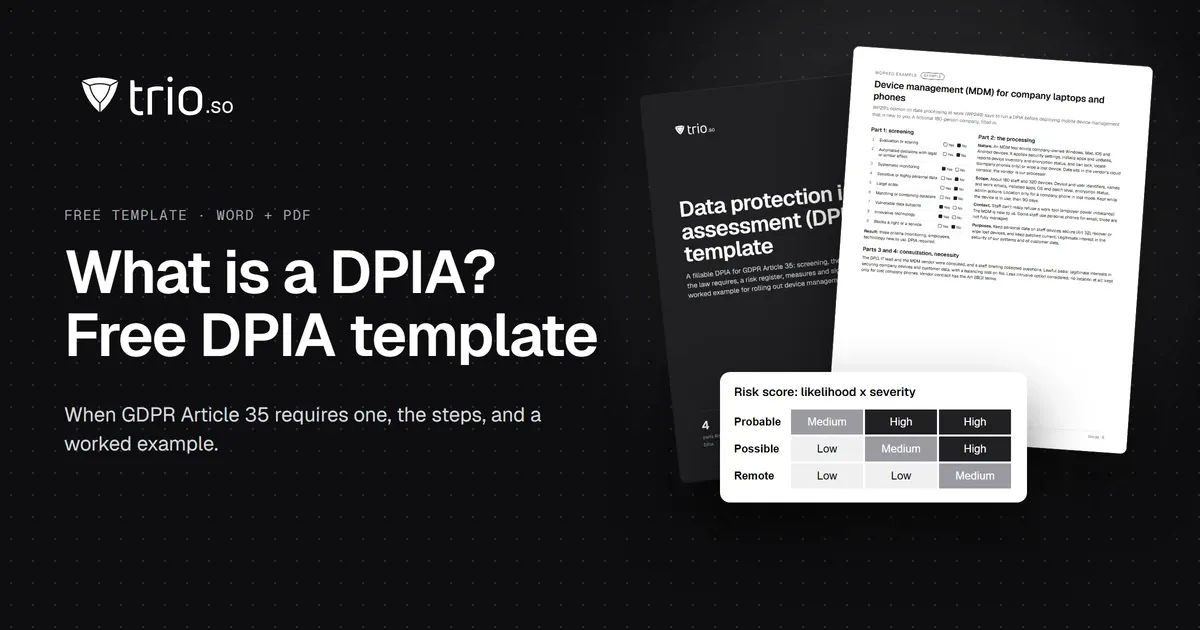
What a DPIA is, when GDPR Article 35 requires one, who is involved and the steps to follow. Free DPIA template (Word + PDF) with an MDM worked example.

Demystifying GRC meaning for SMBs. Learn why governance, risk management, and compliance are indispensable in today's tech-driven world.

The California Consumer Privacy Act was created to protect the interests of consumers. Read on to learn more about this legislation.
14-day free trial. No credit card required.
trio.so for MSPs: one console, separate clients