
How to Implement Kiosk Software in Your Organization
Implementing kiosk software throughout an organization can go smoothly if the business adheres to best practices. Read on to learn how.
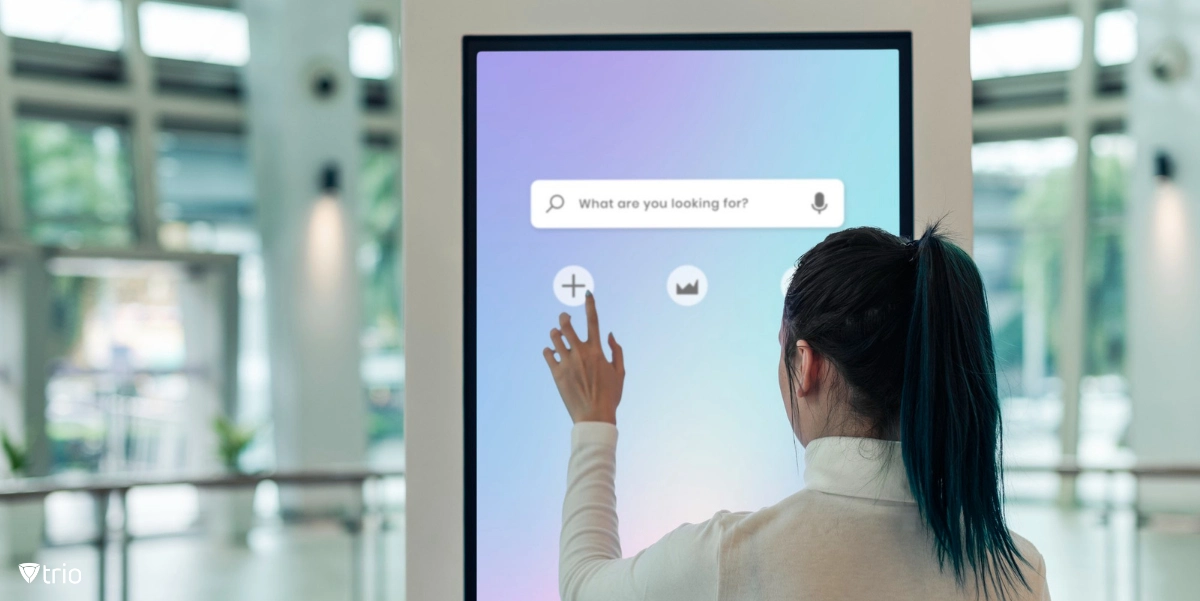
In the dynamic realm of organizational operations, the utilization of self-service kiosks has emerged as a transformative force, streamlining processes and enhancing customer experiences. According to Business Research Insights, “The global kiosk software market size was USD 459.6 million in 2020 and is projected to reach USD 1692.8 million by 2027.” At the core of these innovative solutions lies specialized kiosk software, meticulously designed to orchestrate seamless interactions between users and machines. In this comprehensive guide, we explore the manifold functionalities of kiosk software and unravel the quintessential practices for optimizing its deployment within your organization.
What is the Purpose of Kiosk Software?
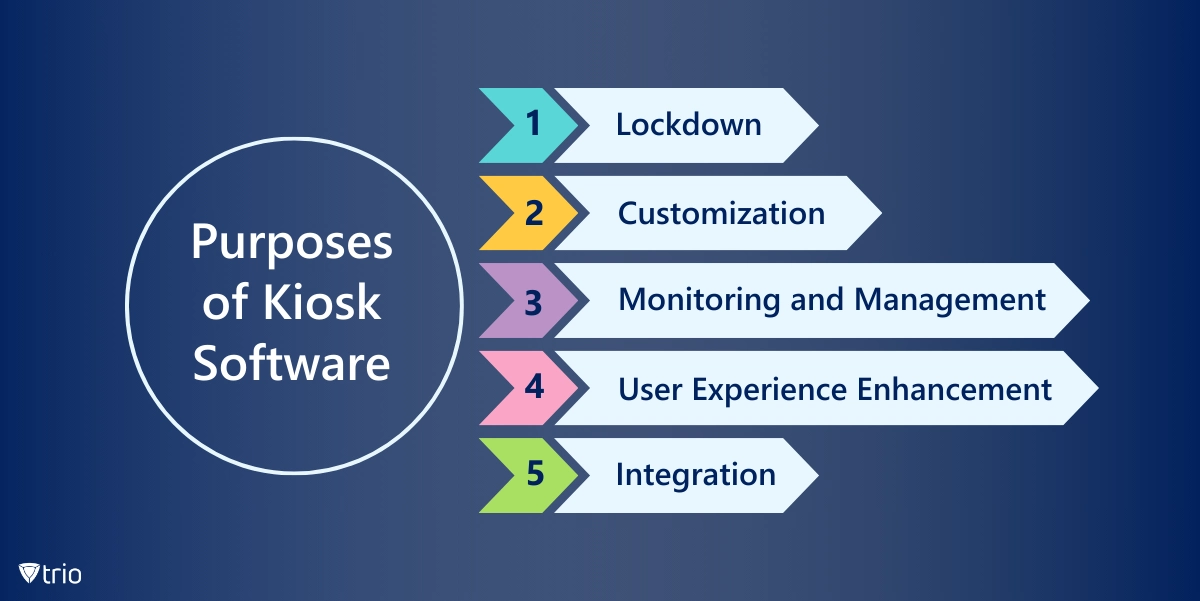
Kiosk management software refers to specialized applications designed to run on self-service kiosk terminals, which are interactive computing devices often used in public settings such as retail stores, airports, museums, and information centers. Digital kiosk software can be used on various platforms and most providers have different versions for that reason, such as Android kiosk software or software for Windows. Kiosk software serves several purposes:
- Lockdown: Kiosk software typically offers lockdown features that restrict access to the device's operating system and applications. This prevents users from accessing system settings or unauthorized content, ensuring the kiosk remains secure and stable.
- Customization: Kiosk software allows administrators to customize the user interface and behavior of the kiosk terminal according to specific requirements. This includes branding the interface with logos and colors, configuring which applications or websites users can access, and defining user interaction flows.
- Monitoring and Management: Many kiosk software solutions provide tools for remote monitoring and management of kiosk terminals. Administrators can track usage statistics, monitor device health, deploy software updates, and troubleshoot issues remotely, reducing the need for onsite maintenance.
- User Experience Enhancement: Kiosk software often includes features to enhance the user experience, such as touchscreen optimization, multi-language support, accessibility options, and interactive content delivery.
- Integration: Kiosk software may offer integration capabilities with other systems and services, such as payment gateways, content management systems, customer relationship management (CRM) software, or third-party APIs. This allows kiosk applications to interact with external data sources or services as needed.
Key Factors to Consider When Choosing Kiosk Software for Organizations
When choosing a kiosk software solution for your organization, it's important to consider several factors to ensure that it meets your specific needs and requirements. Here are some key considerations:
Functionality
Determine the specific features and functionality you need for your kiosk deployment, such as lockdown capabilities, content management, remote monitoring and management, user analytics, integration with external systems, accessibility options, and customization capabilities. For example, interactive kiosk software might be a good idea for places like airports or self-checkout systems. On the other hand, their functionality might not be well-suited for when a personal touch is needed. Make sure the chosen solution offers the functionality required to support your kiosk use cases effectively.
Compatibility
Ensure that the kiosk software is compatible with the devices and operating systems you plan to use in your deployment, whether it's Windows, Android, iOS, macOS, or a combination of platforms. Check for any hardware or software requirements and compatibility issues in your kiosk computer software to avoid complications during implementation.
Ease of Use
Evaluate the user interface and ease of use of the kiosk software, both for administrators managing the kiosks and end-users interacting with them. Look for intuitive navigation, user-friendly controls, customizable branding options, and accessibility features to ensure a positive user experience. For example, self-service kiosk software is designed to be easy to use without the need for a technician or professional to be around.
Security
Security is crucial for kiosk deployments, especially in public settings where the risk of unauthorized access or tampering is higher. Look for kiosk software solutions that offer robust security features, such as device lockdown, encryption, authentication, malware protection, remote wipe capabilities, and compliance with industry security standards.
Scalability
Consider the scalability of the kiosk software solution to accommodate your organization's growth and evolving needs. Ensure that the solution can support a large number of kiosk terminals across multiple locations, with centralized management and monitoring capabilities to streamline operations and minimize administrative overhead.
Customization Options
Assess the customization options available in the kiosk software, such as branding, user interface design, content presentation, and workflow configuration. Choose a solution that allows you to tailor the kiosk experience to align with your organization's branding guidelines and user preferences.
Support and Maintenance
Evaluate the level of support and maintenance provided by the kiosk software vendor, including technical support, software updates, training resources, and documentation. Ensure that you have access to timely assistance and ongoing support to address any issues or challenges that may arise during deployment and operation.
Cost and Value
Consider the cost of the kiosk software solution, including upfront licensing fees, subscription costs, implementation expenses, and ongoing maintenance fees. There is free kiosk software on the market, but you must evaluate whether the features they provide and their lack of support are worth it or not. Evaluate the overall value proposition of the solution based on its features, functionality, scalability, security, support, and return on investment (ROI) potential. 
Best Practices When Implementing Kiosk Software
Even if you have the best kiosk software on the market, implementing it properly involves several steps to ensure a successful deployment. Here are some best practices to consider:
Define Clear Objectives
Clearly define the objectives and goals of your kiosk deployment, including the specific use cases, target audience, desired outcomes, and key performance indicators (KPIs) for measuring success. This will help guide your implementation strategy and ensure alignment with your organization's objectives.
Conduct a Needs Assessment
Assess your organization's requirements and identify the features and functionality needed from the kiosk software to support your use cases effectively. Consider factors such as device compatibility, security requirements, customization options, scalability, and integration capabilities.
Choose the Right Software
Select a kiosk software solution that aligns with your organization's needs and requirements, based on factors such as functionality, compatibility, ease of use, security, scalability, customization options, and vendor support. Evaluate multiple options and consider conducting pilot tests or demonstrations to ensure the chosen solution meets your expectations.
Plan the Deployment
Develop a comprehensive deployment plan outlining the steps, timeline, resources, and responsibilities involved in implementing the kiosk software. Consider factors such as hardware procurement, software installation and configuration, network connectivity, content creation and management, user training, testing, and rollout strategy.
Ensure Hardware Compatibility
Ensure that the hardware devices you plan to use for your kiosk deployment are compatible with the selected kiosk software solution. Test the software on the intended hardware devices to verify compatibility and performance before full-scale deployment. 
Customize the User Experience
Customize the user interface and experience of the kiosk software to align with your organization's branding guidelines and user preferences. Consider factors such as branding elements, navigation flow, content presentation, interactive features, accessibility options, and language support to create a seamless and engaging user experience.
Implement Security Measures
Implement robust security measures to protect your kiosk deployment against unauthorized access, tampering, data breaches, and malware threats. Configure security settings such as device lockdown, user authentication, encryption, remote monitoring and management, malware protection, and compliance with industry security standards.
Train Users and Staff
Provide comprehensive training and support for both end-users and staff responsible for managing and maintaining the kiosk deployment. Educate users on how to interact with the kiosk, navigate the user interface, complete transactions, and troubleshoot common issues. Train staff on how to monitor and manage the kiosk terminals, perform routine maintenance tasks, and address technical issues effectively.
Monitor and Maintain
Establish processes and tools for monitoring and maintaining your kiosk deployment to ensure optimal performance, security, and reliability. Regularly monitor device health, usage statistics, security alerts, and user feedback to identify any issues or opportunities for improvement. Implement proactive maintenance procedures such as software updates, content refreshes, hardware repairs, and performance optimization to keep your kiosk deployment running smoothly.
Gather Feedback and Iterate
Collect feedback from users, stakeholders, and staff on their experience with the kiosk deployment and use it to identify areas for improvement and optimization. Continuously iterate and refine your kiosk software implementation based on user feedback, changing requirements, emerging technologies, and industry best practices to enhance the overall effectiveness and success of your deployment.
Conclusion
As organizations endeavor to harness the power of self-service kiosks, the strategic utilization of kiosk software emerges as a linchpin for success. By adhering to best practices and leveraging the full spectrum of functionalities offered by these innovative solutions, organizations can unlock new avenues of efficiency, security, and user engagement. Using Mobile Device Management (MDM) solutions that offer Kiosk modes, such as Trio can help organizations manage their devices, employees, and data alongside gaining the benefits of kiosk software. Trio’s Kiosk mode is coming soon, but as an MDM solution, it provides many features that you can try out by accessing our free demo today. By streamlining and automating many of the processes that go on in your organization using an MDM solution, your business will become more effective and a better place to work both for you and your employees.

Start your free trial
Get Ahead of the Curve
Every organization today needs a solution to automate time-consuming tasks and strengthen security. Without the right tools, manual processes drain resources and leave gaps in protection. Trio MDM is designed to solve this problem, automating key tasks, boosting security, and ensuring compliance with ease.
Every organization today needs a solution to automate time-consuming tasks and strengthen security. Without the right tools, manual processes drain resources and leave gaps in protection. Trio MDM is designed to solve this problem, automating key tasks, boosting security, and ensuring compliance with ease.





Frequently Asked Questions (FAQ)
Have questions? We've got answers. This section covers some of the most commonly asked questions related to this topic.