



Templates
Data Encryption Policy Template (Free Word + Excel Register)
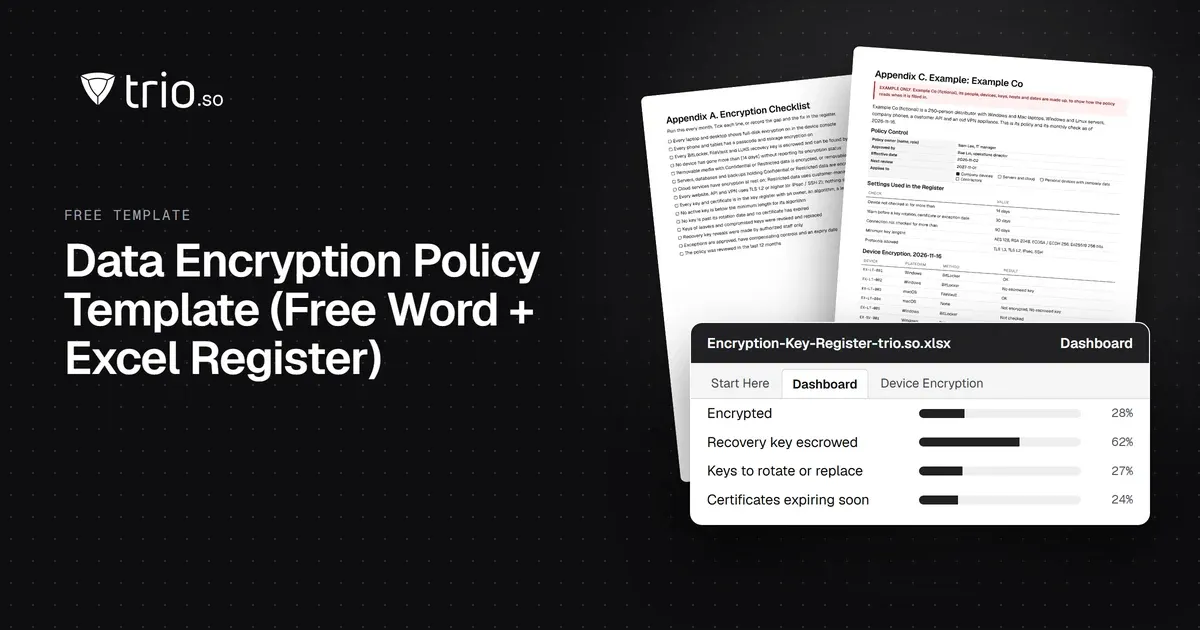
Free data encryption policy template in Word and PDF: at rest and in transit, approved algorithms, key management, a checklist and an Excel key register.
A free IT service request form template in Excel, Word and PDF: the fields to include, a filled-in sample, service request vs incident, and routing.

Content writer, trio.so
An IT service request form is a standard form employees use to ask IT for something: access to a system, new software, a replacement laptop, a new starter's setup or help with a problem. A good IT request form collects who is asking, what they need, why, how urgent it is, by when, who approves it and which device or account it concerns, so IT can act without a round of follow-up questions. IT adds a ticket number, an assignee, a status and the resolution once the request is in. The field list, a filled-in sample and the free template download, with an Excel request log and a Word and PDF form, are below.
If requests reach your IT team by email, chat and hallway conversations and some get lost, start with the fields and the sample; the sections after them cover routing, approvals and when to move from a form to a service desk.
An IT service request form is the single, structured way employees ask IT for a service. It replaces free-text emails with the same set of questions every time, so the request arrives complete, can be prioritized against others and leaves a record of who asked for what and what was done. The same form can be a paper or PDF form, a spreadsheet, a web form or the request page of a service desk.
Keep the employee's part short and make IT's part complete. These are the fields most teams need:
| Field | Filled in by | What to capture |
|---|---|---|
| Requester | Employee | Name, job title and contact details |
| Department | Employee | Team or cost center, for routing and billing |
| Request type | Employee | A short list: access, software, hardware, new employee, account change, other |
| Description | Employee | What is needed, in their own words |
| Business reason | Employee | Why it is needed; required for anything that costs money or grants access |
| Priority | Employee, confirmed by IT | Low, medium, high or urgent, with a one-line definition of each |
| Needed by | Employee | The date the request must be done |
| Approver | Employee | The manager or system owner who must approve it |
| Device or account | Employee | The laptop, phone or account it concerns, ideally by asset tag or device name |
| Attachments | Employee | Screenshots, quotes or error messages |
| Ticket number | IT | The reference used in every follow-up |
| Assignee | IT | The person responsible for the request |
| Status | IT | New, awaiting approval, in progress, waiting for employee, completed or rejected |
| Resolution | IT | What was done and when, or why it was rejected |
For requests that create or change accounts, a dedicated user account creation request form captures the extra details, such as start date and system roles.
This is how a completed request reads. The details are an example.
| Field | Example |
|---|---|
| Requester | Maria Rossi, Marketing Designer |
| Department | Marketing |
| Request type | Software |
| Description | Install a PDF editor on my laptop to edit supplier forms |
| Business reason | Supplier onboarding forms arrive as PDFs that need changes before signing |
| Priority | Medium |
| Needed by | Friday |
| Approver | Head of Marketing |
| Device or account | MKT-MBP-07 |
| Ticket number | REQ-1041 |
| Assignee | Daniel Kim, IT |
| Status | Completed |
| Resolution | Approved Monday; license assigned and app installed remotely Tuesday |
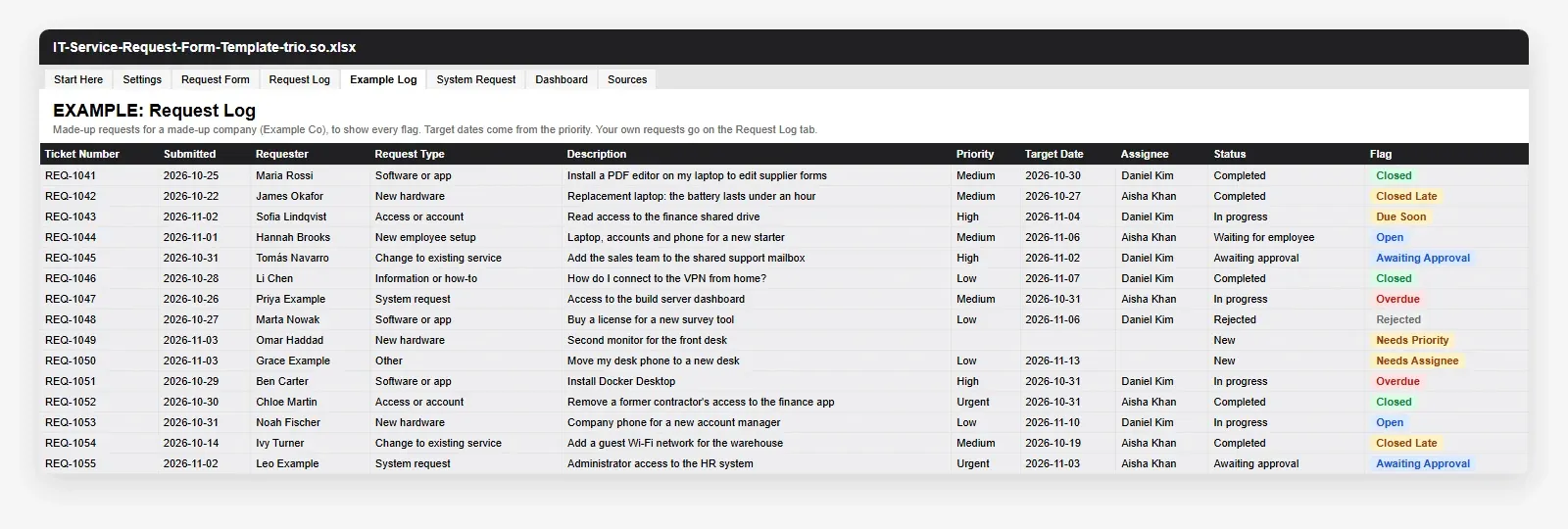
The download has three files. The Excel workbook holds a printable IT request form, a request log with one row per request, a system request form for a new system or access to one, and a dashboard of open, overdue and awaiting-approval requests. Target dates are worked out from the priority, and each request can name the service it comes from in your IT service catalog. An example log with 15 made-up requests sits beside the blank one. The Word and PDF files hold the same IT service request form, ready to fill in or print, with the filled-in sample above, a short guide to routing, approval, priority targets and closing the loop, and the request vs incident table. Adapt the request types, priority definitions and approvers to your organization.
IT service management frameworks such as ITIL separate two kinds of tickets. A service request asks for something that is a normal, agreed part of the service, such as access, software or a new laptop. An incident reports something that is broken or worse than it should be, such as a laptop that will not start or an application that is down.
| Service request | Incident | |
|---|---|---|
| What it is | A request for a standard service | An unplanned interruption or degradation |
| Examples | New software, access to a shared drive, a new starter's laptop | Laptop will not boot, email is down, printer offline |
| Planned? | Yes, often with approval first | No, it needs a fix as soon as possible |
| Measured by | Time to fulfil | Time to restore service |
Many small teams use one form for both, with "Request type" telling them apart. Keeping the distinction still helps: incidents usually need faster targets and a different person on call. For the wider framework, see IT service management.
Send each request type to the person or group who handles it: hardware to whoever orders devices, access to the system owner, accounts to the identity admin. Routing by type stops requests sitting in a shared inbox. If you keep an IT service catalog, use its service names as your request types: the catalog lists what IT offers, and the request form is how people ask for it.
Define which request types need approval and who gives it. Anything that costs money, grants access to sensitive data or changes a user's rights should be approved by a manager or system owner before IT starts.
Write a one-line definition for each priority and a target time to respond and to complete. Publish them, so employees know what to expect. A service level agreement template can hold the targets.
Password resets, standard software and common how-to questions are faster through self-service than through a form. Write short knowledge articles for the most frequent requests and link to them from the form.
Tell the requester when the request is done, record the resolution and review the requests every month: recurring requests point to a standard offering, a missing article or something to automate. Our ITSM best practices go further.
A form and a shared spreadsheet work for a handful of requests a week. Move to request management software, a service desk, when requests regularly get lost or duplicated, when you need to see who is working on what, when you have promised response or resolution times, or when you want to link each request to the device or account it concerns. Look for email and portal intake, automatic routing, approvals, SLA timers, a knowledge base and reporting. See IT support tools for the other tools a support team needs, and the IT onboarding checklist for new-starter requests.
When requests outgrow a form, they belong next to the devices they are about. A request form is a process job, and the template does that work; where trio.so helps is the device side, because many requests are about a laptop, a phone, an app or an account. On the Zero Trust plan, trio.so includes a service desk where requests are logged as tickets with a request type, priority, status and assignee, in the same console that manages the devices. For the requests themselves:
Plans start at $5 per device. 14-day free trial. No credit card required. Start a free trial or book a demo.
An IT service request form gives every request the same complete set of details, a priority, an approver and a record of what was done. Start with the fields above, publish clear priority definitions, route requests by type, approve before acting, and move to a service desk when the volume or your promised targets call for it.
Related reading: IT service management, ITSM best practices, IT support tools and service level agreement template.
On the Zero Trust plan, trio.so includes a service desk where requests are logged as tickets with a priority, status and assignee, in the same console that manages the devices.
trio.so brings device management, patching and security policies for Windows, macOS, Linux, iOS/iPadOS and Android into one console. Enroll a device and see it in the console within minutes.
trio.so brings device management, patching and security policies for Windows, macOS, Linux, iOS/iPadOS and Android into one console. Enroll a device and see it in the console within minutes.





Have questions? We've got answers. This section covers some of the most commonly asked questions related to this topic.
Related
The related industry news, interviews, technologies, and resources.
Free data encryption policy template in Word and PDF: at rest and in transit, approved algorithms, key management, a checklist and an Excel key register.
A free penetration testing policy template in Word, PDF and Excel: the sections to include, a test plan example, rules of engagement and reporting.
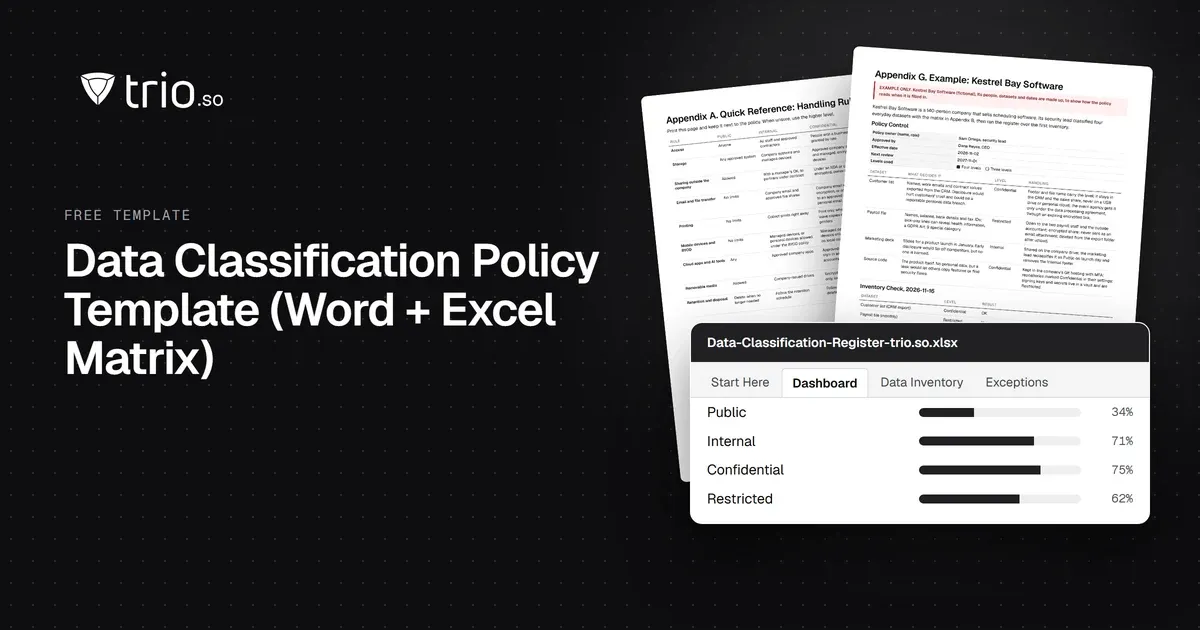
Free data classification policy template in Word and PDF: four levels with examples, a handling matrix, labeling rules, forms and an Excel register.
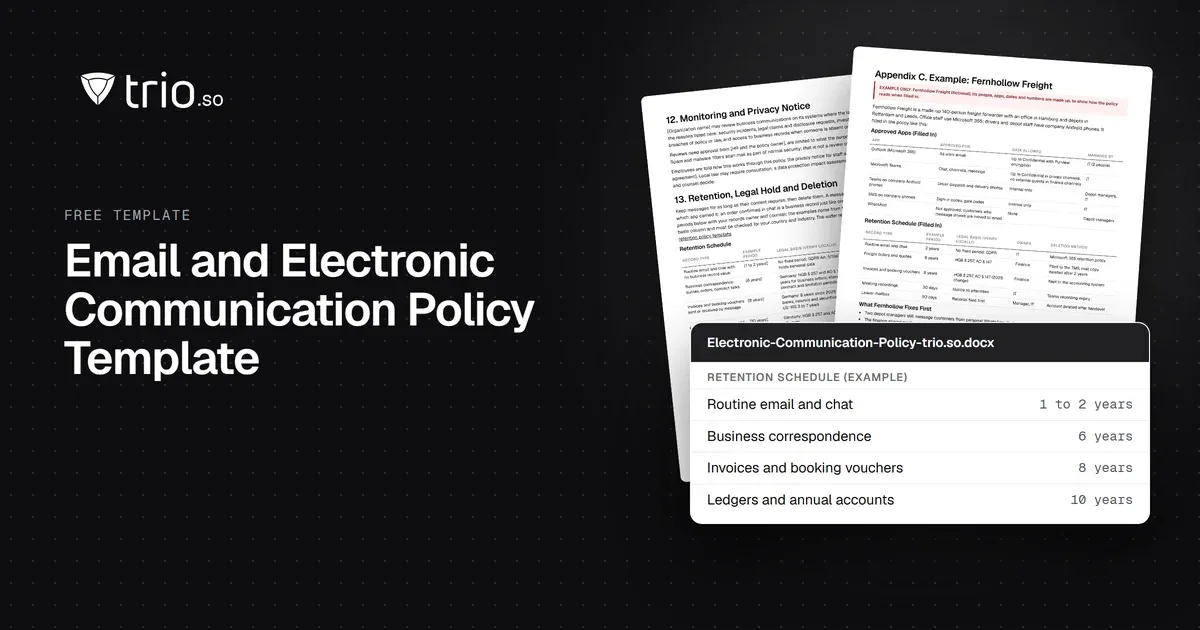
Free email and electronic communication policy in Word and PDF: approved apps, phishing, a monitoring notice and an email retention schedule.
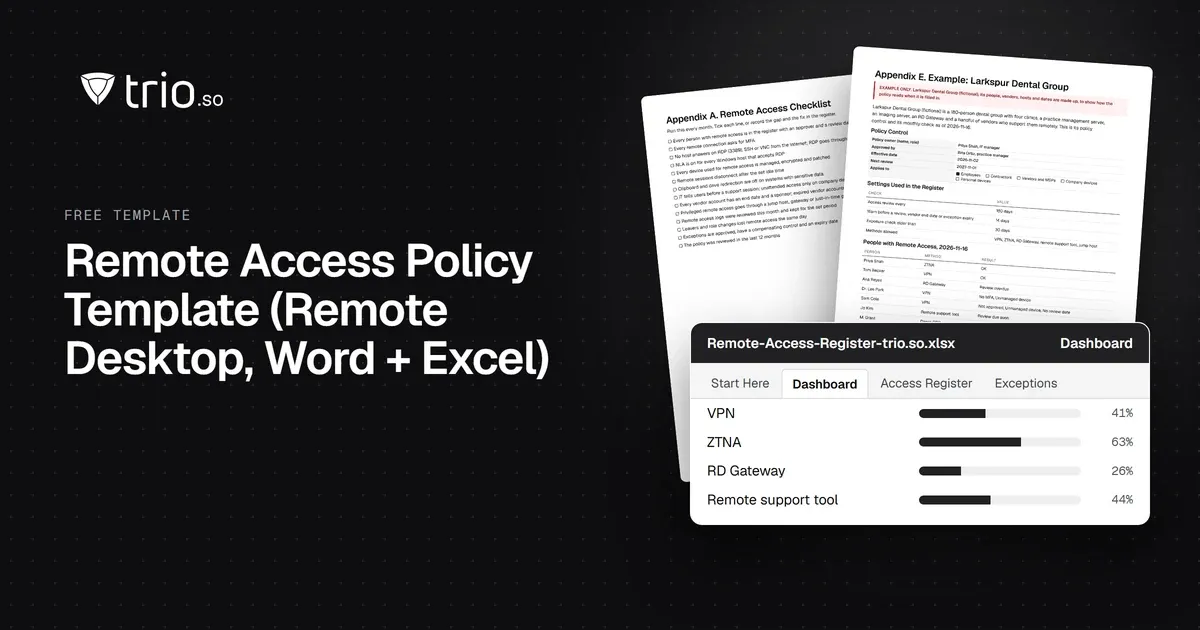
Free remote access policy template in Word and PDF: approved methods, RDP and MFA rules, vendor access, logging, an acknowledgment form and an Excel register.
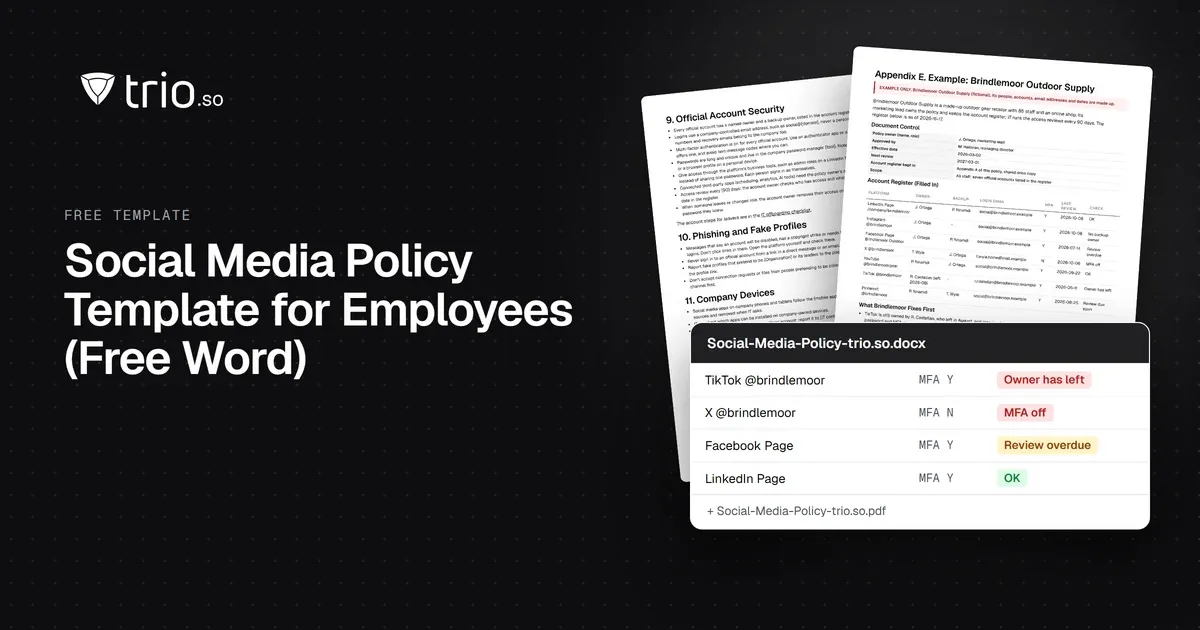
Free social media policy template for employees in Word and PDF: personal and official accounts, account security and a hacked-account checklist.
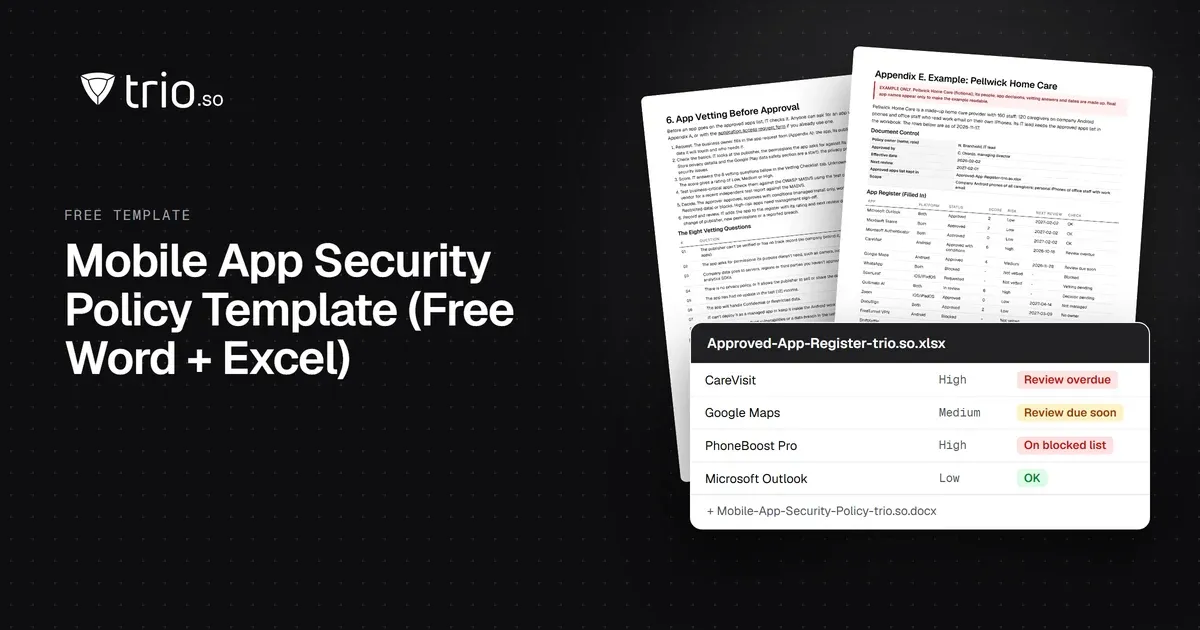
Free mobile app security policy in Word and PDF: approved app sources, app vetting, blocked apps and permissions, plus an Excel app register.
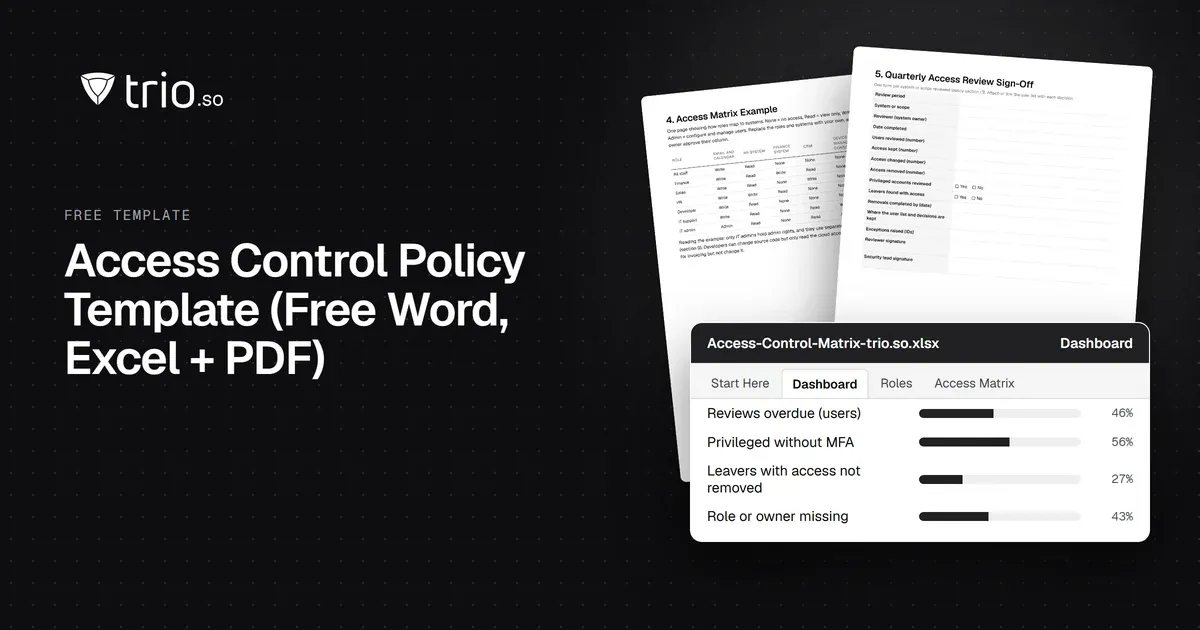
Free access control policy template with joiner, mover and leaver steps, an RBAC matrix, privileged access rules and ISO 27001 and NIST mapping.
14-day free trial. No credit card required.
trio.so for MSPs: one console, separate clients