



Templates
Data Classification Policy Template (Word + Excel Matrix)
Free data classification policy template in Word and PDF: four levels with examples, a handling matrix, labeling rules, forms and an Excel register.
A free penetration testing policy template in Word, PDF and Excel: the sections to include, a test plan example, rules of engagement and reporting.

Content writer, trio.so
A penetration testing policy is the document that says how, when and by whom your organization's systems are tested by simulated attacks. A complete policy covers the purpose and scope, roles and responsibilities, how often tests run and what triggers an extra one, written authorization and rules of engagement, testing methods, rules for outside testers and for cloud providers, reporting, how fast findings must be fixed, retesting, and which records to keep. Each test then gets its own test plan with the targets, test types, dates, contacts and deliverables. The free template download (a Word and PDF policy with a worked test plan, and an Excel tracker), the full section list and a sample penetration test plan are below.
If an auditor, a customer or a cyber insurer has asked for a penetration testing policy, start with the section list and the download; the sample test plan is what you hand to the tester before each test.
A penetration test (pen test) is an authorized, simulated attack on your systems to find weaknesses an attacker could use, and to show how far they could get. A vulnerability scan lists known weaknesses automatically; a pen test has a person try to exploit them and chain them together. The policy is the standing set of rules for those tests: what may be tested, who approves it, how it is done safely and what happens with the results.
It matters most for the authorization. Testing a system without the owner's written permission can be a crime under computer misuse laws, even when the intent is good. The policy makes sure every test is approved, scoped and recorded, whether it is run by your own team or by an outside firm.
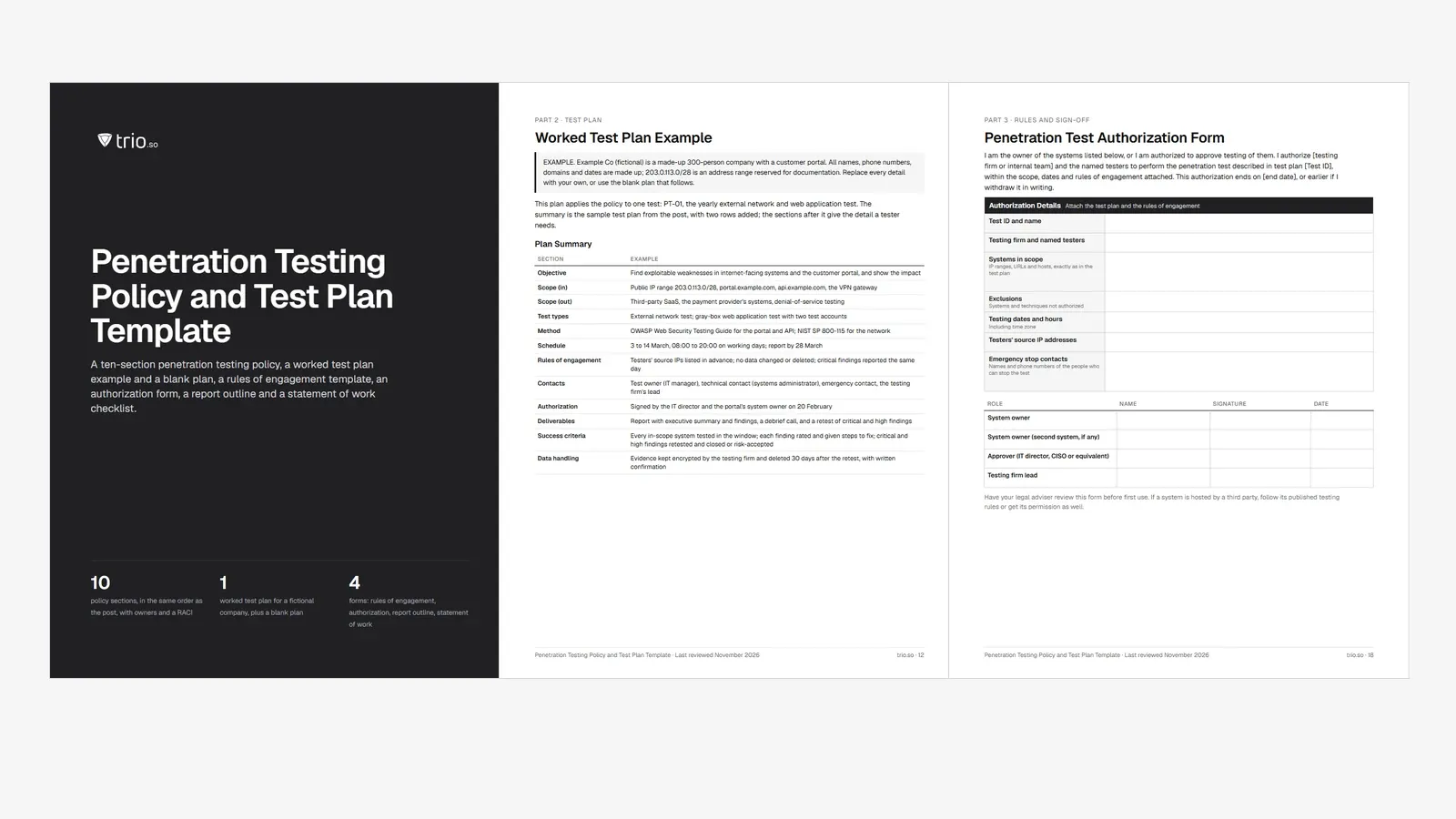
The download has three files. The Word document, also as a PDF, holds the penetration testing policy in the same ten sections as below, with a roles table and a RACI; a worked test plan example for a fictional company and a blank plan; a rules of engagement template; an authorization form for written sign-off; a report template outline; and a one-page statement of work and vendor checklist for hiring a testing firm. The Excel tracker schedules tests by type with overdue flags, logs the changes that call for a retest, lists what is in and out of scope, and tracks each finding against a target date set by its severity, with retest results and a dashboard. An example with 15 made-up findings sits beside the blank tracker. Fill in your own scope, owners, testing frequency and remediation timelines.
State why the organization tests (to find and fix exploitable weaknesses before attackers do) and what the policy covers: networks, servers, web and mobile applications, cloud accounts, Wi-Fi, and possibly physical and social engineering tests. List any systems that are excluded and why.
Name who owns the policy, who approves each test, who manages the testers, who is the technical contact during the test, and who fixes the findings. Include the incident response team, in case a test triggers or uncovers a real incident.
Describe the test types (external network, internal network, web application, mobile application, wireless, social engineering), the knowledge given to testers (black-box, gray-box or white-box), and the phases: planning, reconnaissance, scanning, exploitation, and reporting. Reference a recognized method, such as NIST SP 800-115, the OWASP Web Security Testing Guide for applications, or the Penetration Testing Execution Standard.
No test starts without written authorization from the owner of every system in scope. The rules of engagement set the testing window, the source IP addresses testers will use, what is not allowed (for example denial of service, changing or deleting data, or testing outside the window), how to stop a test, and who to call if something breaks.
Set a minimum frequency, commonly once a year for external and internal tests, plus a test after any significant change, such as a new application, a major infrastructure change or a new office network. PCI DSS v4.0.1 Requirement 11.4 asks for internal and external penetration tests at least once every 12 months and after significant changes, and for network segmentation to be tested as well. Higher-risk systems can be tested more often.
Require a signed contract and non-disclosure agreement, proof of qualifications and insurance, secure handling and deletion of your data, and named testers. Rotate testing firms every few years if you want a fresh view.
Testing your own cloud resources is allowed within each provider's rules. AWS, Microsoft Azure and Google Cloud publish penetration testing rules that list what can be tested without asking first and what is forbidden, such as attacking the provider's own infrastructure or other customers. Check the current rules before each test and include SaaS applications only if the vendor permits it.
Specify what the report must contain (see below), who receives it, how it is stored and how long it is kept, since it is a map of your weaknesses. Keep the authorization, the test plan, the report, remediation records and the retest results together.
Set fix deadlines by severity, for example critical findings within days, high within weeks and the rest within your normal patch cycle, and require a retest of critical and high findings to confirm they are closed. Findings that cannot be fixed need a documented risk acceptance from the system owner.
List the frameworks and contracts that set testing requirements for you, and the legal limits: written permission, data protection when testers can reach personal data, and local computer misuse laws. Frameworks differ: PCI DSS requires penetration testing outright, while others, such as SOC 2 and ISO/IEC 27001, expect technical vulnerabilities to be found and handled, and auditors often accept pen test reports as evidence.
A test plan applies the policy to one test. This is an example for a yearly external and web application test; replace the details with your own.
| Section | Example |
|---|---|
| Objective | Find exploitable weaknesses in internet-facing systems and the customer portal, and show the impact |
| Scope (in) | Public IP range 203.0.113.0/28, portal.example.com, api.example.com, the VPN gateway |
| Scope (out) | Third-party SaaS, the payment provider's systems, denial-of-service testing |
| Test types | External network test; gray-box web application test with two test accounts |
| Method | OWASP Web Security Testing Guide for the portal and API; NIST SP 800-115 for the network |
| Schedule | 3 to 14 March, 08:00 to 20:00 on working days; report by 28 March |
| Rules of engagement | Testers' source IPs listed in advance; no data changed or deleted; critical findings reported the same day |
| Contacts | Test owner (IT manager), technical contact (systems administrator), emergency contact, the testing firm's lead |
| Authorization | Signed by the IT director and the portal's system owner on 20 February |
| Deliverables | Report with executive summary and findings, a debrief call, and a retest of critical and high findings |
| Success criteria | Every in-scope system tested in the window; each finding rated and given steps to fix; critical and high findings retested and closed or risk-accepted |
| Data handling | Evidence kept encrypted by the testing firm and deleted 30 days after the retest, with written confirmation |
The download works this plan out in full for a fictional company: the scope asset by asset, the schedule from authorization to retest, the contacts, the complete rules of engagement, the risks and how they are handled, and the signed authorization. A blank plan sits beside it, to copy for each test.
At least once a year, and after any significant change to the systems in scope. Organizations with high-risk or fast-changing systems often test critical applications more often, or run continuous testing on top of the yearly test. Between tests, regular vulnerability scanning and prompt patching keep known weaknesses from piling up; see vulnerability management and patch management.
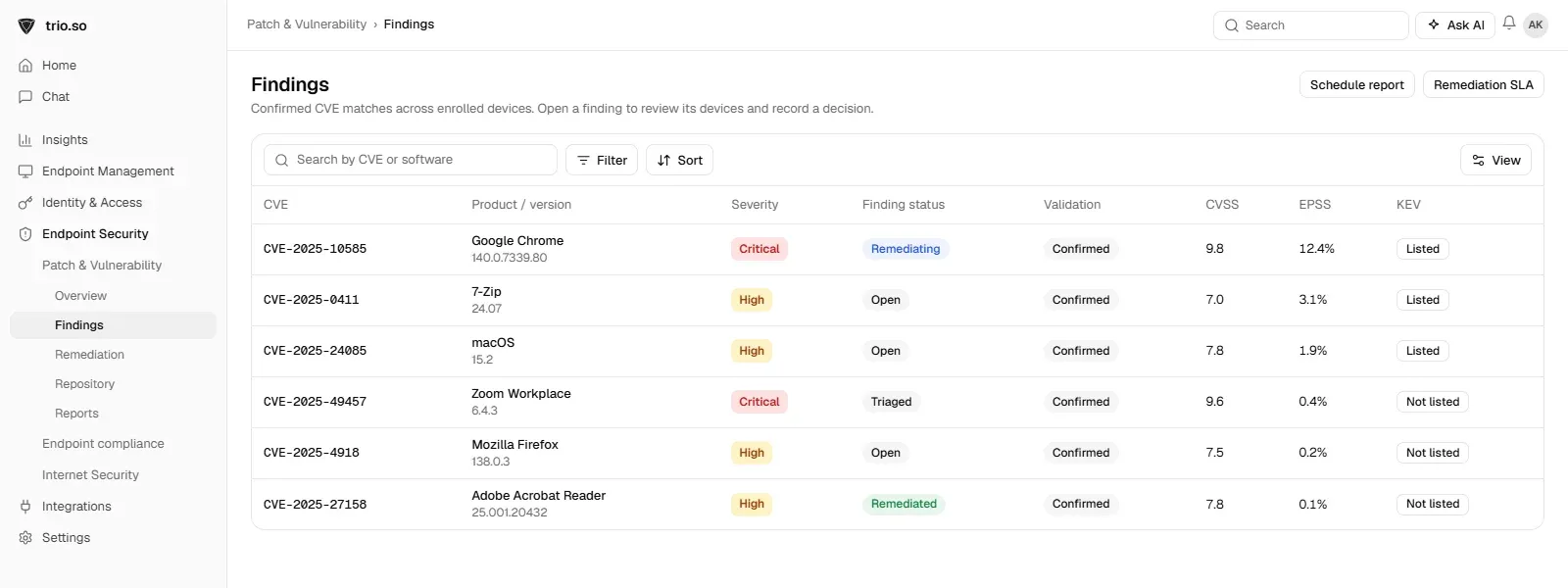
A penetration test shows your weaknesses on the day it runs; between tests, new vulnerabilities appear every week. trio.so finds missing patches on enrolled devices and shows each finding with its CVE severity, CVSS and EPSS scores and whether it is on CISA's Known Exploited Vulnerabilities list, and patches operating systems and third-party apps. See patch management.
A penetration testing policy makes every test authorized, scoped, safe and useful: it sets who approves, what is tested, how often, how findings are reported and how fast they are fixed. Use the template for the policy, write a short test plan for each test, and retest what you fix. For the wider checks around it, see the IT audit checklist and the compliance checklist template.
Related reading: vulnerability management, server security best practices, IT infrastructure security and unauthorized access to computer systems.
trio.so shows missing patches on every enrolled device with CVE severity and patches operating systems and third-party apps.
trio.so brings device management, patching and security policies for Windows, macOS, Linux, iOS/iPadOS and Android into one console. Enroll a device and see it in the console within minutes.
trio.so brings device management, patching and security policies for Windows, macOS, Linux, iOS/iPadOS and Android into one console. Enroll a device and see it in the console within minutes.





Have questions? We've got answers. This section covers some of the most commonly asked questions related to this topic.
Related
The related industry news, interviews, technologies, and resources.
Free data classification policy template in Word and PDF: four levels with examples, a handling matrix, labeling rules, forms and an Excel register.
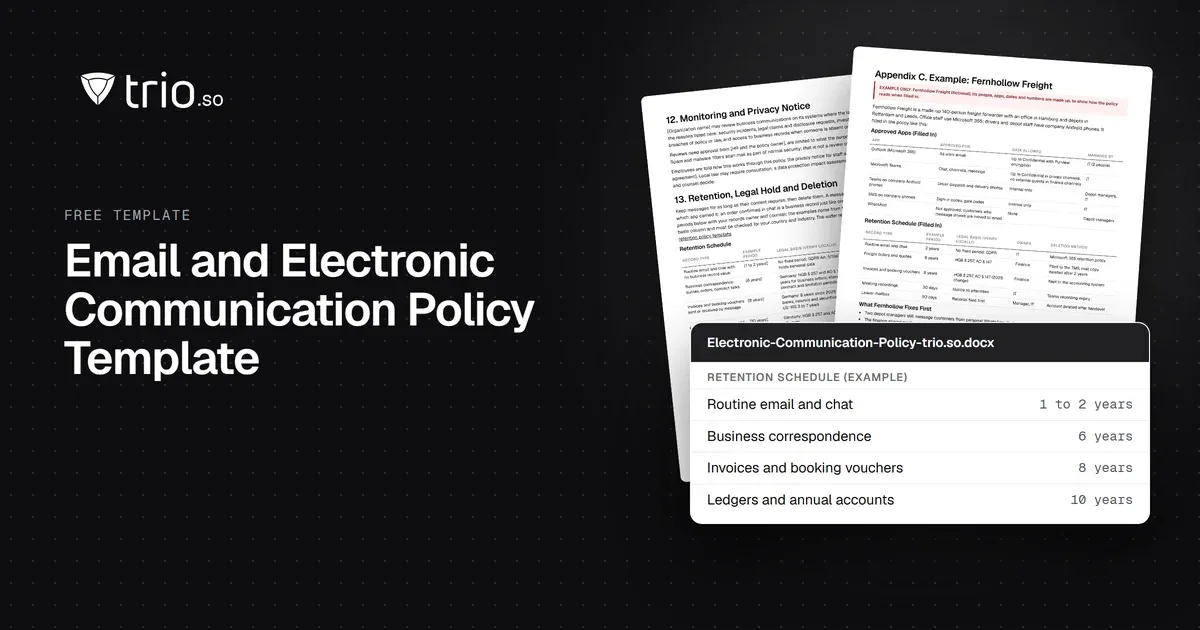
Free email and electronic communication policy in Word and PDF: approved apps, phishing, a monitoring notice and an email retention schedule.
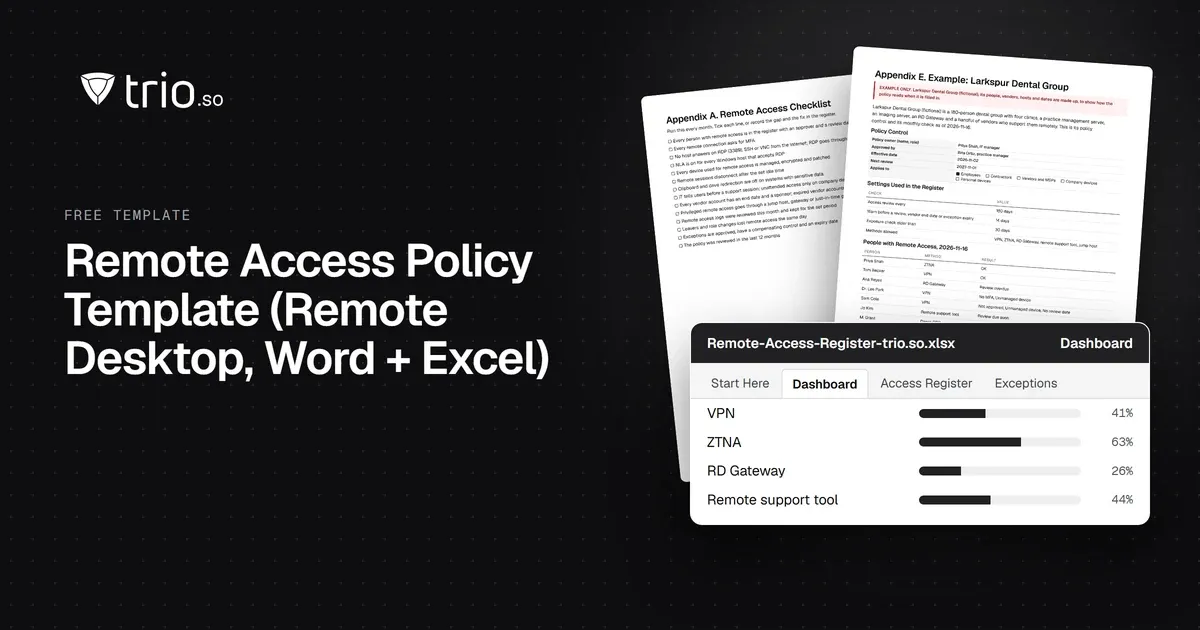
Free remote access policy template in Word and PDF: approved methods, RDP and MFA rules, vendor access, logging, an acknowledgment form and an Excel register.
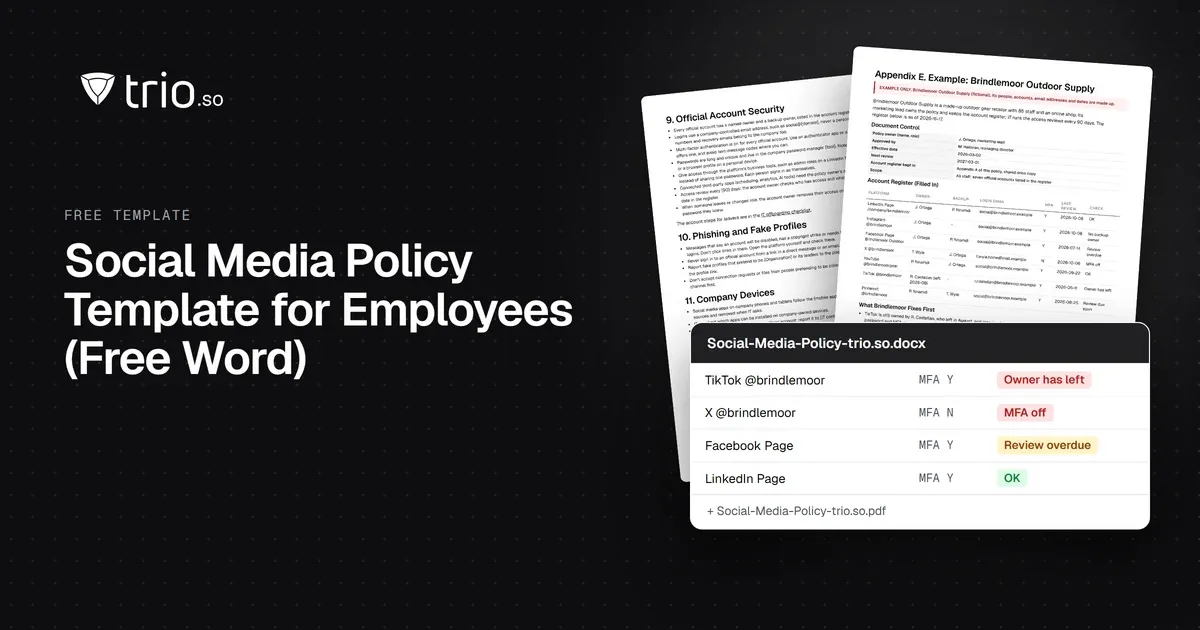
Free social media policy template for employees in Word and PDF: personal and official accounts, account security and a hacked-account checklist.
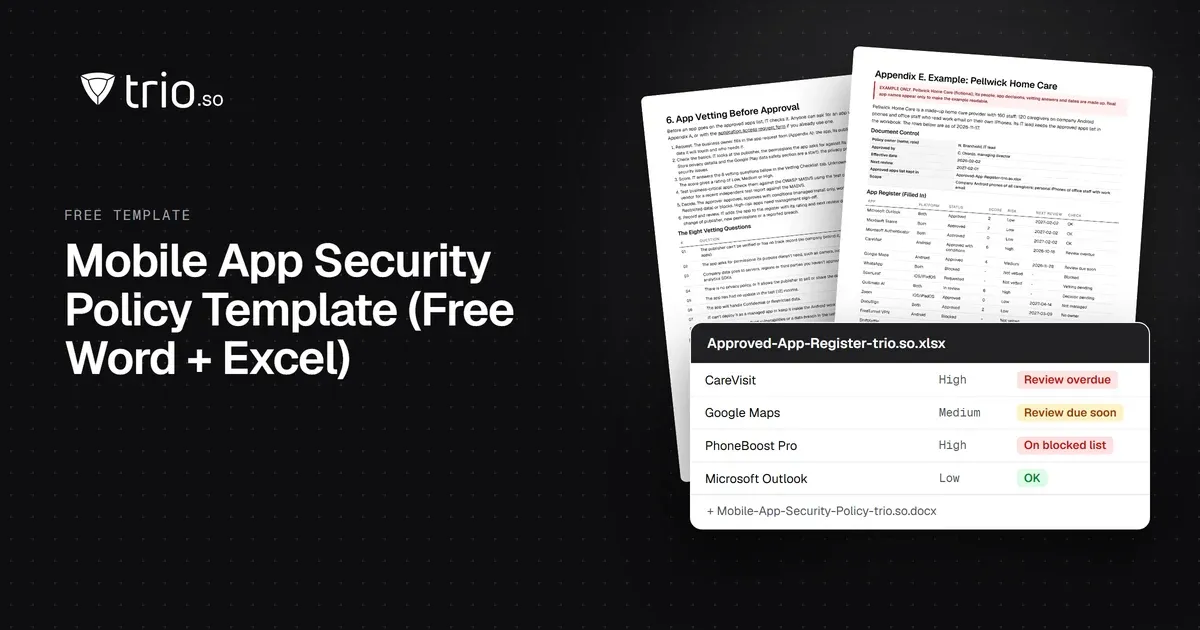
Free mobile app security policy in Word and PDF: approved app sources, app vetting, blocked apps and permissions, plus an Excel app register.
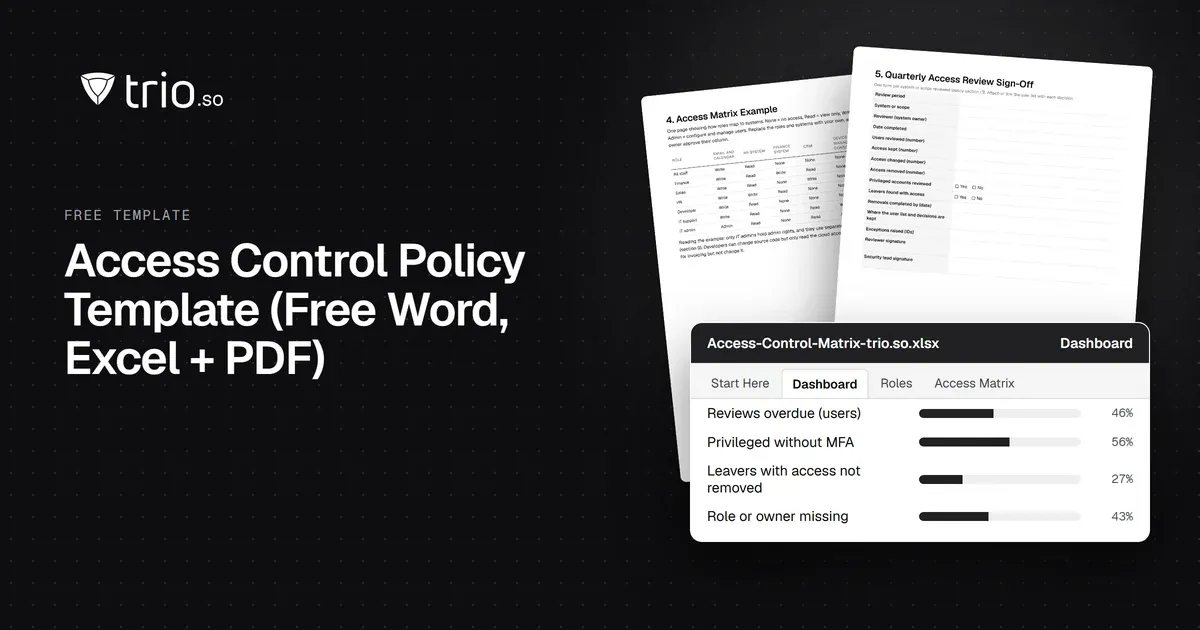
Free access control policy template with joiner, mover and leaver steps, an RBAC matrix, privileged access rules and ISO 27001 and NIST mapping.
Create an effective Service Level Agreement (SLA) template to ensure a clear and mutually beneficial service relationship between providers and clients.
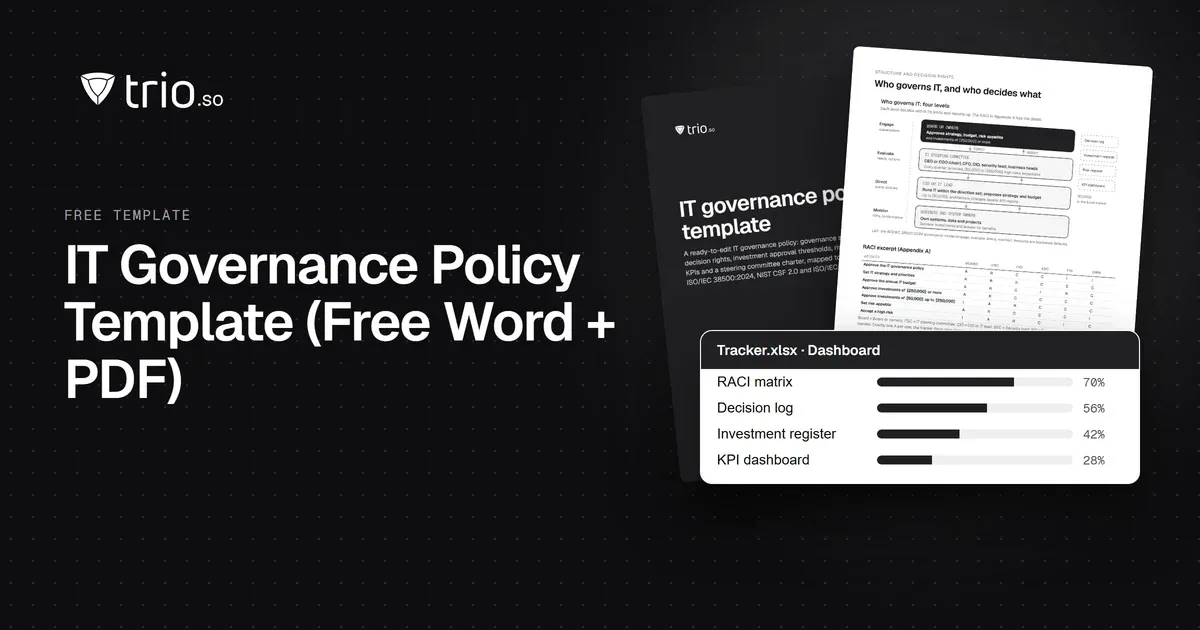
Free IT governance policy template in Word and PDF, with an Excel tracker: 17 sections, a RACI, decision rights, KPIs and a framework example.
14-day free trial. No credit card required.
trio.so for MSPs: one console, separate clients