



Explained
Vulnerability Prioritization: CVSS, EPSS and CISA KEV Explained
Vulnerability prioritization in three signals: CVSS says how bad, EPSS says how likely, CISA KEV says it is happening now. Learn what to patch first.
How SP-initiated and IdP-initiated SAML SSO work step by step, the replay and CSRF risks, when each fits, common SAML errors and how OIDC compares.


Content writer, trio.so
SP-initiated vs IdP-initiated SSO comes down to who starts the login. In an SP-initiated flow, the user opens the application (the service provider, or SP), and the application sends a SAML AuthnRequest to the identity provider (IdP). In an IdP-initiated flow, the user starts at the IdP, picks an app, and the IdP posts an assertion to the app without being asked. Most apps prefer SP-initiated because the app can tie the response to a request it made. This guide walks through both flows, the risks, when each fits, and the errors you will see when you set them up.
| SP-initiated | IdP-initiated | |
|---|---|---|
| Who starts it | The user, at the app URL or a bookmark | The user, at the IdP portal or app tile |
| First SAML message | AuthnRequest from the SP | Unsolicited SAML response from the IdP |
| InResponseTo in the response | Present, matches the request ID | Absent, there was no request |
| RelayState | Returns the page the user wanted | Often a fixed landing page, or blank |
| Best fit | Security sensitive apps, deep links, customer facing apps | Internal app portals, apps with a fixed landing page |
InResponseTo set to the ID of the AuthnRequest (the field that names the request being answered), plus the audience, the validity window (NotBefore and NotOnOrAfter), the NameID and any attributes.InResponseTo matches a request ID it issued and has not yet used. Then it creates a session and sends the user to the RelayState target.InResponseTo. RelayState, if the IdP sends one, is set in the IdP's app settings.The SP-initiated flow has a built-in check: the app only accepts a response that answers a request it issued. IdP-initiated login has no request to compare against, so the response must be trusted on its own. That leads to three concerns.
NotOnOrAfter and rejecting repeats, and by keeping validity windows short. In the SP-initiated flow, the app accepts each request ID once, so a replayed response fails the InResponseTo check without any extra assertion ID tracking.OWASP's SAML guidance describes IdP-initiated SSO as less secure by design and recommends SP-initiated flows where possible. If you must enable IdP-initiated login, shorten the assertion lifetime, require signed assertions, restrict the ACS URL and audience, reject repeated assertion IDs, and do not redirect to a RelayState target without checking it against an allow list (otherwise the page becomes an open redirect: an attacker can use your login page to send users to any site).
OpenID Connect (OIDC) is built on OAuth 2.0 and uses JSON web tokens rather than XML assertions. The standard login flow is already client-initiated: the app redirects to the provider with a state value (a random string the app checks on return) and a nonce (a random string that must appear in the ID token). The recommended version is the authorization code flow with PKCE (Proof Key for Code Exchange), which proves that the app that started the login is the one finishing it. The state value ties the response to the request, and the nonce ties the ID token to it. In SAML, the AuthnRequest ID does this job. In OIDC, state and nonce do it together. OIDC has no unsolicited response. The closest feature is third-party initiated login, where the identity provider only links to the app. The link points to a login initiation URL, and the app decides whether to start its own authorization request. The app stays in control, so the SAML IdP-initiated weakness does not carry over. For a deeper comparison of the protocols, read OIDC vs SAML.
| Symptom | Likely cause | Fix |
|---|---|---|
| Works from the app, fails from the IdP portal (or the reverse) | The app has IdP-initiated login off, or the IdP tile uses a different ACS URL | Enable the flow on the SP and compare the ACS URL on both sides |
| "InResponseTo does not match" or "unknown request ID" | The request ID was not stored, expired, or the user returned through a different server behind a load balancer, or in a different session | Store request IDs where every server can read them, lengthen the ID lifetime a little, and retry from a clean session |
| "Audience restriction" or "invalid audience" | The SP entity ID configured in the IdP differs from the one the app expects | Copy the entity ID from the SP metadata exactly, including any trailing slash |
| "Assertion is not yet valid" or "has expired" | Clock skew between IdP and SP outside the NotBefore and NotOnOrAfter window | Sync both to NTP and allow a small skew, such as a minute or two |
| "Signature validation failed" | The IdP rotated its signing certificate, or the SP checks the wrong element | Import the new IdP metadata and check whether the response, the assertion or both are signed |
| "Destination mismatch" or an ACS URL error | The ACS URL in the response differs from the SP's configured URL (scheme, host or path) | Make the IdP value match the SP's ACS URL character for character |
| Signed in, but as the wrong user or with no access | NameID format or attribute names differ from what the app maps | Set the NameID format (email is common) and match the attribute names on both sides |
| User lands on the home page, not the page they asked for | RelayState was dropped or exceeded the 80 byte limit | Store the target server side and send a short reference as RelayState |
A browser extension that decodes SAML messages, or the IdP's sign in log, shows the exact assertion and which check failed. For setup detail, see the SAML configuration guide and how SAML authentication works.
trio.so is a device and identity management platform. You add apps for single sign on and register your identity provider in trio.so. SSO apps and identity provider registration each support SAML 2.0 or OIDC, so you can connect the identity provider you already run. trio.so manages devices and identity together across Windows, macOS, Linux, iOS/iPadOS and Android. Read how single sign on works in trio.so. Plans start at $5 per device.
For how SSO relates to the wider identity picture, see federated identity vs SSO.
Start free trial or Book a demo.
14 day free trial. No credit card required.
trio.so brings device management, patching and security policies for Windows, macOS, Linux, iOS/iPadOS and Android into one console. Enroll a device and see it in the console within minutes.
trio.so brings device management, patching and security policies for Windows, macOS, Linux, iOS/iPadOS and Android into one console. Enroll a device and see it in the console within minutes.





Related
The related industry news, interviews, technologies, and resources.
Vulnerability prioritization in three signals: CVSS says how bad, EPSS says how likely, CISA KEV says it is happening now. Learn what to patch first.
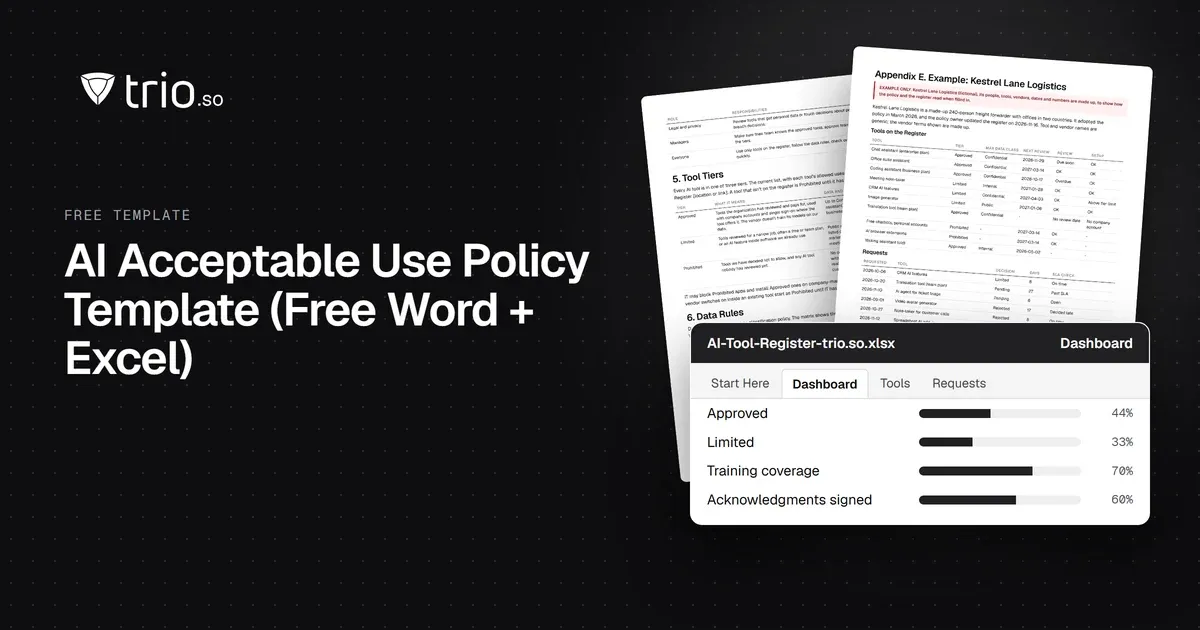
Free AI policy template in Word and PDF: tool tiers, a data matrix, allowed uses by role, AI agents, new-tool reviews and an Excel AI tool register.
School IT support for a team of one to three: where the hours go, what to automate first, a weekly and termly routine, and when to bring in outside help.
How MSPs launch and price a compliance as a service offer: frameworks clients face, packaging, pricing models, evidence and what not to promise.
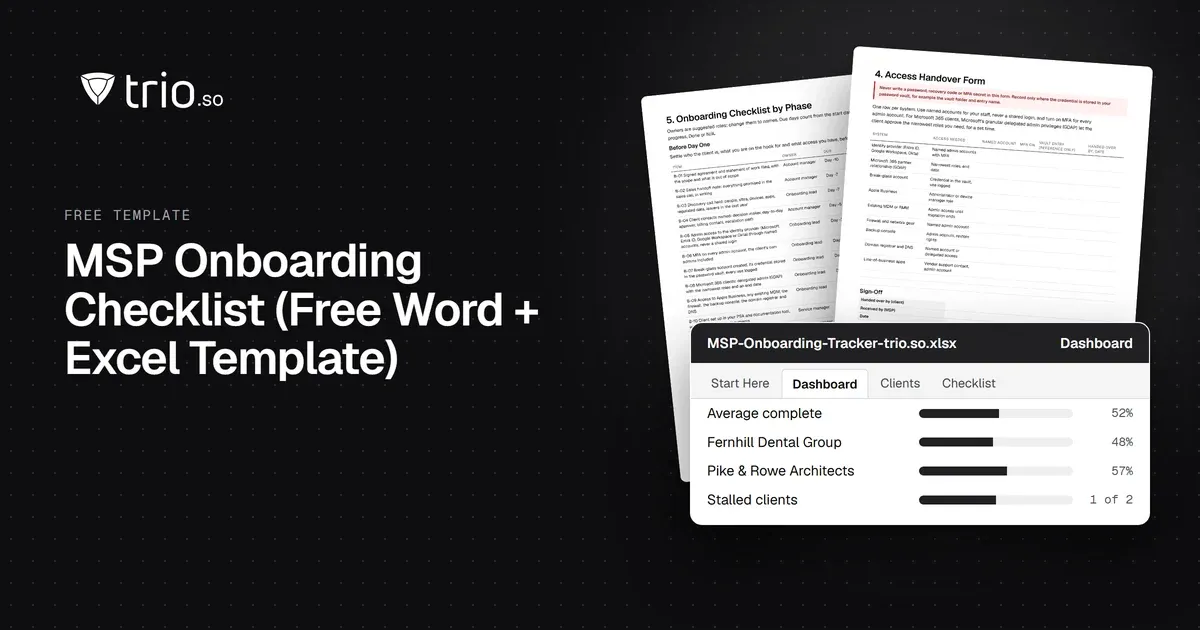
Free MSP onboarding checklist in Word, Excel and PDF: access handover, inventory, enrollment, baseline policies, a security check and offboarding.

Managed IT services for schools: what to outsource, what to keep in house, how providers price it and what to ask before you sign.
NIS2 covers managed service providers across the EU. See when it applies to your MSP, what Germany's law says, and what clients will ask you to show.
How IT should answer the device questions on a cyber insurance questionnaire: honest partial answers, evidence to attach, common mistakes and who signs.
14-day free trial. No credit card required.
trio.so for MSPs: one console, separate clients