



School
Web Filter for Schools: How to Choose One That Covers Every Device
How a web filter for schools works: network, DNS and device layers, what CIPA requires, how students bypass filters, and what to check before you buy.
Managed IT services for schools: what to outsource, what to keep in house, how providers price it and what to ask before you sign.

Content writer, trio.so
Managed IT services for schools means paying an outside provider to run part of your school's technology for a recurring fee. Most schools hand over the work that is steady and technical: the help desk, the network, security monitoring and device rollouts. They keep the decisions that only the school can make: policy, the CIPA (web filtering rule for schools) and E-Rate (federal discount program) paperwork, and what technology is used in lessons. Pricing is usually per device, per user, a flat monthly fee or hourly. What the contract covers matters more than the rate.
If you are a district IT lead or a business manager deciding whether to bring in a provider, the sections below cover what to outsource, what to keep, how pricing is structured, what to ask before you sign, and how a provider and your own team can share one device management console.
Four jobs move to a managed provider more often than any others, because they repeat every day and need specialist skills or cover for absence.
Providers also offer backup, cloud administration and vendor management. Add them if they solve a problem you have, not because they are on the list.
Some work should stay with someone who answers to your school board, even when a provider is doing the daily running.
A useful test: if the task needs knowledge of how your school runs, keep it. If it needs a schedule of people and a specialist, consider outsourcing it.
You do not have to choose one. Three models cover most schools:
The best fit depends on how many people you have, how many devices they manage and how much cover you need. If your team is one to three people, start with device management software to automate repeating work, such as setting up new devices, installing apps and checking policies, before you spend on outside help.
Providers rarely publish a rate card, so ask each one to explain its model. The structures you will meet are:
Whatever the model, ask what is included and what is billed separately: after-hours work, on-site visits, hardware, licenses and the cost of ending the contract. We do not quote provider prices here, because they depend on your size, your devices and the scope you choose.
The last question is the one schools forget. If the provider manages your devices in a console only they can see, you depend on them to answer a simple question about a device.
trio.so is device management software. It manages devices on Windows, macOS, Linux, iOS/iPadOS and Android from one console. A school can run it with its own staff. A provider that serves several schools can give each school its own space in the same console, with that school's devices, users and policies kept apart from the rest. In a co-managed setup, your team and the provider work from the same place, so you can both see which devices applied a device setting and which did not.
For schools with Apple devices, trio.so connects to Apple School Manager, Apple's portal for school devices. New iPads then set themselves up when switched on. They arrive in supervised mode, which lets the school apply settings and restrictions that regular mode does not allow.
CIPA is about web filtering, so here are the limits. trio.so can apply a web content filter on supervised iPhones and iPads. On Macs it works through a third-party plugin. It does not filter web content on Windows or Android devices. Our guide to web filters for schools explains the options, and the device management for education page shows how trio.so fits a school.
If you run Chromebooks, ChromeOS support is coming soon but not available today.
If you plan a 1:1 program, where every student gets a device, read how to start a 1:1 device program before you decide who will run it. For how managed providers work outside schools, see managed IT services.
Try it on your own fleet.
Start free trial or Book a demo.
14 day free trial. No credit card required.
trio.so brings device management, patching and security policies for Windows, macOS, Linux, iOS/iPadOS and Android into one console. Enroll a device and see it in the console within minutes.
trio.so brings device management, patching and security policies for Windows, macOS, Linux, iOS/iPadOS and Android into one console. Enroll a device and see it in the console within minutes.





Related
The related industry news, interviews, technologies, and resources.
How a web filter for schools works: network, DNS and device layers, what CIPA requires, how students bypass filters, and what to check before you buy.
CIPA compliance for schools explained: the internet safety policy, filter, monitoring, education and public meeting rules, plus an audit checklist.
School IT support for a team of one to three: where the hours go, what to automate first, a weekly and termly routine, and when to bring in outside help.
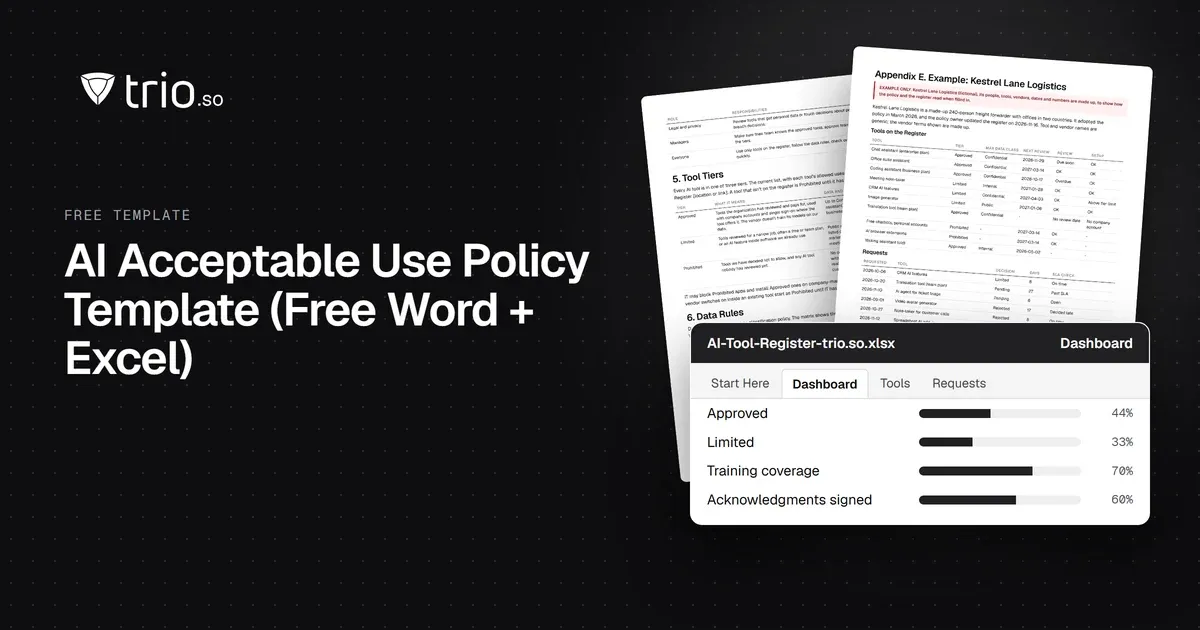
Free AI policy template in Word and PDF: tool tiers, a data matrix, allowed uses by role, AI agents, new-tool reviews and an Excel AI tool register.
How MSPs launch and price a compliance as a service offer: frameworks clients face, packaging, pricing models, evidence and what not to promise.
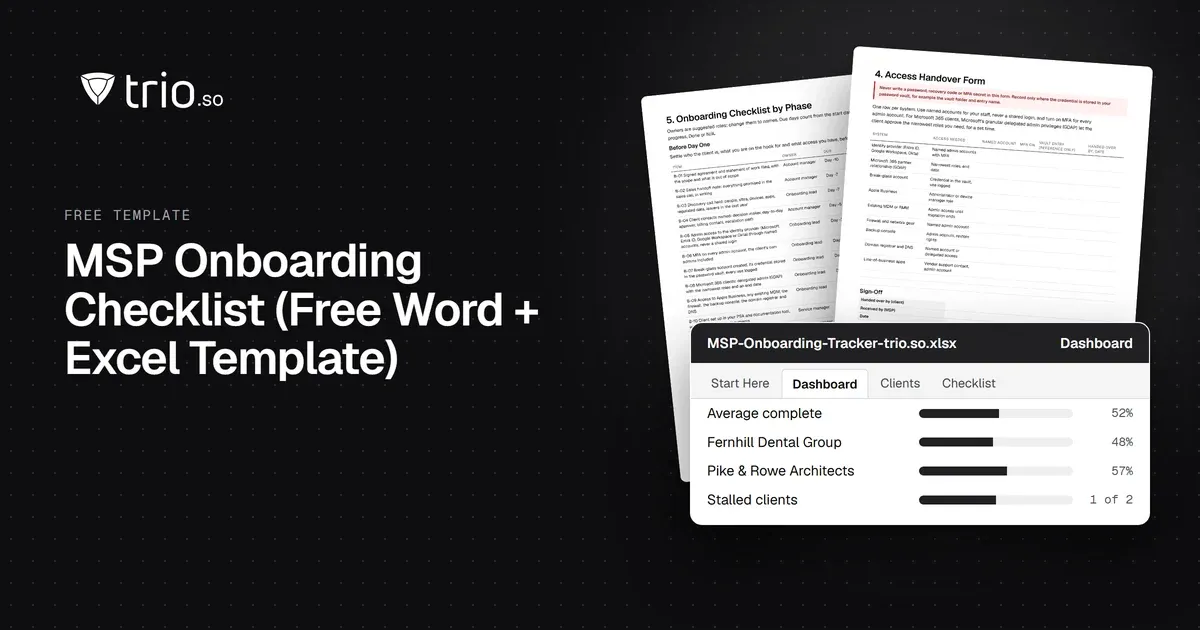
Free MSP onboarding checklist in Word, Excel and PDF: access handover, inventory, enrollment, baseline policies, a security check and offboarding.

How SP-initiated and IdP-initiated SAML SSO work step by step, the replay and CSRF risks, when each fits, common SAML errors and how OIDC compares.
NIS2 covers managed service providers across the EU. See when it applies to your MSP, what Germany's law says, and what clients will ask you to show.
14-day free trial. No credit card required.
trio.so for MSPs: one console, separate clients