



School
Managed IT Services for Schools: What to Outsource, What to Keep, and What It Costs
Managed IT services for schools: what to outsource, what to keep in house, how providers price it and what to ask before you sign.
School IT support for a team of one to three: where the hours go, what to automate first, a weekly and termly routine, and when to bring in outside help.

Content writer, trio.so
School IT support with a team of one to three comes down to one rule: automate the work that repeats for every device, and keep your hands free for the problems that are new. The repeating work is device setup, app installs, policy checks and summer re-imaging. The rest, such as a teacher's odd request or a broken screen, will always need a person. This guide shows where the hours go, what to automate first, a weekly and termly routine you can run alone, and when to bring in outside help.
In a small school IT team the same five jobs eat most of the week:
Keep a simple tally for two weeks: ticket, device type, minutes spent. The tally tells you which job to automate first at your school, and it gives you numbers to show your principal or district when you ask for budget. It also sizes the first fix: multiply the minutes you spend enrolling one device by the number of devices in a new cart, and that product is the time zero-touch enrollment gives back each time a cart arrives.
Start with the job that repeats the most and needs the least judgment. For most schools the order is:
Operating system updates come next. Scheduled updates run through Auto Patch policies, which are part of the Secure plan, so check your plan before you count on them.
Password resets are not on this list on purpose. They belong in your identity system, such as Google Workspace or Microsoft Entra ID, and the fix there is self-service reset and a clear rule for who can reset what. trio.so can sync with Google Workspace or Entra ID, but it does not replace them.
For iPads and Macs, the biggest saving is zero-touch enrollment. When a school buys devices through an Apple reseller, the devices are tied to your Apple School Manager account. Connect Apple School Manager to trio.so once. A new iPad bought through your Apple reseller and joined to Wi-Fi then enrolls itself, becomes supervised (locked in to your school's management) and receives the policies you chose. A box of new iPads becomes a box you hand to a teacher.
Windows has its own routes. On Windows, trio.so enrolls devices through Windows Autopilot (Microsoft's out-of-the-box setup), Entra join with automatic enrollment, or a provisioning package for bulk enrollment. If you are planning a larger rollout, our guide to starting a 1:1 device program walks through the enrollment decisions.
Once devices are enrolled, apps go out from the console. You pick the app and the devices that should get it, and they install it. For each device you can see whether a policy is applied, failed or pending, so a stalled device shows up in a list instead of in a classroom complaint.
Settings work the same way. Passcode rules, restrictions and Wi-Fi go out as policies, so a student who changes a setting does not create a ticket. If you also need a web filter, read our guide to a web filter for schools, and for the legal side see CIPA compliance. trio.so applies a web content filter on supervised iPhones and iPads. Macs, Windows and Android devices need a separate filter; ChromeOS support is coming soon.
Not every device problem needs a visit. From the console you can run remote actions on a device, and on Windows, macOS and Linux you can open a remote desktop or terminal session. A student who says "my iPad is frozen" can often be helped from the IT office. Walking to the classroom stays for the cracked screen and the dead battery.
Automation does not remove the routine, it shortens it. This one is small enough to keep.
A team of one to three can run a lot of automation, but it has limits. Bring in outside help when you need cover for holidays and sickness, when a project such as a network refresh is bigger than your spare hours, or when you need a security assessment you cannot do yourself. Our guide to managed IT services explains what a provider covers and how to compare them. Whoever you choose, ask for access to the same console you use, so the work stays visible to you.
trio.so manages school devices on Windows, macOS, Linux, iOS/iPadOS and Android from one console. It supports Apple School Manager enrollment, app deployment, per-device policy status and remote actions, so the repeating jobs in this guide run from one place. Plans start at $5 per device. The pricing page lists what each plan includes.
Start free trial or Book a demo.
14-day free trial. No credit card required.
trio.so brings device management, patching and security policies for Windows, macOS, Linux, iOS/iPadOS and Android into one console. Enroll a device and see it in the console within minutes.
trio.so brings device management, patching and security policies for Windows, macOS, Linux, iOS/iPadOS and Android into one console. Enroll a device and see it in the console within minutes.





Related
The related industry news, interviews, technologies, and resources.
Managed IT services for schools: what to outsource, what to keep in house, how providers price it and what to ask before you sign.

How a web filter for schools works: network, DNS and device layers, what CIPA requires, how students bypass filters, and what to check before you buy.
CIPA compliance for schools explained: the internet safety policy, filter, monitoring, education and public meeting rules, plus an audit checklist.
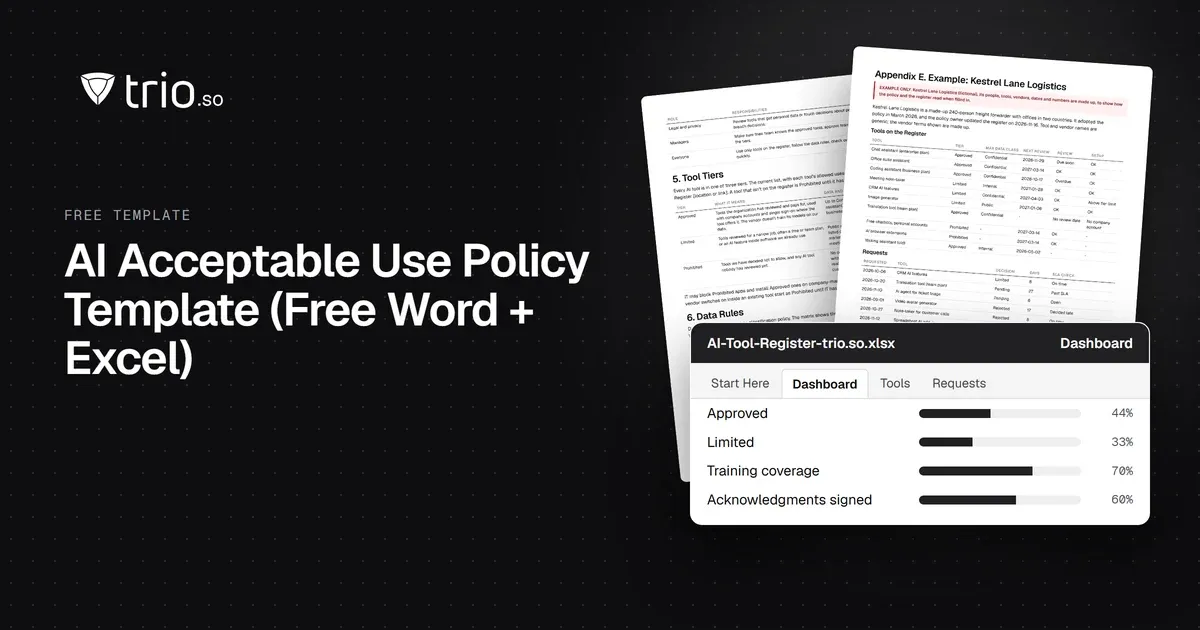
Free AI policy template in Word and PDF: tool tiers, a data matrix, allowed uses by role, AI agents, new-tool reviews and an Excel AI tool register.
How MSPs launch and price a compliance as a service offer: frameworks clients face, packaging, pricing models, evidence and what not to promise.
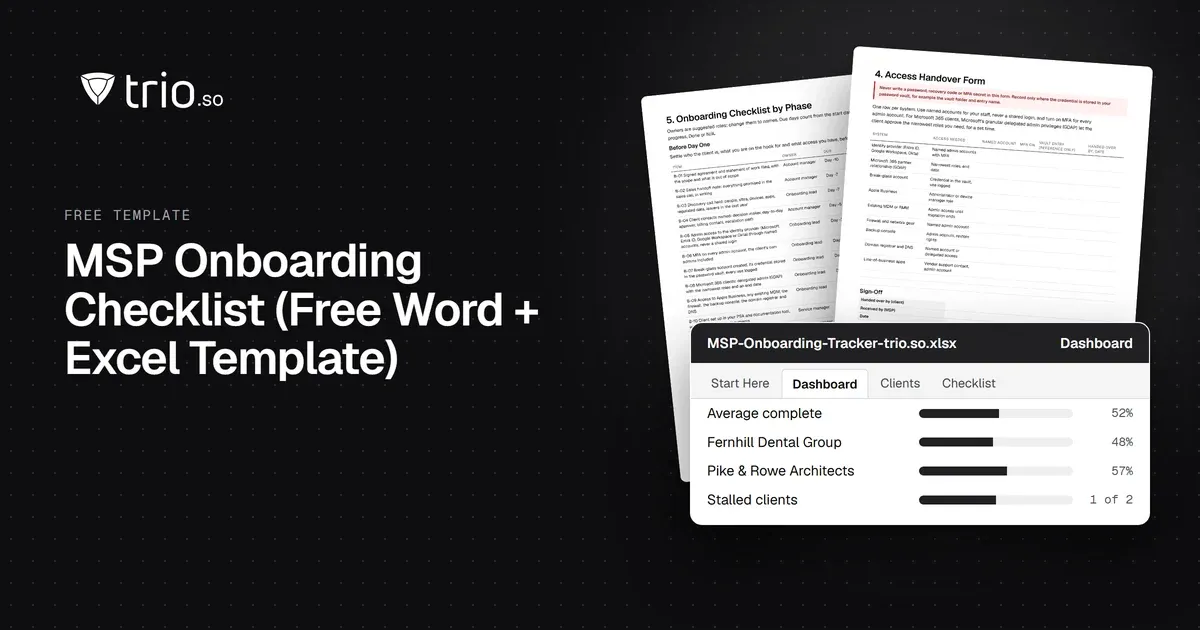
Free MSP onboarding checklist in Word, Excel and PDF: access handover, inventory, enrollment, baseline policies, a security check and offboarding.

How SP-initiated and IdP-initiated SAML SSO work step by step, the replay and CSRF risks, when each fits, common SAML errors and how OIDC compares.
NIS2 covers managed service providers across the EU. See when it applies to your MSP, what Germany's law says, and what clients will ask you to show.
14-day free trial. No credit card required.
trio.so for MSPs: one console, separate clients