



Templates
AI Acceptable Use Policy Template (Free Word + Excel)
Free AI policy template in Word and PDF: tool tiers, a data matrix, allowed uses by role, AI agents, new-tool reviews and an Excel AI tool register.
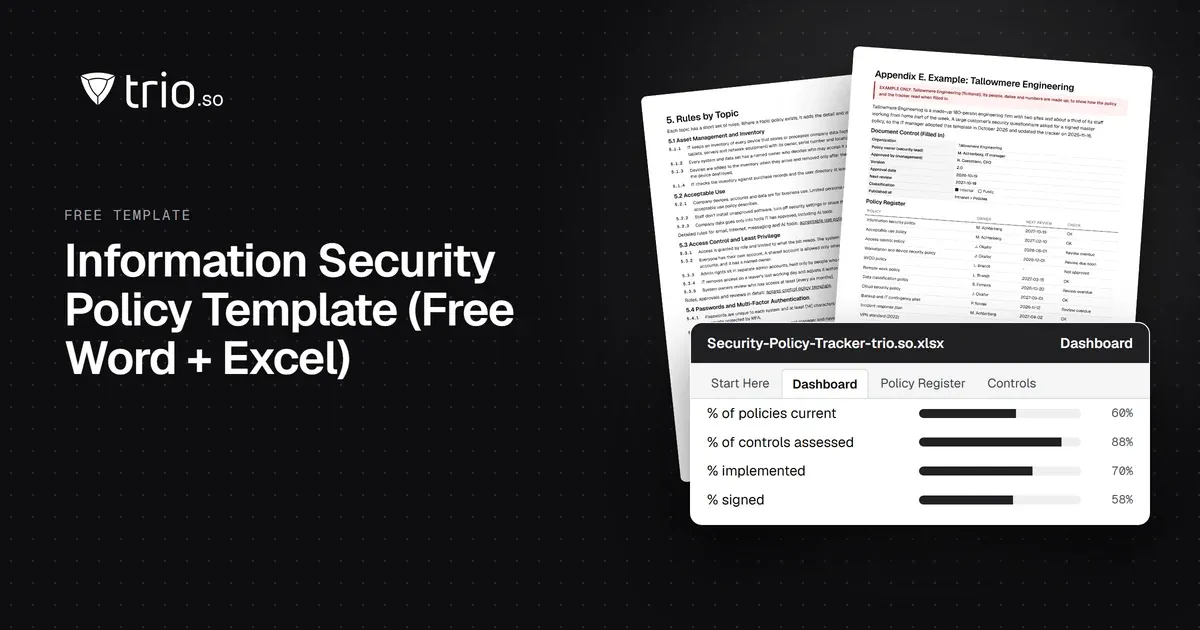
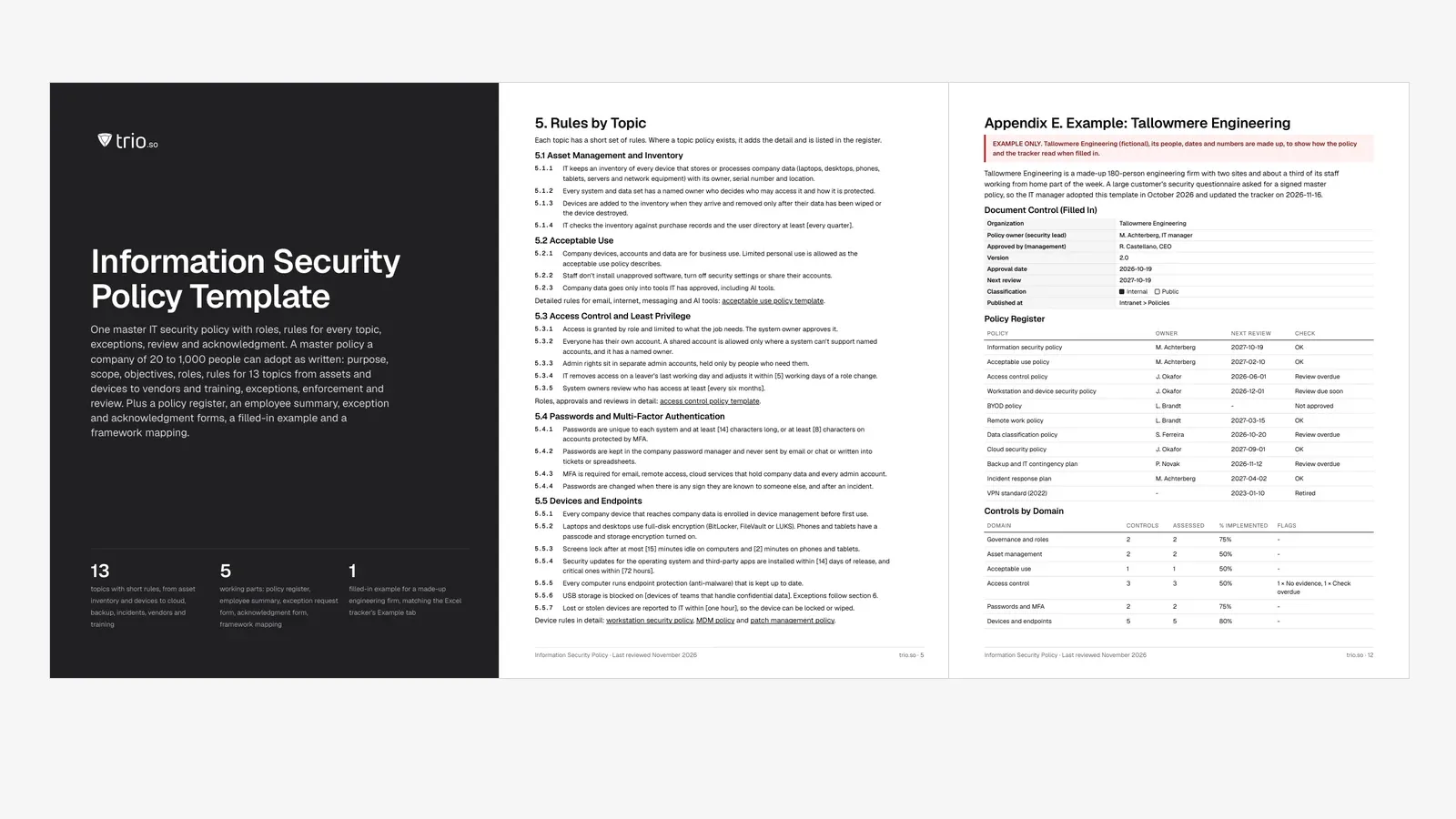
Free master IT security policy in Word and PDF: roles, rules for 13 topics, exceptions, review and sign-off forms, a filled-in example and a tracker.

Content writer, trio.so
In most companies the security rules are spread across a password guideline from 2021, a BYOD email nobody can find and whatever IT once configured. A customer questionnaire, a cyber insurance renewal or an ISO 27001 project usually exposes the gap, because nobody can show one document that says which rules apply, who owns them, when they were last checked and who agreed to them.
This template is that document: one master policy that a company of 20 to 1,000 people can adopt, with topic policies hanging off it. It also works as your IT security policy template, because the device, network and access rules sit in the same file. The download has the policy in Word and PDF with a policy register, an employee summary, exception and acknowledgment forms and a filled-in example, plus an Excel tracker for reviews, controls, signatures and exceptions.
In short
An information security policy is management's statement of how the company protects its information: why it matters, what is in scope, who is responsible and which rules everyone follows. ISO/IEC 27001:2022 puts this in clause 5.2. Top management sets the policy, it has to fit the organization, include security objectives or a way of setting them, commit to the requirements that apply and to continual improvement, and be documented, communicated and available. The NIST Cybersecurity Framework 2.0 says the same in its Govern function: GV.PO-01 asks for a policy that is established, communicated and enforced, and GV.PO-02 for one that is reviewed and updated as requirements, threats and technology change.
The download follows the usual eight parts in order: purpose, scope, a policy statement with objectives, roles, rules by topic, exceptions, enforcement, and review with acknowledgment.
The terms overlap. An information security policy covers information in every form, including paper and conversations, and sets direction for the whole company. An IT security policy is narrower: devices, accounts, networks, cloud services and backups. Most small and mid-size companies are better served by one document, so this template keeps the IT rules inside the master policy (section 5) and points to a topic policy wherever a rule needs more detail.
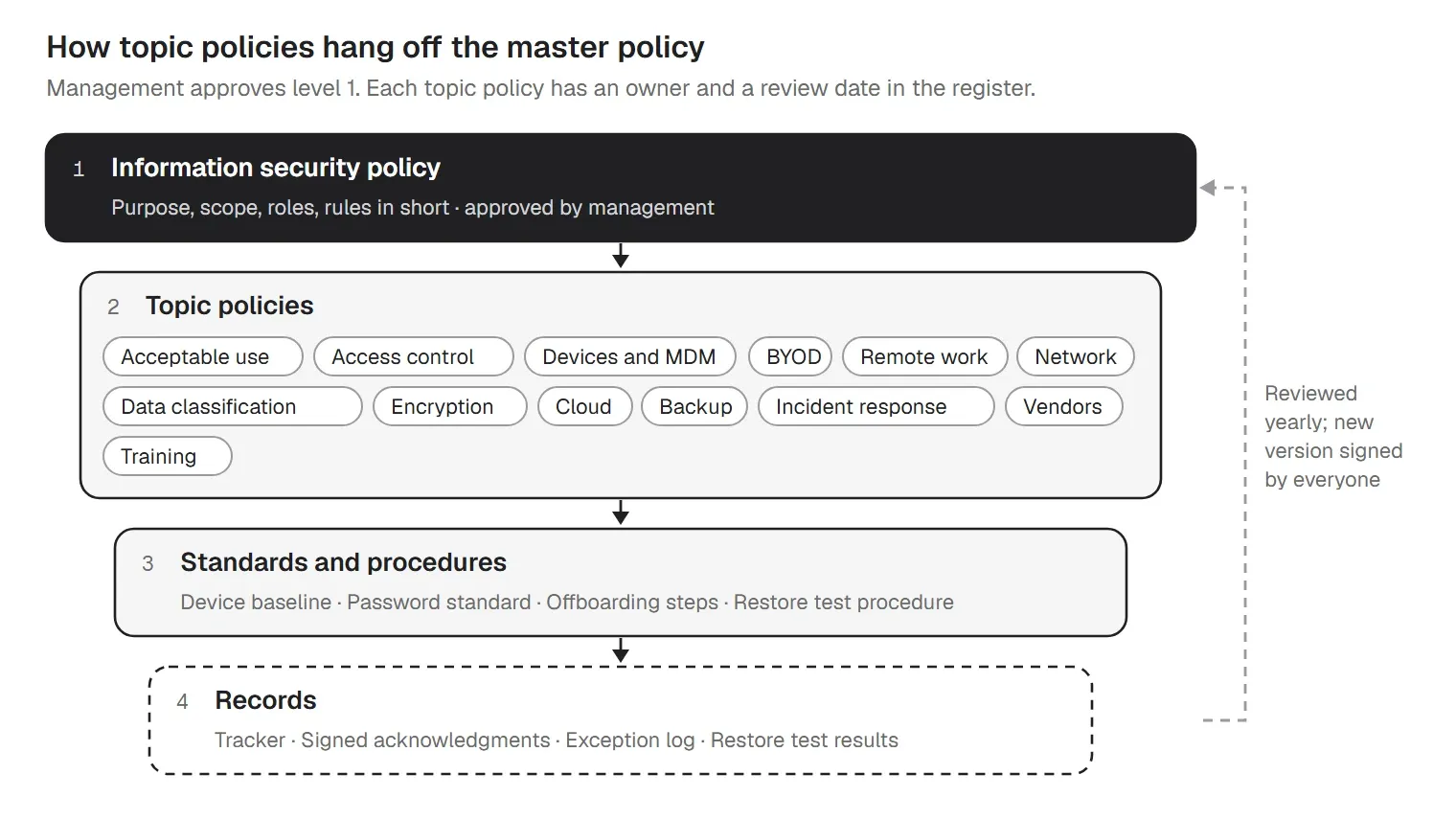
ISO 27001 calls those detailed documents topic-specific policies. Annex A control 5.1 expects them to be approved by management, published, communicated, acknowledged by the people they apply to and reviewed at planned intervals. That is why the template ends with a register of every policy, its owner and its next review date.
Keep the purpose to two or three sentences: what the policy protects and why. The scope should name people (employees, contractors, temporary staff), devices (company-owned and personal), systems (including cloud services and anything a vendor runs for you) and information in every form. Then write three to five objectives you can measure, so management has something to check the program against. The template suggests these as a start: every company laptop encrypted and enrolled, critical updates installed within 14 days on 95% of devices, every employee trained and signed, and a passed restore test every quarter.
The template names six roles and what each one does:
| Role | Responsibilities |
|---|---|
| Management [CEO, board] | Approves this policy and the yearly objectives, provides resources, accepts the risks that remain and reviews the security program at least once a year. |
| Security lead [information security officer, IT manager] | Owns this policy and the policy register, coordinates risk assessment, decides exceptions with the risk owner, leads incident handling and reports to management. |
| IT team or MSP | Runs the technical controls (devices, accounts, network, backup), keeps the asset inventory and provides evidence that the controls work. |
| Asset and data owners | Decide who may access their systems and data, set the classification and review access at the set intervals. |
| Managers | Make sure their teams know the rules, approve access for their team, and tell IT about joiners, movers and leavers on time. |
| Everyone | Follows this policy and the topic policies, completes security training, and reports incidents and suspected weaknesses straight away. |
In a company without a security team, the IT manager or the MSP usually takes the security lead role. Name a deputy, too.
Section 5 of the template has 13 topics, each with three to seven short rules and a link to the topic template that fills in the detail. Values in brackets are defaults you can change.
IT keeps an inventory of every device that holds company data, with owner, serial number and location, and checks it against purchase records every quarter. Every system and data set has a named owner. Company devices and data are for business use, staff don't install unapproved software or turn off security settings, and company data goes only into approved tools, AI tools included. The details belong in an acceptable use policy.
Access follows the role and the system owner approves it. Everyone has their own account, admin rights sit in separate admin accounts, leavers lose access on their last day and owners review access every six months; the access control policy covers the process. Passwords are unique and at least 14 characters, or 8 with MFA, which matches CIS Controls v8 Safeguard 5.2. MFA is required for email, remote access, cloud services and every admin account, in line with Safeguards 6.3 to 6.5.
Device rules are the core of most IT security policies. Every company device is enrolled in device management before first use. Laptops and desktops use full-disk encryption, phones and tablets a passcode with storage encryption. Screens lock after 15 minutes on computers and 2 minutes on phones and tablets, the limits in CIS Safeguard 4.3. Security updates go on within 14 days and critical ones within 72 hours, endpoint protection runs on every computer, USB storage is blocked for teams that handle confidential data, and a lost device is reported within an hour so it can be locked or wiped. The workstation security policy, the MDM policy and the patch management policy add the settings.
A firewall sits at the internet edge and its rules are reviewed every six months. Office Wi-Fi uses WPA2 or WPA3, and guests get their own network with no route to company devices. Remote access goes through a VPN or remote access service with MFA, and default passwords on network equipment are changed. See the network security policy and the VPN policy.
Four levels (Public, Internal, Confidential, Restricted) decide how data is handled. Confidential and Restricted data is encrypted in transit and at rest, Restricted data stays in approved systems, and nothing is kept longer than the retention schedule allows. The data classification policy and the data encryption policy carry the detail.
Remote staff follow the office rules. Personal devices reach company email and apps only under the BYOD policy, and company data stays in managed apps; the remote work policy covers the rest. A new cloud service needs approval before company data goes in, an owner, single sign-on or MFA and a place in the provider register. The cloud security policy sets the baseline.
Critical data is backed up daily with one copy offline or in a separate account, and a restore is tested every quarter against the IT contingency plan. Anyone who suspects an incident reports it within an hour, nobody is punished for reporting, and the first report goes on the incident report form. Vendors with access are listed with an owner and a risk rating and get named accounts that end with the work. Everyone is trained at hire and once a year, the minimum in CIS Safeguard 14.1; IT security training has a plan.
Someone will always have a reason a rule can't apply: a plotter that only takes USB drives, an old ERP without MFA. The template handles that with an exception request form. The security lead and the risk owner decide, every approved exception has a compensating control and an expiry date of no more than 12 months, and the tracker flags it before it expires. The enforcement section ties breaches to your disciplinary procedure, and honest mistakes reported at once are treated as a chance to fix the control. Where a works council or employee representatives exist, involve them before you add technical controls on staff devices, and have HR or counsel check the enforcement section.
Review the policy at least once a year and after any major change. New staff read and sign it before they get access, and everyone signs again within 14 days of a new version. The acknowledgment form and the tracker's Acknowledgments tab cover that step.
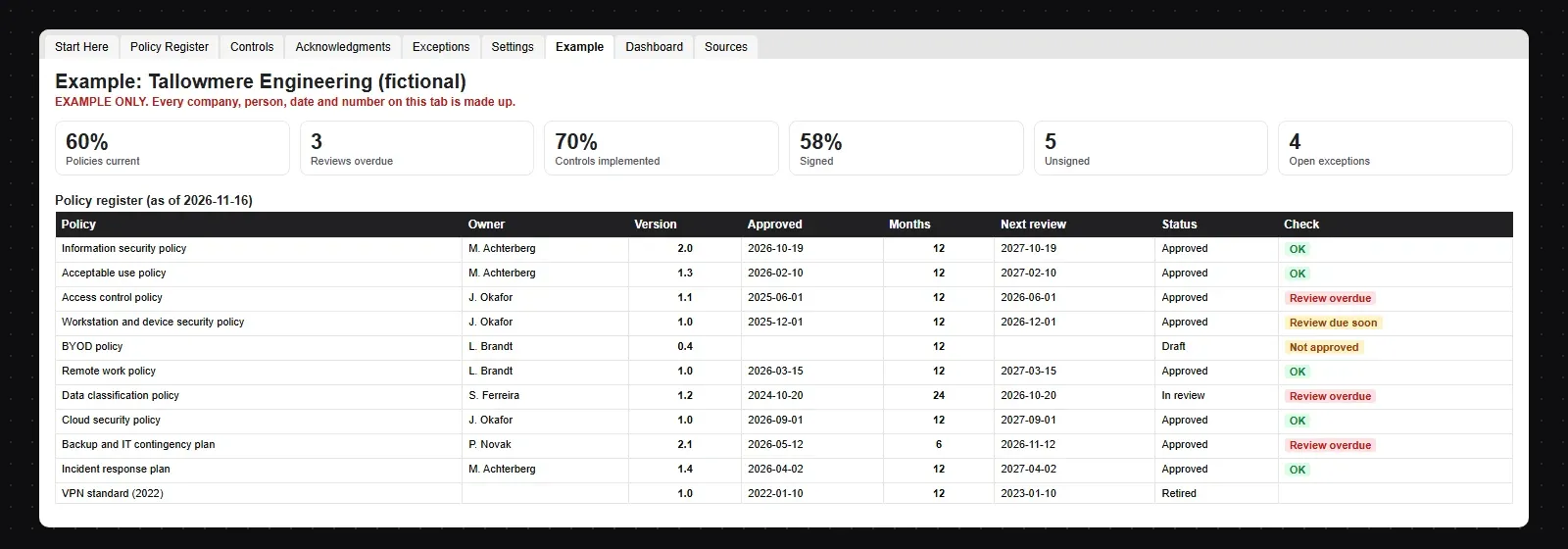
The download includes a filled-in policy and tracker for Tallowmere Engineering, a made-up 180-person engineering firm that adopted the template after a customer asked for a signed master policy. Its policy register on 16 November:
| Policy | Owner | Next review | Check |
|---|---|---|---|
| Information security policy | M. Achterberg | 2027-10-19 | OK |
| Acceptable use policy | M. Achterberg | 2027-02-10 | OK |
| Access control policy | J. Okafor | 2026-06-01 | Review overdue |
| Workstation and device security policy | J. Okafor | 2026-12-01 | Review due soon |
| BYOD policy | L. Brandt | - | Not approved |
| Remote work policy | L. Brandt | 2027-03-15 | OK |
| Data classification policy | S. Ferreira | 2026-10-20 | Review overdue |
| Cloud security policy | J. Okafor | 2027-09-01 | OK |
| Backup and IT contingency plan | P. Novak | 2026-11-12 | Review overdue |
| Incident response plan | M. Achterberg | 2027-04-02 | OK |
| VPN standard (2022) | - | 2023-01-10 | Retired |
60% of its live policies are current. 22 of 25 controls are assessed and 70% implemented, with Partial counted as half. 7 of 12 people have signed version 2.0, and 2 are past the 14-day window. Of 4 open exceptions, the one for the ERP without MFA expired on 31 October, so the rule applies again until someone renews it or the ERP is upgraded.
Appendix F of the download maps each section to these references, as a reading aid:
| Framework | Where it shows up |
|---|---|
| ISO/IEC 27001:2022 | Clause 5.2 Policy (sections 1 to 3 and 8); Annex A 5.1 Policies for information security (sections 8 and 9, the register and the acknowledgment form). |
| NIST CSF 2.0 | GV.PO-01 policy established, communicated and enforced; GV.PO-02 policy reviewed and updated as requirements, threats and technology change (section 8). |
| CIS Controls v8 | 1.1 asset inventory; 3.1 and 3.11 data management and encryption at rest; 4.3 session locking; 5.2 passwords; 6.3 to 6.5 MFA; 7.1 vulnerability management; 10.1 anti-malware; 11.1 data recovery; 14.1 awareness training; 15.1 service providers; 17.3 incident reporting. |
Your auditor decides what counts for your scope. If you are working toward ISO 27001, the ISO 27001 checklist covers the rest of the standard; for NIS2 duties, see the NIS2 compliance checklist.
The workbook keeps the evidence next to the rules:
trio.so is how IT enforces the device side of this policy: inventory, enrollment, encryption, screen lock, updates, USB storage, Wi-Fi and lost devices. The policy itself, its approval, exceptions, training and vendor reviews stay with you. In practice that means:
For the update rules in section 5.5, see how patch management works in trio.so. It doesn't write or approve your policy, decide exceptions or run your training. It also doesn't record what people do on their devices: it shows the state of each device, not the activity of the person using it. Plans start at $5 per device.
14-day free trial. No credit card required.
Sources. Last reviewed November 2026. Framework references are short pointers to ISO/IEC 27001:2022, the NIST Cybersecurity Framework 2.0 and the CIS Controls v8. The wording is ours. trio.so is not affiliated with or endorsed by ISO, IEC, NIST or the Center for Internet Security.
trio.so enforces the device side of your security policy on Windows, macOS, Linux, iOS/iPadOS and Android: encryption, screen lock, updates with CVE findings, USB storage blocks and each policy's status per device.
trio.so brings device management, patching and security policies for Windows, macOS, Linux, iOS/iPadOS and Android into one console. Enroll a device and see it in the console within minutes.
trio.so brings device management, patching and security policies for Windows, macOS, Linux, iOS/iPadOS and Android into one console. Enroll a device and see it in the console within minutes.





Have questions? We've got answers. This section covers some of the most commonly asked questions related to this topic.
Related
The related industry news, interviews, technologies, and resources.
Free AI policy template in Word and PDF: tool tiers, a data matrix, allowed uses by role, AI agents, new-tool reviews and an Excel AI tool register.
How IT should answer the device questions on a cyber insurance questionnaire: honest partial answers, evidence to attach, common mistakes and who signs.
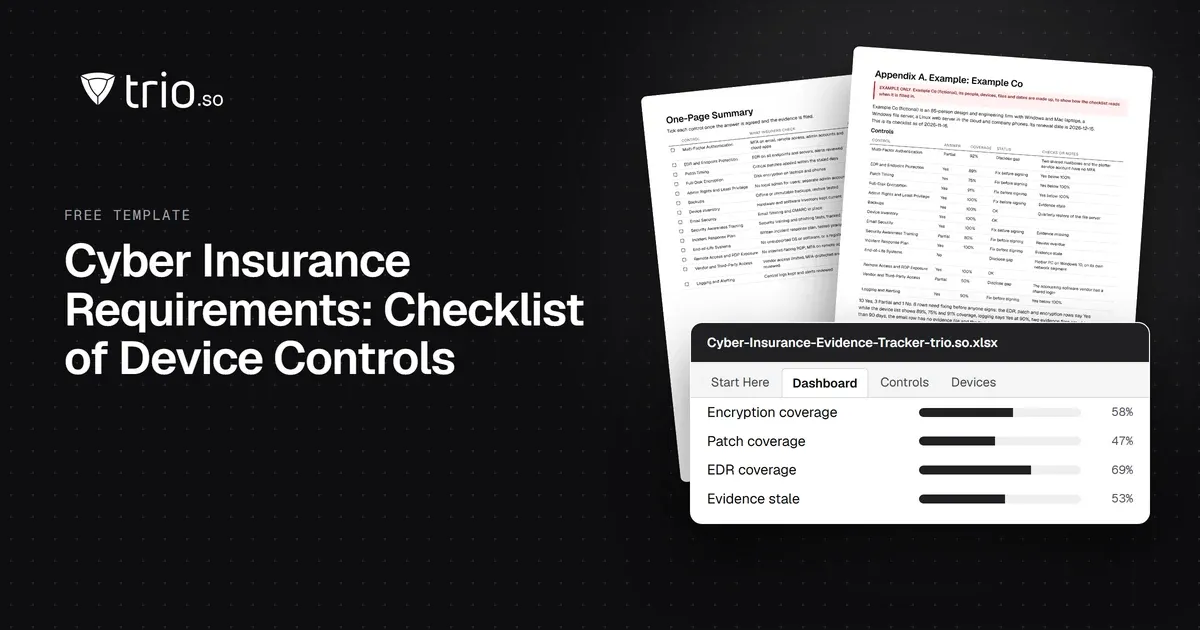
Cyber insurance requirements, control by control: what insurers ask about MFA, EDR, patching and encryption, and the evidence to attach. Free checklist.
SAMA compliance checklist for the SAMA CSF: 4 domains and 32 subdomains, maturity levels 0 to 5, evidence and owners, with a free PDF and Excel tracker.
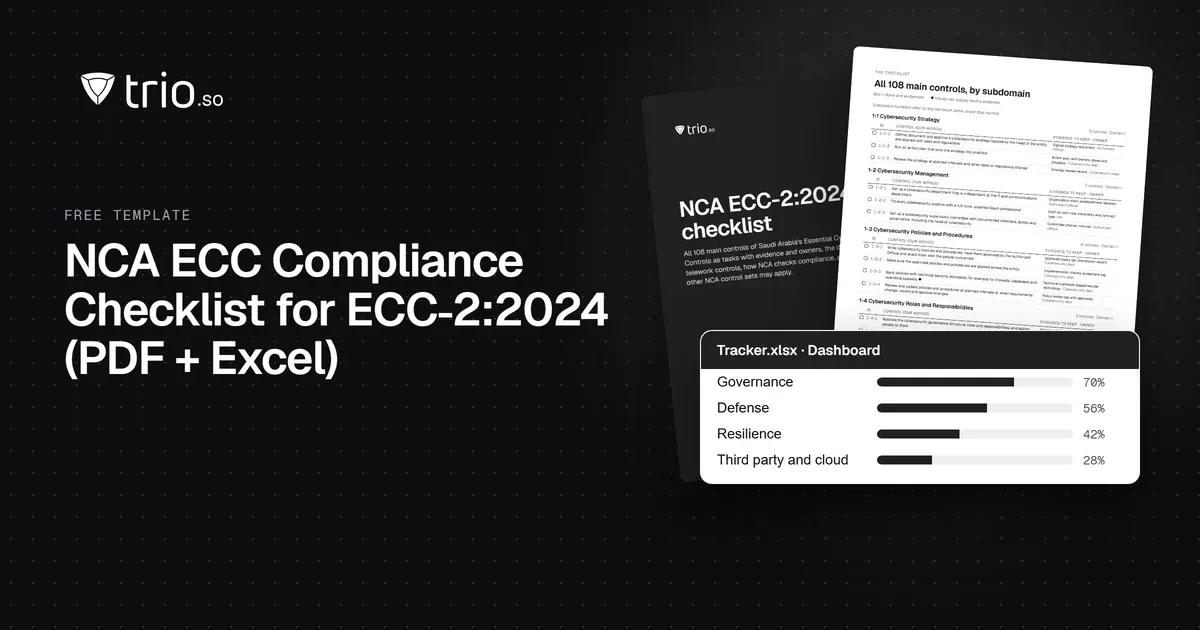
NCA ECC compliance checklist for ECC-2:2024: all 108 controls by domain, the evidence to keep and the device controls, with a free PDF and Excel tracker.
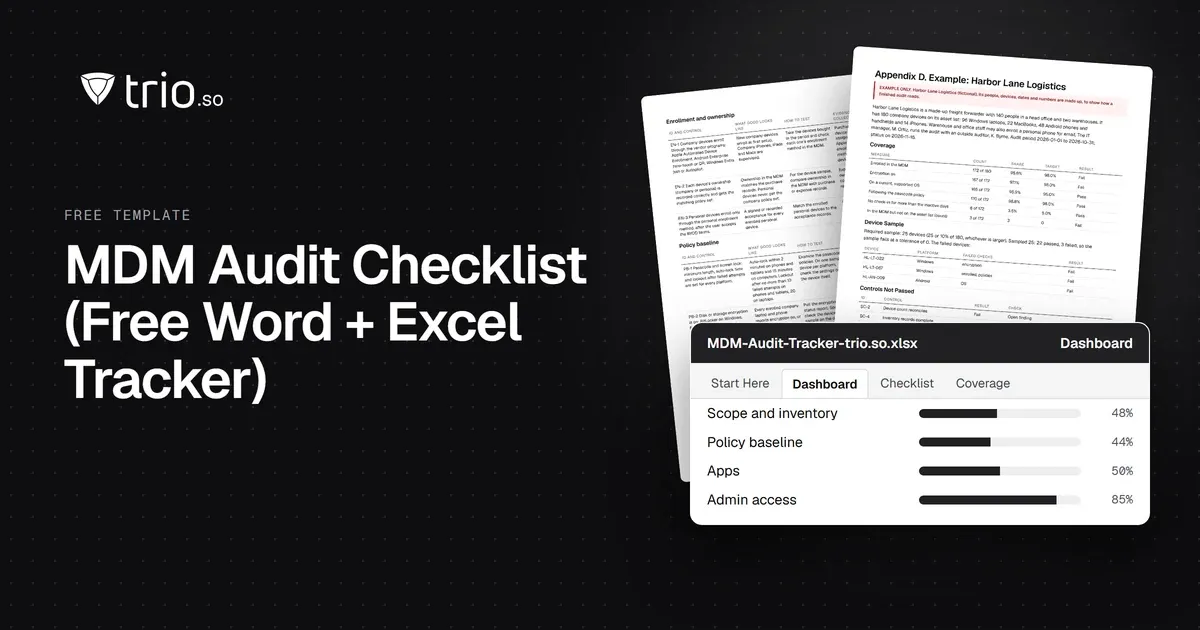
Free MDM audit checklist in Word and PDF: 36 controls with how to test each one, the evidence to collect, a device sample sheet and an Excel tracker.
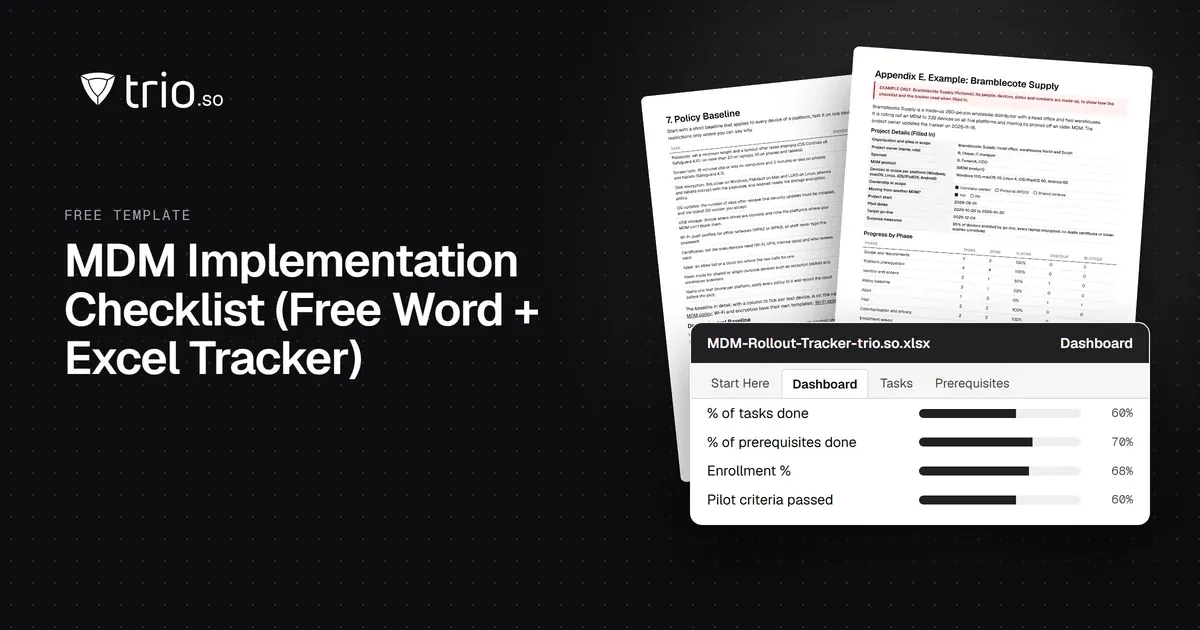
Free MDM rollout checklist in Word and PDF: requirements, APNs and platform prerequisites, a policy baseline, pilot and go-live forms, plus a tracker.
What J-SOX is, how it differs from US SOX, and a checklist of J-SOX requirements from scoping to the internal control report.
14-day free trial. No credit card required.
trio.so for MSPs: one console, separate clients