


Templates
Acceptable Use Policy Template (Free Word, Excel + PDF)
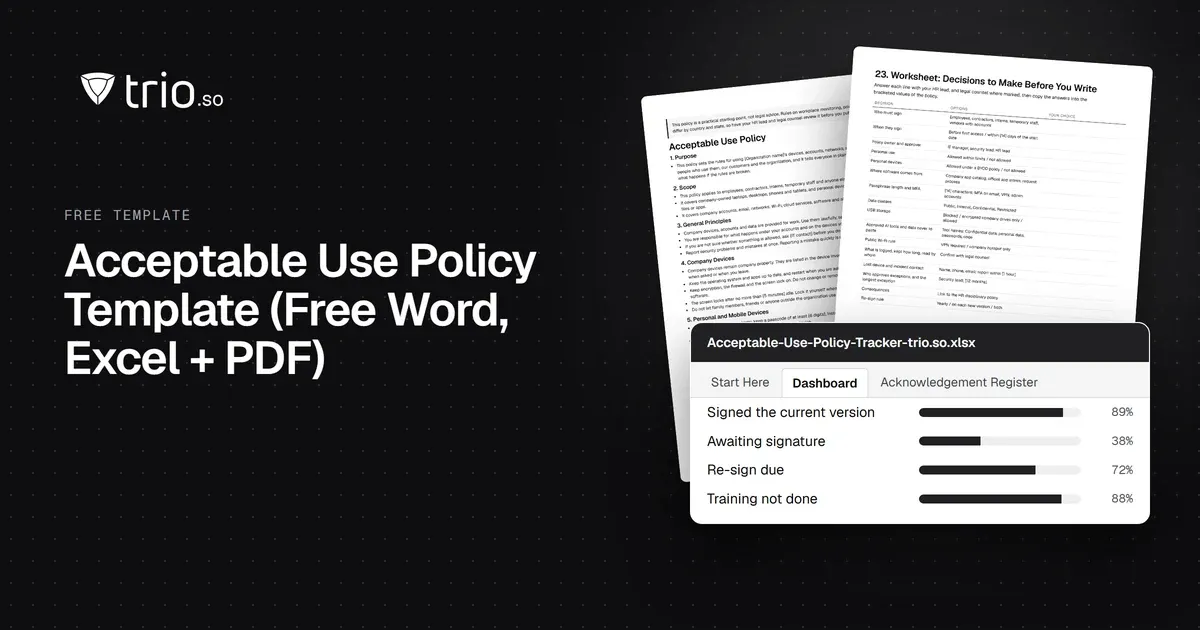
Free acceptable use policy template with sample statements for every section, a one-page AUP, a fill-in worksheet and a sign-off tracker in Excel.
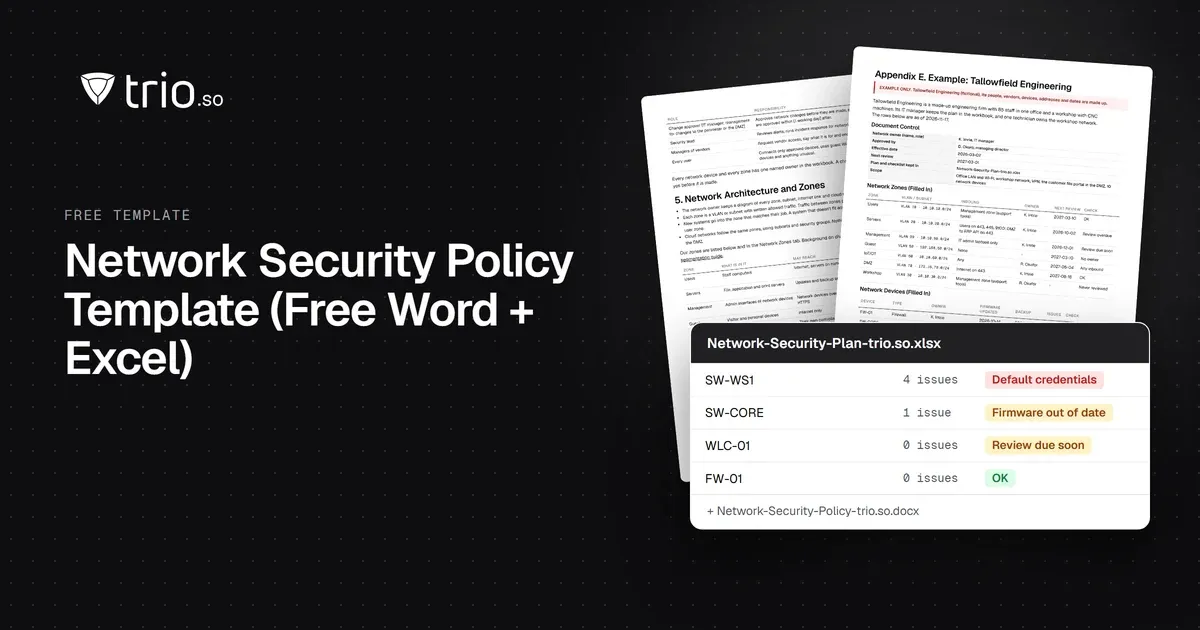
Free network security policy in Word and PDF: zones, firewalls, Wi-Fi, remote access and network devices, plus an Excel plan and a checklist.

Content writer, trio.so
A network security policy is the written set of rules for your own network: how it is split into zones, which devices and people may connect, how staff and vendors get in from outside, and who looks after the routers, switches, firewalls and access points. In a small or mid-sized company those rules often live in one admin's head. That works until a vendor asks for remote access on a Friday afternoon, or a new switch goes into the rack with its factory password still set.
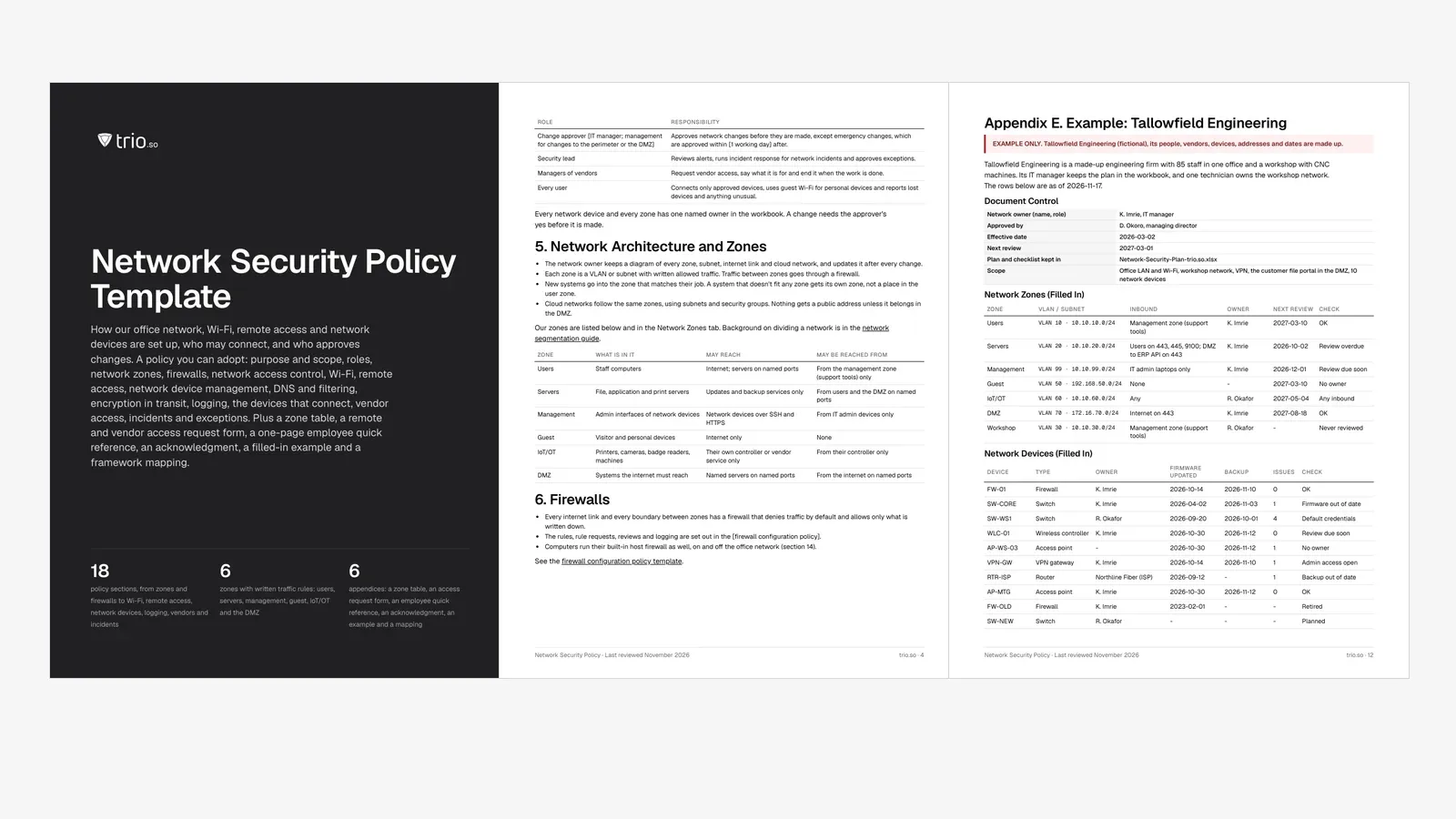
This template is for IT managers who run an office network with a few sites, some cloud networks and staff who work from home. The download has the policy in Word and PDF, with a zone table, a remote and vendor access request form, a one-page quick reference for employees, an acknowledgment and a filled-in example. An Excel workbook turns the policy into a plan: it tracks your zones, every network device, a control checklist and remote access, and flags default passwords, old firmware, overdue reviews and expired access.
In short
The policy covers the office LAN and Wi-Fi at each site, remote access, the cloud networks you run, and the network devices themselves. It applies to employees, contractors, guests and vendors, and to the devices they connect. Each section is short and points to a more detailed policy where one exists.
| Section | What it settles |
|---|---|
| Scope, roles and network security management | Which networks and people are covered; who owns each device and zone; who approves changes |
| Network architecture and zones | Six zones with written traffic rules, a current diagram, cloud networks on the same pattern |
| Firewalls | Default deny at the perimeter and between zones; the rules themselves live in the firewall policy |
| Network access control and Wi-Fi | Who and what may connect, 802.1X where supported, guest isolation, WPA2-Enterprise or WPA3 |
| Remote access and vendors | VPN or ZTNA with MFA, access reviews, time-limited vendor accounts |
| Network device management | Inventory, default passwords, firmware deadlines, admin access, backups, change control |
| Filtering, encryption and logging | DNS and email filtering, no telnet or SNMPv1, log retention and daily alert review |
| Endpoints, incidents, exceptions, review | Patched and encrypted devices, the incident procedure, time-limited exceptions, a yearly review |
The general rules for information security belong in your IT security policy, which this policy sits under. How staff may use company systems belongs in an acceptable use policy.
Start with how the network is divided. A flat network, where every laptop, printer, camera and server shares one subnet, lets anything that gets in reach everything else. Zones limit that. Each zone is a VLAN or subnet with its own written traffic rules, and traffic between zones goes through a firewall that denies anything not written down.
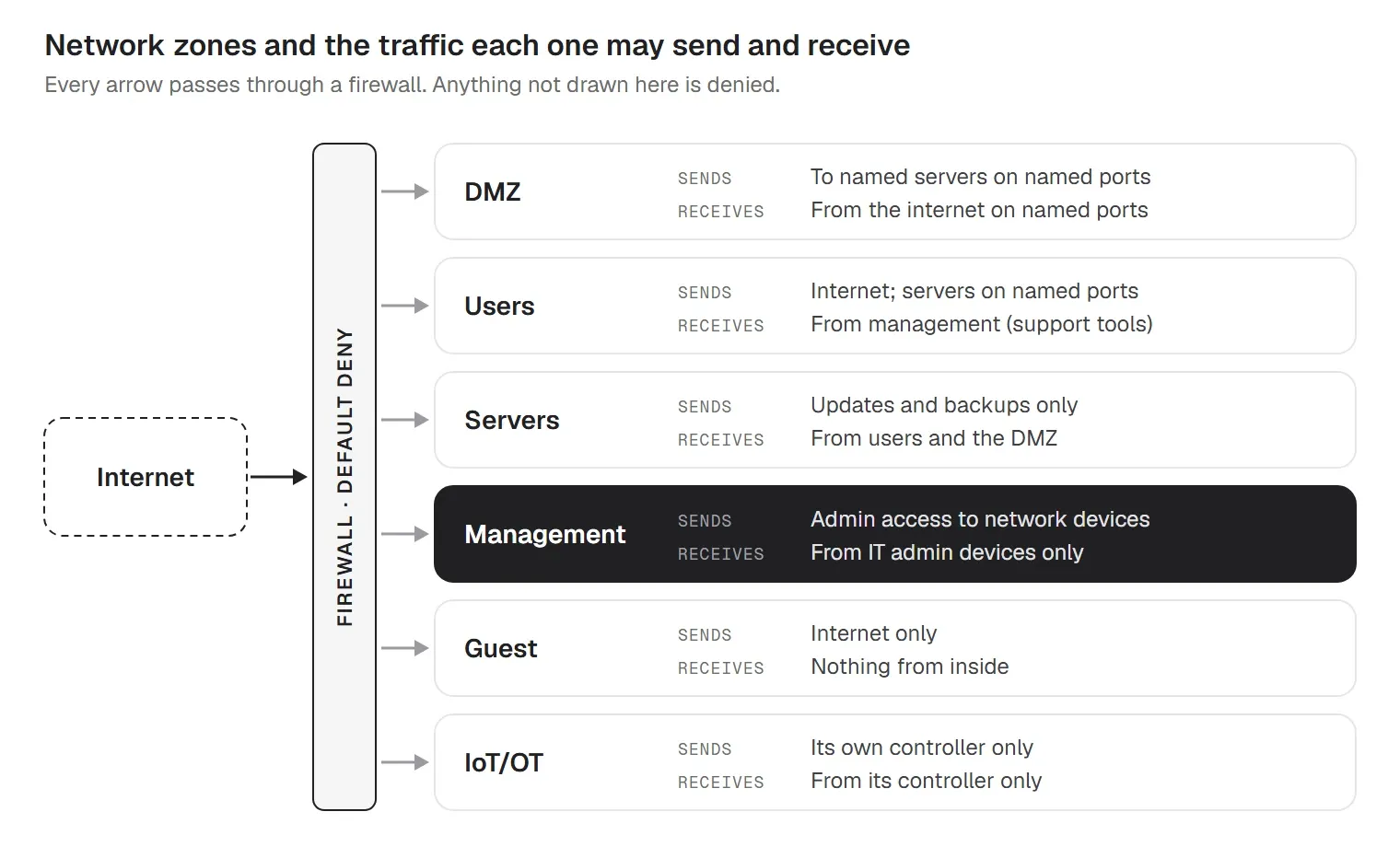
The template starts with six zones. Rename them, merge them or add more to match your network:
| Zone | What is in it | May reach | May be reached from |
|---|---|---|---|
| Users | Staff computers | Internet; servers on named ports | From the management zone (support tools) only |
| Servers | File, application and print servers | Updates and backup services only | From users and the DMZ on named ports |
| Management | Admin interfaces of network devices | Network devices over SSH and HTTPS | From IT admin devices only |
| Guest | Visitor and personal devices | Internet only | None |
| IoT/OT | Printers, cameras, badge readers, machines | Their own controller or vendor service only | From their controller only |
| DMZ | Systems the internet must reach | Named servers on named ports | From the internet on named ports |
A new system goes into the zone that matches its job, and a system that fits no zone gets a new zone instead of a spot in the user zone. Cloud networks follow the same pattern with subnets and security groups, and nothing gets a public address unless it belongs in the DMZ. For the background on VLANs, subnets and microsegmentation, see our guide to network segmentation; for setting up a small office network from scratch, see small business network setup.
These three topics each have their own template, so the network security policy keeps them short and points to the detail.
Every internet link and every boundary between zones has a firewall that denies traffic by default and allows only what the zone table lists. Computers keep their built-in host firewall on as well, on and off the office network. Rule requests, rule reviews, naming and logging are in the firewall configuration policy template, which covers the rules in depth.
Internal zones accept company devices and devices IT has registered; personal devices use guest Wi-Fi. Where switches and access points support it, devices and users authenticate with 802.1X before they get on, and devices that can't, such as printers, go on a fixed list in the IoT/OT zone. Unused switch ports are disabled, ports in reception and meeting rooms connect to the guest zone, and nobody plugs their own router, switch, access point or hotspot into the company network. Who may reach which systems once they are on is a separate question, covered by an access control policy.
Staff Wi-Fi uses WPA2-Enterprise or WPA3. Where a shared password can't be avoided, IT holds it, puts it on devices and changes it when someone with access leaves. Guest Wi-Fi is its own network with internet access only and client isolation on. SSID naming, guest terms and checks for unknown access points are in the Wi-Fi policy template.
Staff reach internal systems from outside only through the company VPN or ZTNA service, and every remote access account uses MFA. Access is given by role, reviewed every 90 days and ended on the person's last day. Remote desktop is never exposed to the internet. Protocols and split tunneling are in the VPN policy template, and remote desktop rules in the remote desktop access policy template.
This section is the network management policy part of the template. Each firewall, router, switch, wireless controller, access point and VPN gateway has one named owner, and every change needs an approver before it is made. The template sets these rules:
The device rules connect to two other templates: the configuration management policy for baselines and the IT change management template for the change process.
The policy names the jobs here and leaves the choice of tools to you. DNS filtering covers every zone, and direct DNS to outside resolvers is blocked where the firewall allows it. Web and email filtering run at the edge with whatever tools you already use.
Traffic that leaves a zone carrying company data uses TLS 1.2 or later, SSH or an encrypted VPN tunnel. Telnet, FTP, plain-HTTP admin pages and SNMPv1 and v2c are turned off in favor of SSH, SFTP, HTTPS and SNMPv3. Encryption of stored data is covered by a data encryption policy.
Firewalls, VPN gateways, DNS resolvers, wireless controllers and network devices send their logs to one place, where they are kept for 12 months. A named person reviews security alerts every working day, with a named backup for holidays, and device clocks share one time source so the logs line up when you need them.
A well-segmented network still trusts the laptop on the user VLAN. So the policy sets a floor for the computers, phones and tablets that connect to internal zones:
Update deadlines and reporting belong in your patch management policy, and rules for personal devices in a BYOD policy.
In the template, vendor access is requested with a form, approved by the vendor's manager and the network owner, and given for at most 90 days. Each person at the vendor gets a named account with MFA, the access reaches only the systems the work needs, and it is removed on the end date or when the work ends.
When someone sees signs of a network incident, such as an unknown device, a firewall alert or a lost laptop, they report it at once. The security lead contains it, keeps the firewall, VPN and DNS logs as evidence, and writes it up with an incident report. Exceptions are approved in writing for at most six months, with the controls that stay in place.
The workbook's tabs follow these steps, so you can use it as your network security plan template:
A short network security checklist to run before you call the first pass done:
For a wider audit of IT controls, see the IT audit checklist; for hardening the servers behind the server zone, the server hardening checklist.
The download includes a one-page quick reference for staff. It reads like this:
Your acceptable use policy can point to this page.
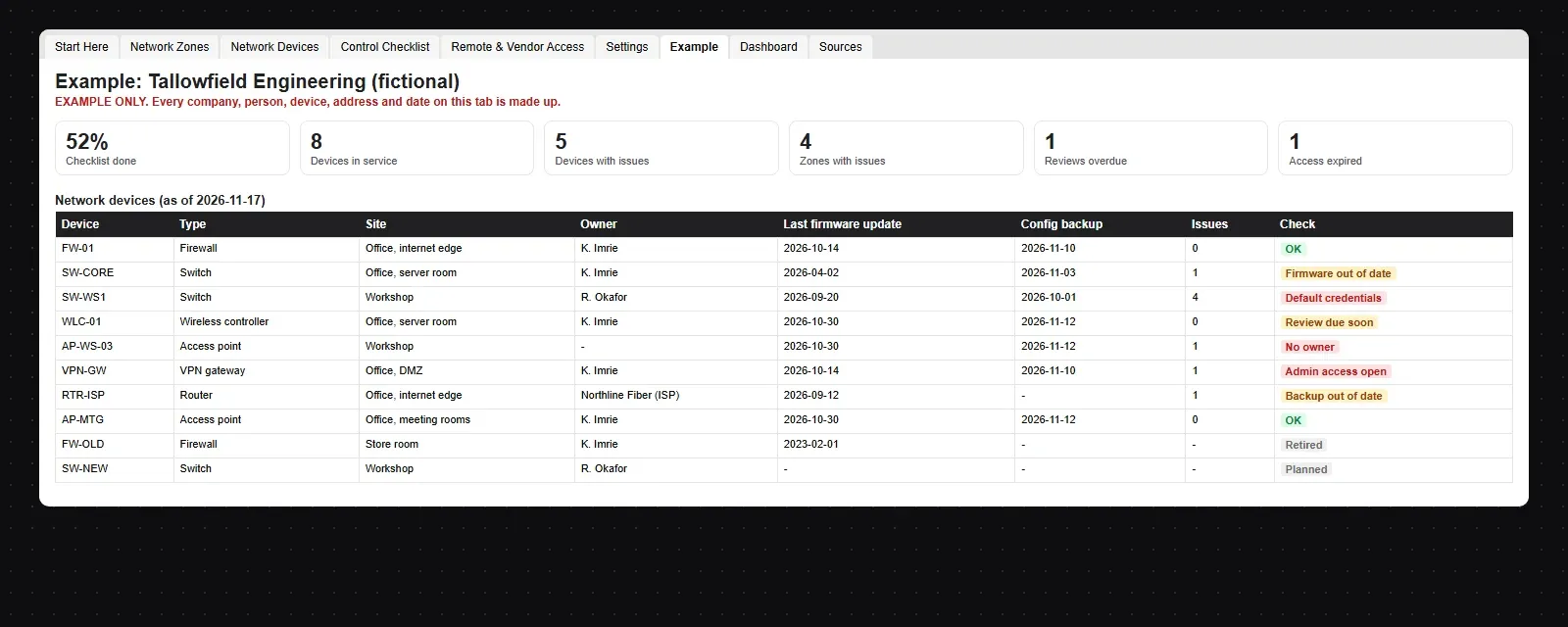
The download includes a filled-in policy and workbook for Tallowfield Engineering, a made-up engineering firm with 85 staff in one office and a workshop full of CNC machines. On 17 November 2026 its plan showed 52% of the control checklist done, 8 network devices in service with 5 flagged, 4 zones with an issue and one vendor account past its end date. Here is its device list:
| Device | Type | Owner | Firmware updated | Config backup | Issues | Check |
|---|---|---|---|---|---|---|
| FW-01 | Firewall | K. Imrie | 2026-10-14 | 2026-11-10 | 0 | OK |
| SW-CORE | Switch | K. Imrie | 2026-04-02 | 2026-11-03 | 1 | Firmware out of date |
| SW-WS1 | Switch | R. Okafor | 2026-09-20 | 2026-10-01 | 4 | Default credentials |
| WLC-01 | Wireless controller | K. Imrie | 2026-10-30 | 2026-11-12 | 0 | Review due soon |
| AP-WS-03 | Access point | - | 2026-10-30 | 2026-11-12 | 1 | No owner |
| VPN-GW | VPN gateway | K. Imrie | 2026-10-14 | 2026-11-10 | 1 | Admin access open |
| RTR-ISP | Router | Northline Fiber (ISP) | 2026-09-12 | - | 1 | Backup out of date |
| AP-MTG | Access point | K. Imrie | 2026-10-30 | 2026-11-12 | 0 | OK |
| FW-OLD | Firewall | K. Imrie | 2023-02-01 | - | - | Retired |
| SW-NEW | Switch | R. Okafor | - | - | - | Planned |
The workshop switch that the machine vendor installed still has its default password and an open admin page. The VPN gateway's admin page is reachable from the internet side, the core switch's firmware is from April, and the ISP router has no config backup on file. On the zones side, the IoT/OT zone accepts traffic from anywhere and the guest zone has no owner. One contractor connects without MFA, and a vendor's access expired a week ago but is still listed. The example names no real vendors, products or addresses.
The workbook keeps the plan and works out the checks:
You don't need a framework to write this policy, but if you report against one, the template's mapping saves time. In NIST SP 800-53 Rev. 5, the closest controls are SC-7 Boundary Protection (with SC-7(5), deny by default), AC-17 Remote Access, AC-18 Wireless Access, CM-8 System Component Inventory and CM-3 Configuration Change Control. The CIS Controls v8.1 give network devices their own control, Control 12 Network Infrastructure Management, and put monitoring and filtering between segments in Control 13 Network Monitoring and Defense. ISO/IEC 27001:2022 Annex A covers the same ground in 8.20 Networks security, 8.21 Security of network services and 8.22 Segregation of networks. For larger, cloud-heavy networks, NIST SP 800-215 describes the wider enterprise network picture, including zero trust network access (ZTNA) and secure access service edge (SASE).
trio.so doesn't manage routers, switches, network firewalls, Wi-Fi controllers or cloud security groups, and it doesn't watch network traffic. Those stay in their own consoles, and this policy covers them. trio.so manages the computers, phones and tablets that connect to the network. For those devices, trio.so gives you:
trio.so is not a VPN service, it doesn't control who gets onto the network, and it doesn't replace your firewall, log tool or DNS filter. It manages Windows, macOS, Linux, iOS/iPadOS and Android from one console. It has no VPN policy for Linux. Plans start at $5 per device.
14-day free trial. No credit card required.
Sources. Last reviewed November 2026. References are short pointers to NIST SP 800-53 Rev. 5, the CIS Controls v8.1 and ISO/IEC 27001:2022. The wording is ours. trio.so is not affiliated with or endorsed by NIST, CIS, ISO or IEC.
trio.so pushes Wi-Fi and VPN profiles to Windows and Apple devices, sets the built-in firewall on Windows, macOS and Linux, handles OS updates and encryption, and shows each policy's status on each device.
trio.so brings device management, patching and security policies for Windows, macOS, Linux, iOS/iPadOS and Android into one console. Enroll a device and see it in the console within minutes.
trio.so brings device management, patching and security policies for Windows, macOS, Linux, iOS/iPadOS and Android into one console. Enroll a device and see it in the console within minutes.





Have questions? We've got answers. This section covers some of the most commonly asked questions related to this topic.
Related
The related industry news, interviews, technologies, and resources.
Free acceptable use policy template with sample statements for every section, a one-page AUP, a fill-in worksheet and a sign-off tracker in Excel.
Free master IT security policy in Word and PDF: roles, rules for 13 topics, exceptions, review and sign-off forms, a filled-in example and a tracker.
Free AI policy template in Word and PDF: tool tiers, a data matrix, allowed uses by role, AI agents, new-tool reviews and an Excel AI tool register.
How IT should answer the device questions on a cyber insurance questionnaire: honest partial answers, evidence to attach, common mistakes and who signs.

Cyber insurance requirements, control by control: what insurers ask about MFA, EDR, patching and encryption, and the evidence to attach. Free checklist.
SAMA compliance checklist for the SAMA CSF: 4 domains and 32 subdomains, maturity levels 0 to 5, evidence and owners, with a free PDF and Excel tracker.
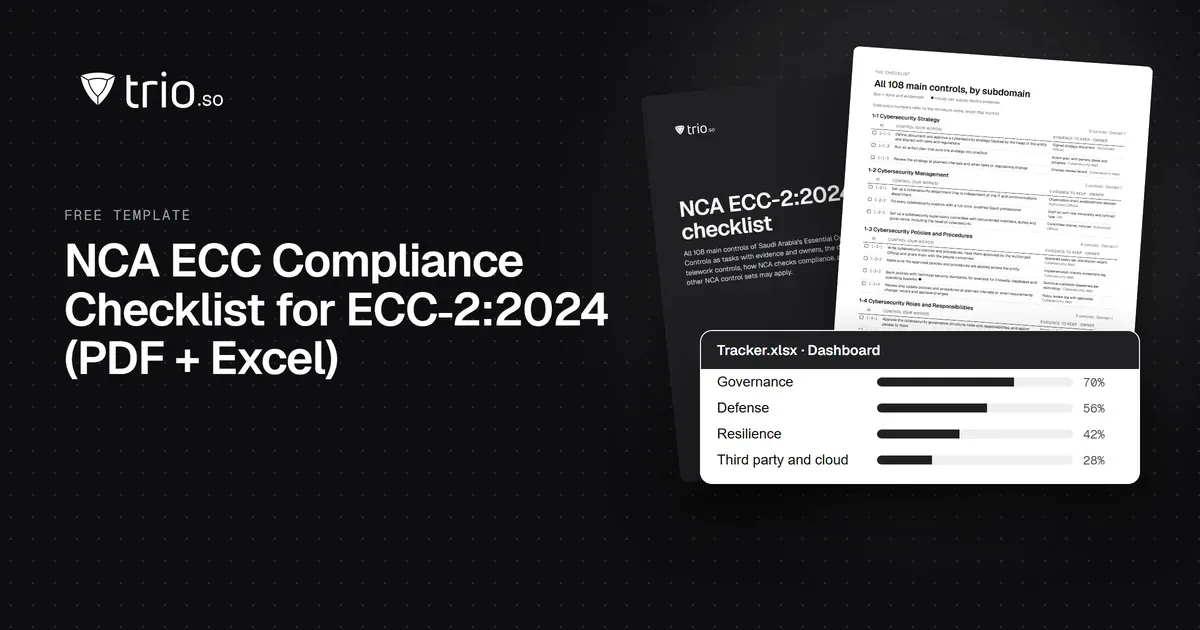
NCA ECC compliance checklist for ECC-2:2024: all 108 controls by domain, the evidence to keep and the device controls, with a free PDF and Excel tracker.
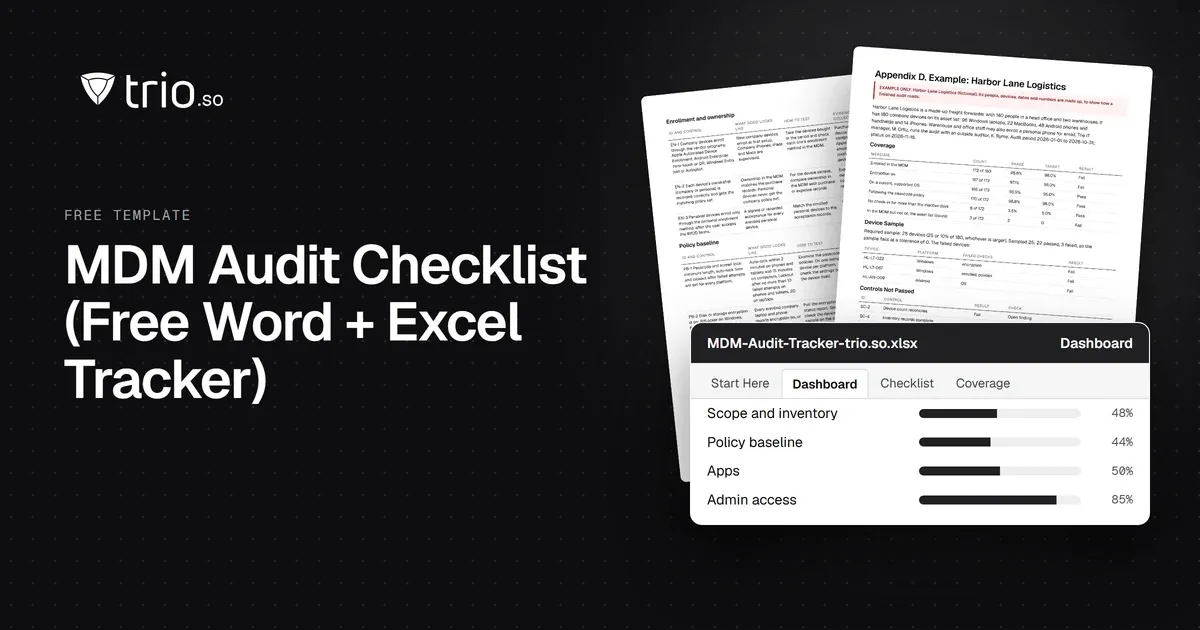
Free MDM audit checklist in Word and PDF: 36 controls with how to test each one, the evidence to collect, a device sample sheet and an Excel tracker.
14-day free trial. No credit card required.
trio.so for MSPs: one console, separate clients